2-13610-A2-GB46-60 December 1996
Model 3610 Installation
Overview 2-1. . . . . . . . . . . . . . . . . . . . . . . . . . . . . . . . . . . . . . . . . . . . . . . . . . . . . . . . . . . . . . . . . . . . . . . . . .
Before You Begin 2-1. . . . . . . . . . . . . . . . . . . . . . . . . . . . . . . . . . . . . . . . . . . . . . . . . . . . . . . . . . . . . . . . . . .
Installation Process 2-2. . . . . . . . . . . . . . . . . . . . . . . . . . . . . . . . . . . . . . . . . . . . . . . . . . . . . . . . . . . . . . .
DSU Installation Planning 2-2. . . . . . . . . . . . . . . . . . . . . . . . . . . . . . . . . . . . . . . . . . . . . . . . . . . . . . . . . .
Verifying the S1 Switch Settings 2-2. . . . . . . . . . . . . . . . . . . . . . . . . . . . . . . . . . . . . . . . . . . . . . . . . . . . . . .
Powering Up the DSU 2-4. . . . . . . . . . . . . . . . . . . . . . . . . . . . . . . . . . . . . . . . . . . . . . . . . . . . . . . . . . . . . . .
Power-Up Routine 2-4. . . . . . . . . . . . . . . . . . . . . . . . . . . . . . . . . . . . . . . . . . . . . . . . . . . . . . . . . . . . . . . .
Saving and Changing Configuration Options 2-5. . . . . . . . . . . . . . . . . . . . . . . . . . . . . . . . . . . . . . . . . . . . . .
Home Screen Display 2-6. . . . . . . . . . . . . . . . . . . . . . . . . . . . . . . . . . . . . . . . . . . . . . . . . . . . . . . . . . . . .
DDS Network Connection 2-8. . . . . . . . . . . . . . . . . . . . . . . . . . . . . . . . . . . . . . . . . . . . . . . . . . . . . . . . . . . .
Network Verification Testing 2-8. . . . . . . . . . . . . . . . . . . . . . . . . . . . . . . . . . . . . . . . . . . . . . . . . . . . . . . . . .
DTE Connections 2-9. . . . . . . . . . . . . . . . . . . . . . . . . . . . . . . . . . . . . . . . . . . . . . . . . . . . . . . . . . . . . . . . . . .
Network Diagnostic Connection 2-9. . . . . . . . . . . . . . . . . . . . . . . . . . . . . . . . . . . . . . . . . . . . . . . . . . . . . . . .
SNA Diagnostic Interface Verification 2-10. . . . . . . . . . . . . . . . . . . . . . . . . . . . . . . . . . . . . . . . . . . . . . . .
Async Terminal Connection 2-10. . . . . . . . . . . . . . . . . . . . . . . . . . . . . . . . . . . . . . . . . . . . . . . . . . . . . . . . . . .
Overview
The Model 3610 DSU is delivered with default switch
settings and factory-installed software options. The
factory default configuration option set is FacT.
The Model 3610 DSU is ready to connect to the
network. No on-site assembly is required.
Before
Y
ou Begin
Before connecting any cables to your DSU, verify the
following:
• There is a dedicated grounded ac outlet within
6 feet that is protected by a circuit breaker. Label
the circuit breaker that protects the ac outlet and
ensure that the circuit breaker is set to ON.
• Your installation site is clean, well-lit, ventilated,
and free from environmental extremes.
• Y
ou have contacted the telephone company to
coordinate installing your DSU to the DDS
network. The DSU can only operate at the data rate
provided by the DDS network. The DBM, if
enabled, should also be connected to the dial
network.
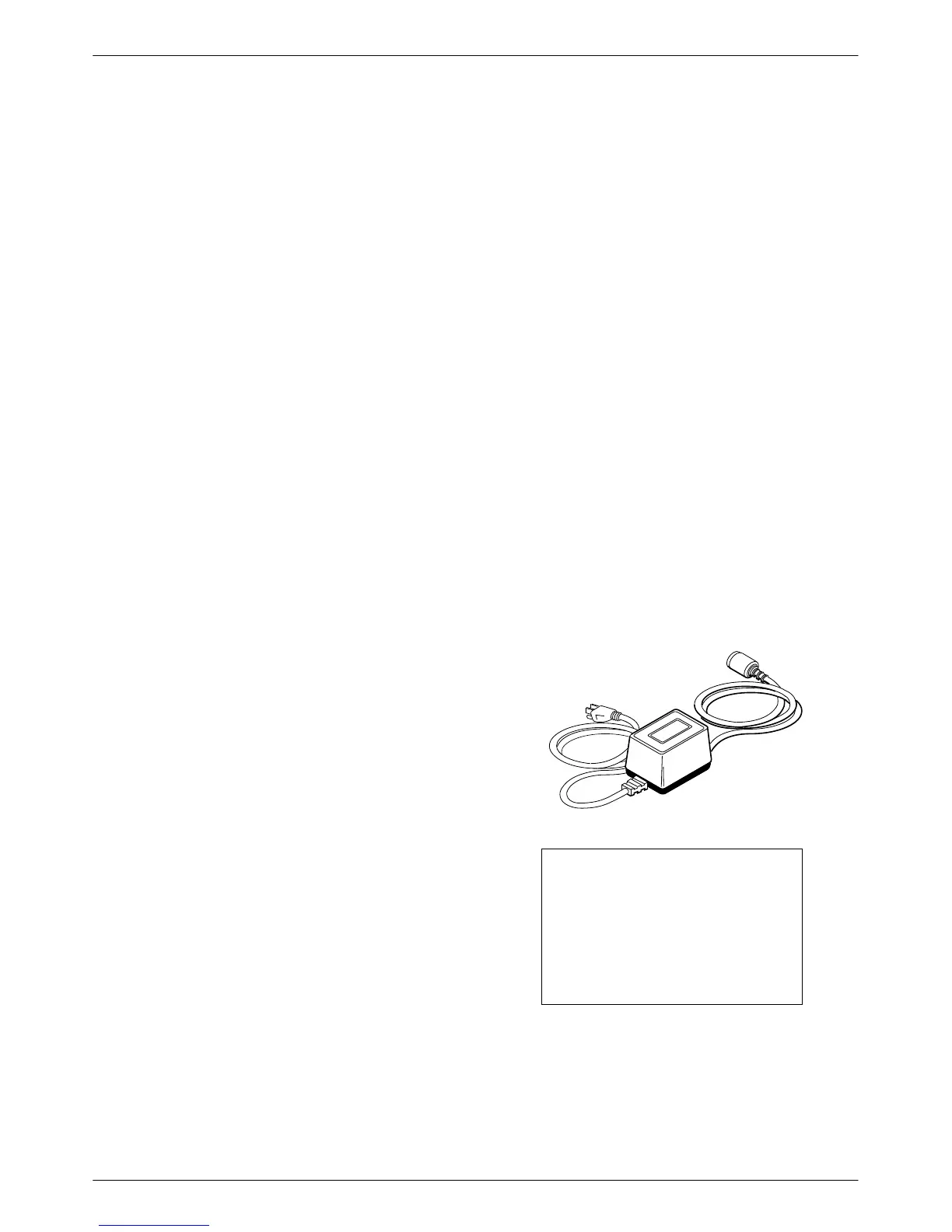
• Your package contains a power cord and
ac transformer.
496-14705-01
AC Transformer
CAUTION
Only use the power
transformer designed for the
Model 3610 DSU. Using other
transformers may result in
personal injury or damage to
the equipment.
2



 To Next Page