4-13610-A2-GB46-60 December 1996
Configuration Option Tables
Overview 4-1. . . . . . . . . . . . . . . . . . . . . . . . . . . . . . . . . . . . . . . . . . . . . . . . . . . . . . . . . . . . . . . . . . . . . . . . . .
Related Documentation 4-1. . . . . . . . . . . . . . . . . . . . . . . . . . . . . . . . . . . . . . . . . . . . . . . . . . . . . . . . . . . .
Configuration Option Tables 4-1. . . . . . . . . . . . . . . . . . . . . . . . . . . . . . . . . . . . . . . . . . . . . . . . . . . . . . . . . . .
Configuration Option Tables Format 4-1. . . . . . . . . . . . . . . . . . . . . . . . . . . . . . . . . . . . . . . . . . . . . . . . . .
Overview
After
the DSU and any options are installed, set the
software configuration options by accessing the
Configuration (Confg) branch of the menu. Refer to the
menu tree in Appendix A and the worksheet in
Appendix B while planning configurations.
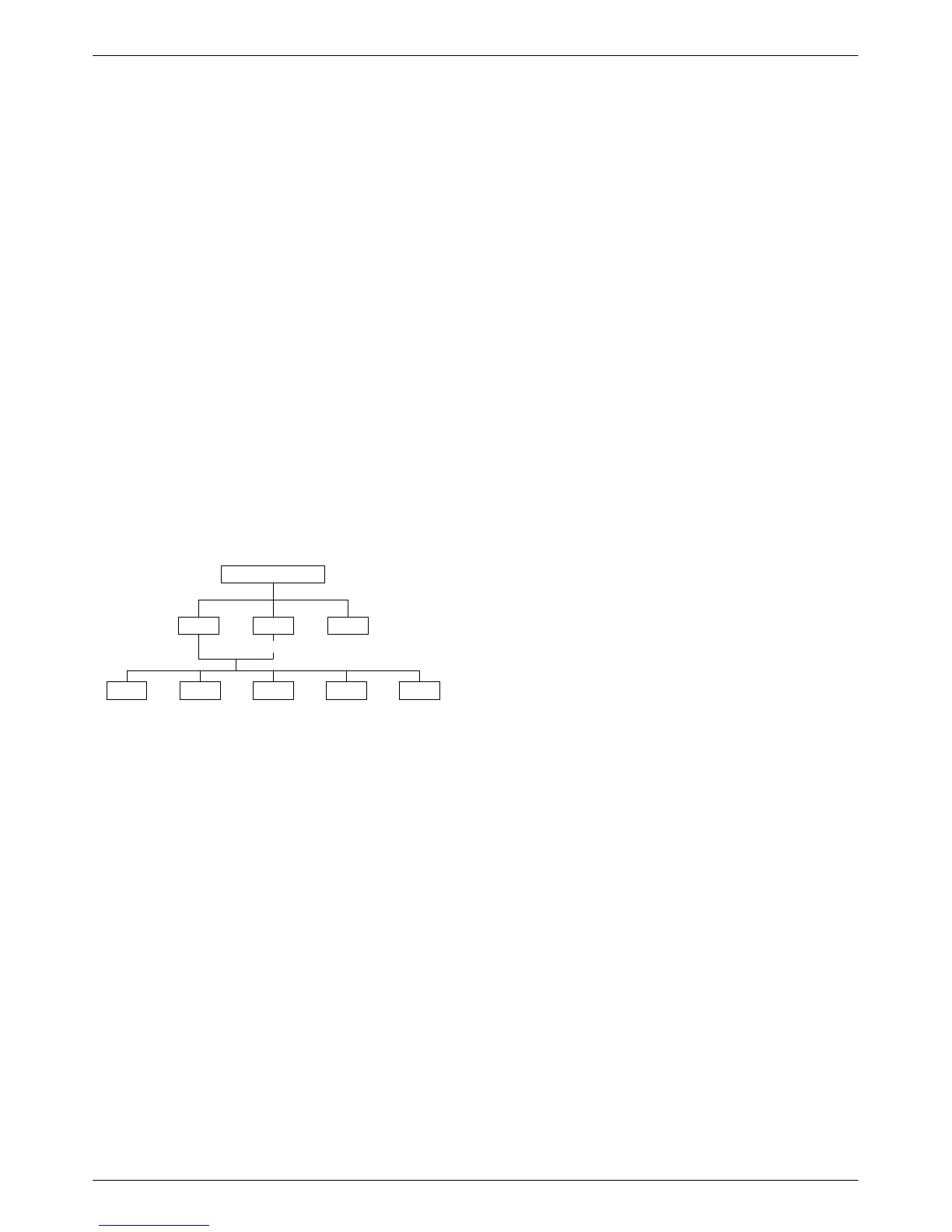
495-12970
TOP-LEVEL MENU
Local
Remot
Bckup
Test
Ctrl
Msgs
Address
Confg
Stat
Load and save a set of factory defaults before
changing any configuration options. Refer to the Saving
and Changing Configuration Options
section in
Chapter 2. For additional information, refer to:
• Table 2-1, Default Configuration Option Sets.
• Table E-4, Configuration Error Messages, for
messages that may appear after pressing SA
VE.
Related Documentation
Configuration
options supporting TDM, MCMP
, and
digital bridging are in Document No. 3610-A2-GB48.
Configuration options supporting DBMs are in
Document No. 3610-A2-GB49.
Configuration
Option T
ables
This section contains a configuration option table for
each functional group or option set within the
Configuration (Confg) branch of the menu that is specific
to DSU and LPDA-2 applications.
Each table lists all the configuration options available
in the option set. The tables are in the order in which they
appear on the Confg branch of the menu.
• DSU Configuration Options (Table 4-1)
• Diagnostic DSU Configuration Options (Table 4-2)
• Diagnostic General Configuration Options
(Table 4-3)
• General Configuration Options (Table 4-4)
• LPDA-2 Configuration Options (Table 4-5)
Factory default option sets for the tables listed above
are located in Table A-1. Configuration options appear or
are filtered based on settings in effect and additional
installed hardware features.
Configuration Option Tables Format
The tables show the following configuration option
information:
• Name of the configuration option followed by a
colon (:) and the factory default setting for FacT
(tributary).
•
All selectable options.
• Description of the configuration option.
•
Description of each selectable setting.
4



 To Next Page