Model 3610 Installation
2-53610-A2-GB46-60 December 1996
. Procedure
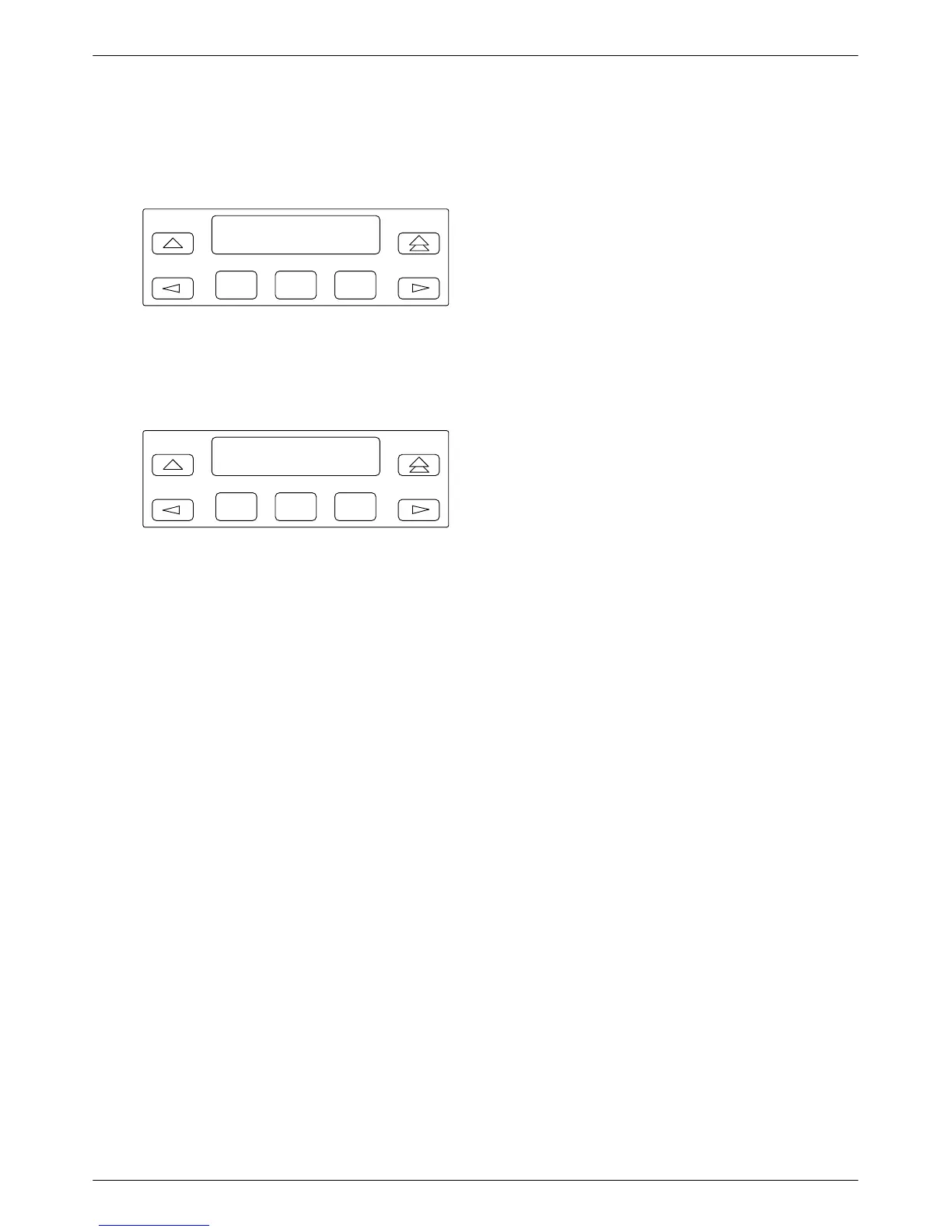
1. Watch
the LCD during the tests.
F1
Power-Up Tests
Please Wait . . .
F2
F3
The
results of each test display briefly as Pass,
Fail, or Abrt. The tests take about 20 seconds to
complete. Y
ou are looking for successful test
results.
F1
DSU MUX
Pas
s P
ass
F2
F3
2. Continue
if you receive successful messages. If a
Fail message appears or an installed hardware
option does not appear, refer to Appendix E,
Tr
oubleshooting and
Fr
ont Panel Messages
.
The DSU power-up routine can be:
•
Initiated using the Reset selection in the Control
branch.
• Disabled with the PowerOnT
st General
configuration option.
Saving and Changing
Configuration Options
For
Model 3610 and Model 361
1 DSUs, change
configurations options from:
• A front panel, or
• A 6700 or 6800 Series NMS, or
• An async terminal (Model 3610 standalone only)
Appendix B provides a Basic Configuration
W
orksheet, which is a summary of Basic DSU mode
configuration option sets. Use the worksheet, the menu
tree in Appendix A, and Chapter 4,
Configuration Option
Tables, for reference.
Configuration options supporting TDM, MCMP
, and
digital bridging are in Document No. 3610-A2-GB48.
Configuration options supporting DBMs are in
Document No. 3610-A2-GB49.
The Model 3610 is preconfigured at the factory for
FacT with default settings for a tributary, point-to-point
circuit, and a data rate of Auto. Set the data rate to match
the service provider’
s rate.
If you have a point-to-point configuration:
• Enable one unit as the control
• Enable the other unit as the tributary
• Set the link configuration option (Table 4-3)



 To Next Page