COMSPHERE 3600 Series Data Service Units
3-18 December 1996 3610-A2-GB46-60
Front Panel Security
The Model 3610 front panel and Model 361
1 shared
diagnostic control panel (SDCP) have two levels of
security access, as shown in T
able 3-6. Refer to
Appendix A to view the functions on the menu tree.
Table 3-6
Security Access Levels
Security
Access Level
Functions Available
Unlock All
Lock
(Read Only)
Local branch only:
S Status branch
S Configuration branch displays
S Control branch:
Display External Leads only
The 3600 Series DSUs are shipped from the factory
with the security level set to Unlock. When the front panel
is locked, only the Local branch appears on the control
DSU.
NOTE
To lock or unlock the front panel,
the async terminal must be
disabled.
If
the security has not been set on the front panel
before, the following appears:
F1
FP
A
ccess: ? ? ?
Lock Unlock Save
F2
F3
To
select the security level:
. Procedure
1.
Press the
key to go to the top-level menu.
2.
Press the
and
keys simultaneously for
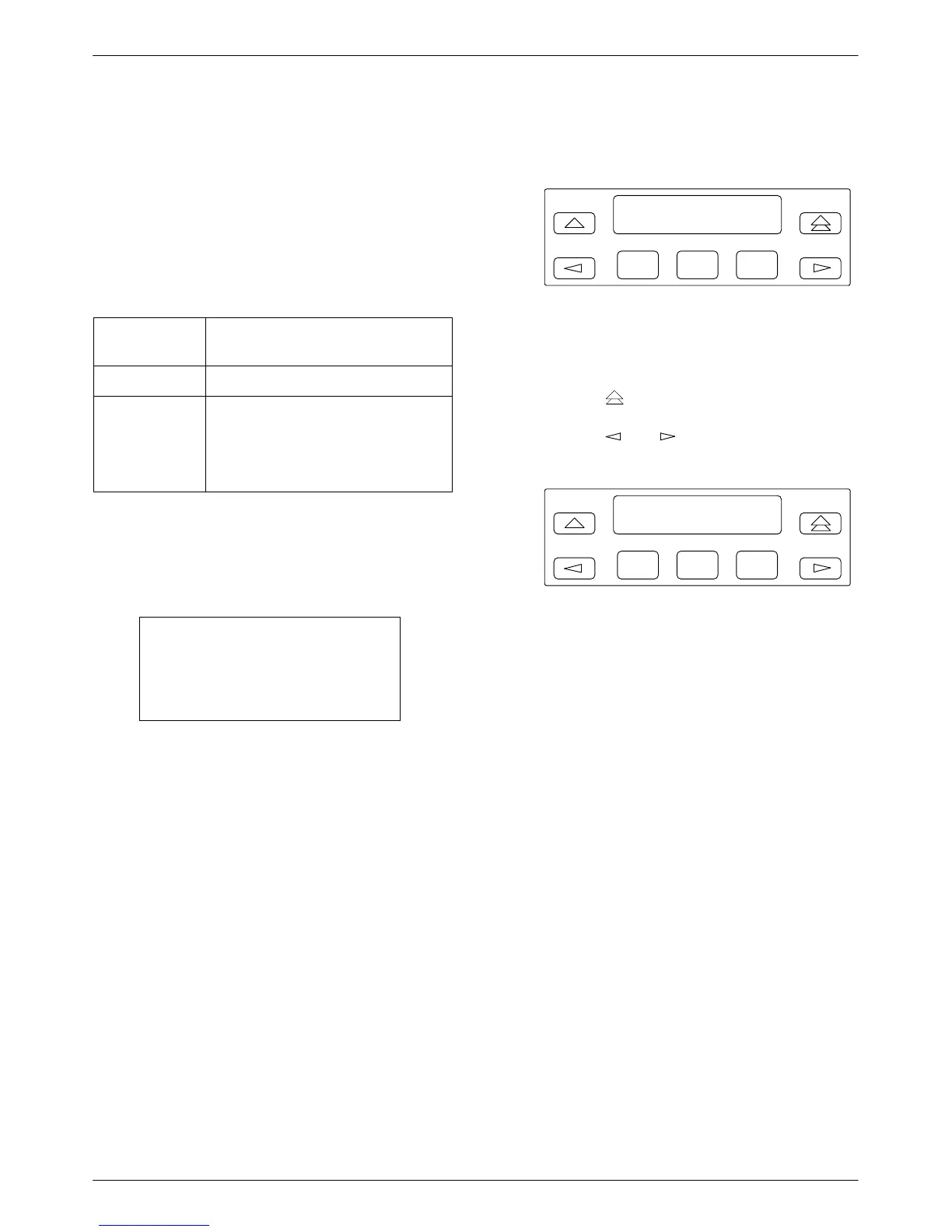
three seconds. The following menu appears:
F1
FP
A
ccess: Unlock
Lock Unlock Save
F2
F3
3. Select the security level:
Lock – To restrict control (F1)
Unlock – To provide full access (F2)
4.
Press
Save (F3).



 To Next Page