COMSPHERE 3600 Series Data Service Units
2-6 December 1996 3610-A2-GB46-60
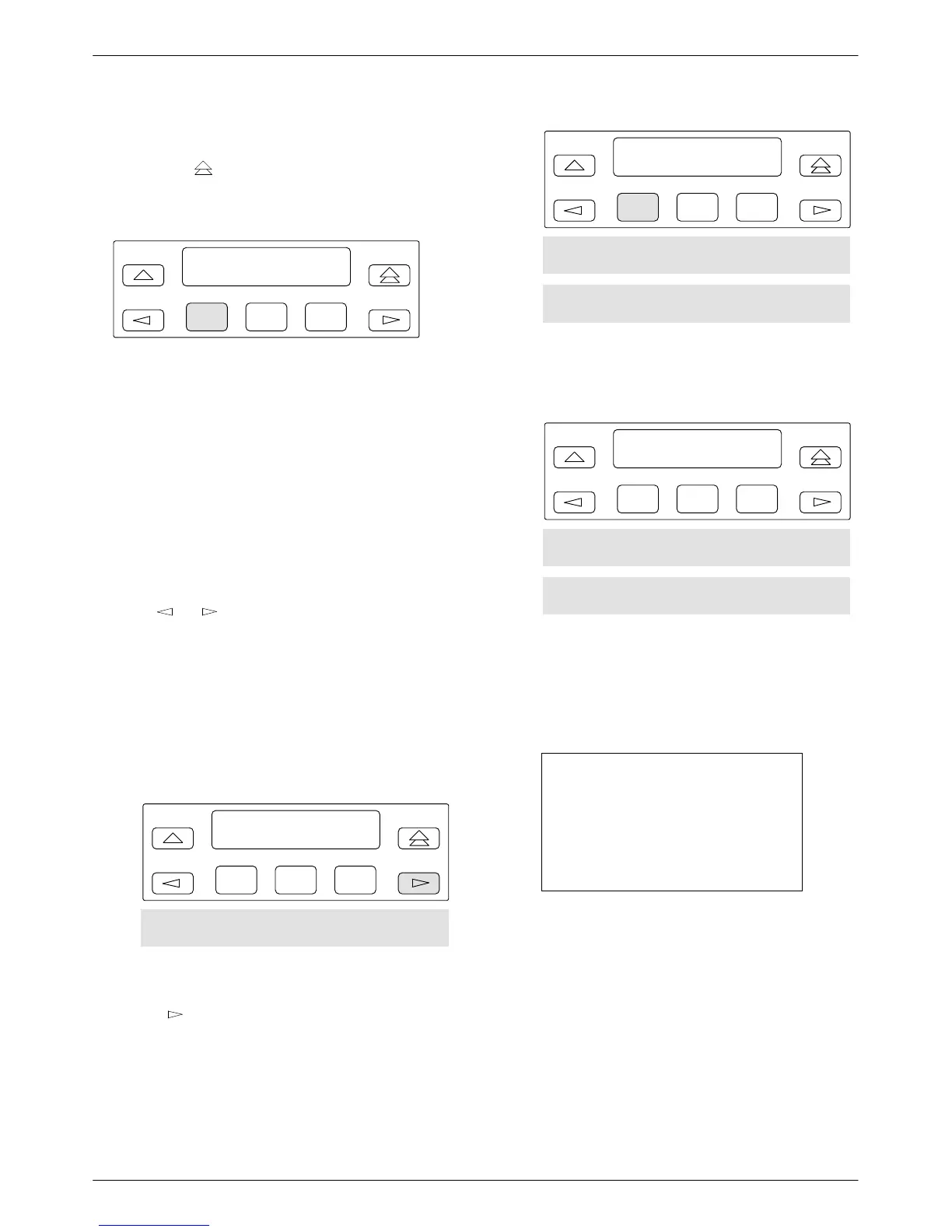
Home Screen Display
Pressing the key (double-up arrow) on the front
panel changes the display on the Home screen. The
following is an example of the Home screen display:
F1
Port1 DSU Auto T
Local Remot
F2
F3
• Port 1
= DTE port or aggregate data stream
currently monitored and reflected by
DTE status indicators
• DSU
= Operating mode
• Auto
=
Default setting displays until actual data
rate is detected
• T
= Network position of DSU (tributary in
this example)
In the following LCD examples, the shaded area below
the front panel shows the additional options that appear
when the
or
key is pressed. Hardware selections
are filtered when not installed.
T
o save and change options:
. Procedure
1.
From the Home screen, as shown above, select
Local (F1). The following screen appears on the
LCD.
F1
Local Mode:
Stat Bckup Test
F2
F3
Confg Ctrl
2. To
access the Configuration (
Confg) branch, press
the
key until Confg appears. Press the
function key below Confg. The following screen
appears.
F1
Configure:
Opts PList Dir
F2
F3
Phone Addr ChgMd Term SPID
Menu
3.
Select
Opts (for Configuration Options). The
following screen appears.
F1
Load from:
Activ Remt Usr1
F2
F3
Usr2 Usr3 FacC FacT FacB
MPTC MPTT
4. The
selections on the screen are configuration
option sets stored in the DSU’s memory. Table 2-1
lists the
Load from
menu selections and their
source.
NOTE
You are advised to first save the
factory default settings to store a
set of working configuration
options before changing any
configuration options.
From the Load from
menu, any selection except
Remote loads a complete set of configuration
option values into a working buffer.



 To Next Page