Model 3610 Installation
2-73610-A2-GB46-60 December 1996
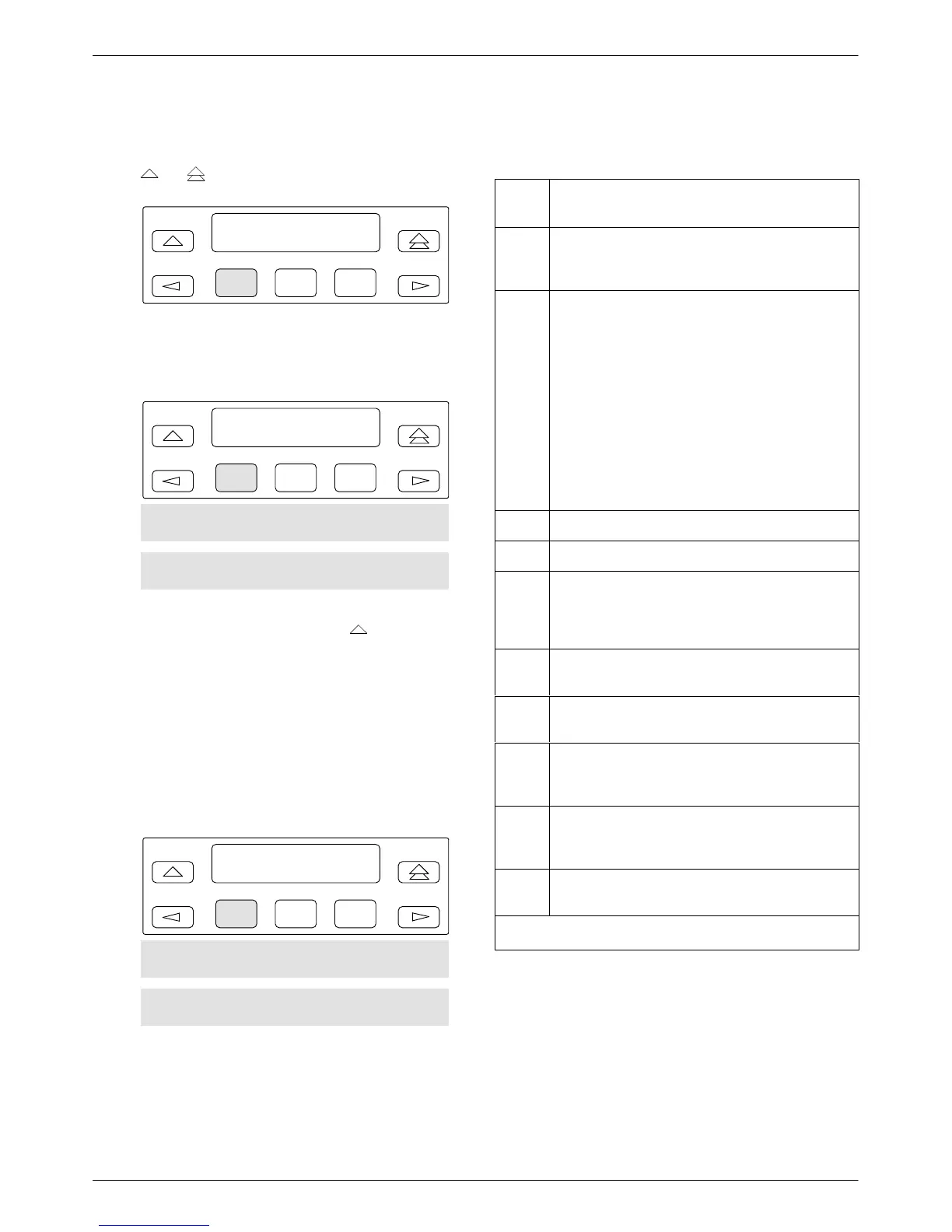
5. After changing and not saving configuration
options, the following prompt appears when the
or
key is pressed.
F1
Save Options?
Yes No
F2
F3
6. If you press F1 for Y
es, the
Save T
o
screen
appears.
F1
Save to:
Activ Remt Usr1
F2
F3
Usr2 Usr3 FacC FacT FacB
MPTC MPTT
If
Save to is not displayed, press
until the
prompt appears.
When you press a function key from the Save to
screen, the DSU performs a verification routine to
ensure that the configuration options chosen are
compatible.
7. Y
ou must select SA
VE for changes to take effect.
After selecting SAVE, the following screen
appears.
F1
Edit/Save:
SAVE DSU Diag
F2
F3
DBM Gen Bckup MUX PrtSp
LPDA
Continue with network connections and verification
testing. When finalized, you can edit and save additional
configuration options.
Table 2-1
Default Configuration Option Sets
Load
from
Source Of
Configuration Options
Activ Active: Currently active configuration options for
the addressed DSU; use to change and save
configuration options.
Remt Remote: Configuration options that can be
retrieved from a selected tributary DSU; these
will be from the tributary’s Active set and
appear based on local hardware. They are
filtered when the front panel is locked.
The selected option set can then be displayed,
edited, and saved back to the same tributary,
another tributary, or the control DSU. The five
factory default option sets do not appear when
in Remote mode.
Remote is filtered for a multipoint tributary or a
unit with Diag Type of None.
Usr1 User 1: User-defined option sets.
Usr2 User 2: User-defined option sets.
Usr3
*
User 3: User-defined option sets, and factory
default settings for a DBM-
X
(Model 361
1
DBM-D, DBM-I, DBM-S, and DBM-V; does not
function as a DSU).
FacC Factory Control: Control DSU factory default
settings.
FacT Factory Tributary: Tributary DSU factory default
settings.
FacB Factory Digital Bridge: Central-site digital bridge
factory default settings. FacB is filtered when
MUX CCA is not installed.
MPTC Multipoint Control: Multipoint Control DSU
factory default settings. MPTC is filtered when
TDM CCA is installed.
MPTT
Multipoint T
ributary: Multipoint Tributary DSU
factory default settings.
*
When configuring a DBM-
X
, do not SAVE to Usr3.
Refer to Chapter 3, Chapter 4, and Appendix E for
details regarding configuration of your unit. Use the
Appendix B worksheet for recording configuration option
changes stored in Usr1, Usr2, or Usr3. For a complete list
of DSU factory default settings, refer to Table A-1.



 To Next Page