COMSPHERE 3600 Series Data Service Units
3-14 December 1996 3610-A2-GB46-60
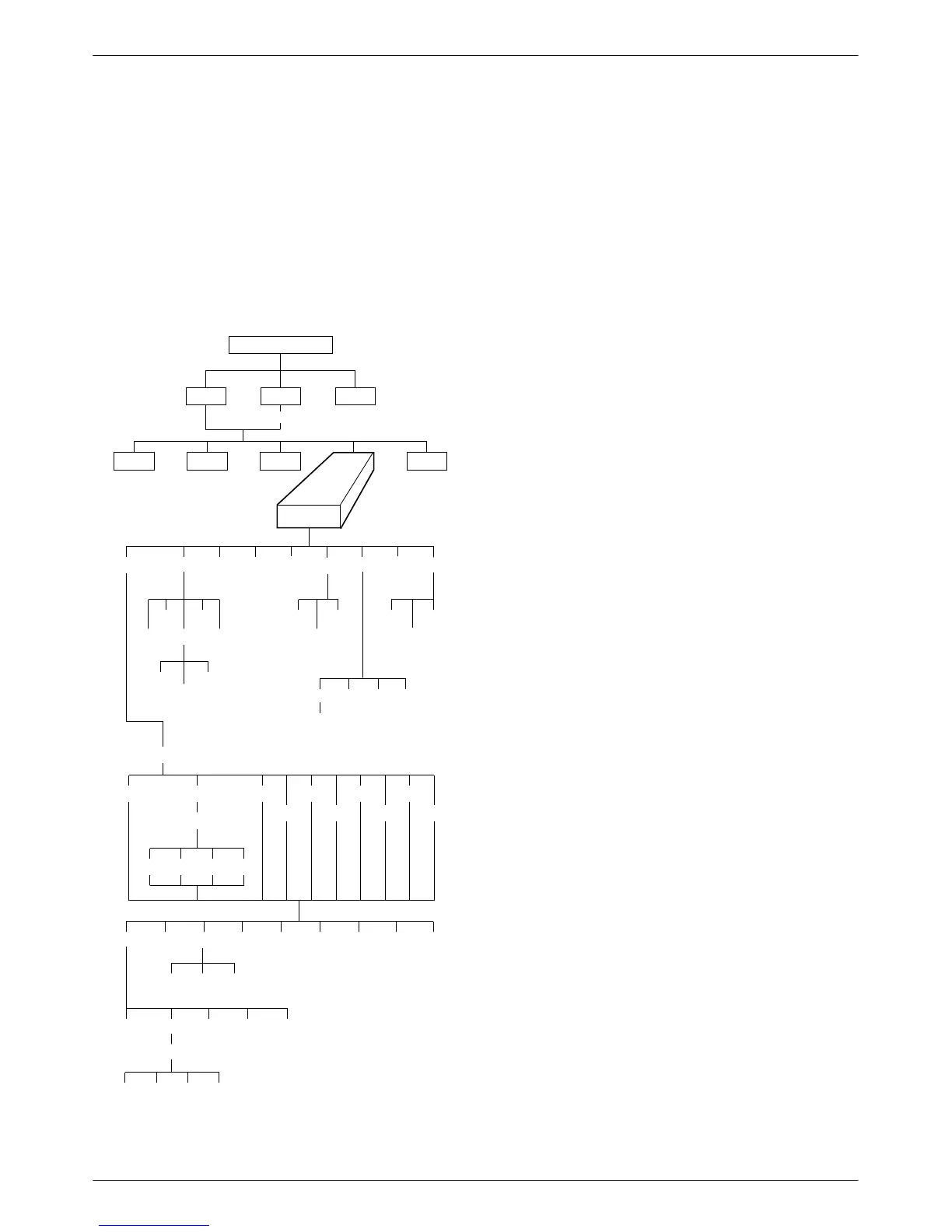
Configuration Branch
The Configuration (Confg) branch allows you to
configure or customize the DSU and its options to:
• Fit site requirements.
• Enter and change telephone numbers (if a DBM is
installed).
•
Specify the protocol used by a connected NMS.
496-12973b
TOP-LEVEL MENU
Local
Remot
Bckup
Test
Ctrl
Stat
Confg
Msgs
Opts PList Dir Phone Addr
ChgMd
Displ Chang
Add
Acq
Activ
Delet
Save
DPII
ADp
Remt
Address
Activ Usr1 Usr2 Usr3
Activ
Usr1
Usr2
Usr3
FacC
FacT
FacB
Load
SAVE DSU DBM Gen Bkup MUX
PrtSp
LPDA
Remt Usr1 Usr2 Usr3
Address
Activ Usr1 Usr2 Usr3
Skip
Clr
Diag
Activ
Address
DSU DBM Gen
Term
Enab Pswrd CIDDisab
Pswrd
SPID
Menu
Save
Enab
Disab
MPTC
MPT
Options
Options (Opts
) allows you to save, copy
, and/or
change DSU, Diagnostic, DBM, General, Backup, MUX,
and LPDA-2 configuration options.
The selections on the
Load from
menu are sets or
libraries of configuration options stored in the DSU’s
memory. Refer to:
•
Saving and Changing Configuration Options
section in Chapter 2
• Table 2-1 in Chapter 2 for default configuration
option set content descriptions
• Table A-1 in Appendix A for all DSU factory
default configuration option settings
• Table E-4 in Appendix E for Configuration Error
Messages
User Storage Areas
Usr1, Usr2, and Usr3 are storage areas for user-defined
configuration option sets. Use these storage areas to:
• Maintain predetermined option sets for specified
DSU, Diag (DSU, DBM, and Gen), DBM, Gen,
Bkup, and LPDA configurations.
• Permit the rapid loading of an entire configuration
option set after changes have been saved for reuse.
• Save the time required to change each individual
configuration option.
If configuration option changes are entered in Active,
the current set of options are restored if a power-up test
occurs.
Remote DSU
Selecting Remt from the Load from
menu results in
configuration options appearing based on hardware
installed at the remote location.
Remt requires a remote address. The remote address
selections range from 1 to 255 for ADp protocol and 1 to
80 for DPII protocol. If you want to save configuration
options to all of your remote devices, select the broadcast
address (
192). After the configuration options are saved,
the changed configuration options are broadcast to the
entire network once.
When configuring remotely, it is recommended that the
control and tributary DSUs have the same firmware
version, or that the control has the highest version.



 To Next Page