COMSPHERE 3600 Series Data Service Units
C-4 December 1996 3610-A2-GB46-60
4.
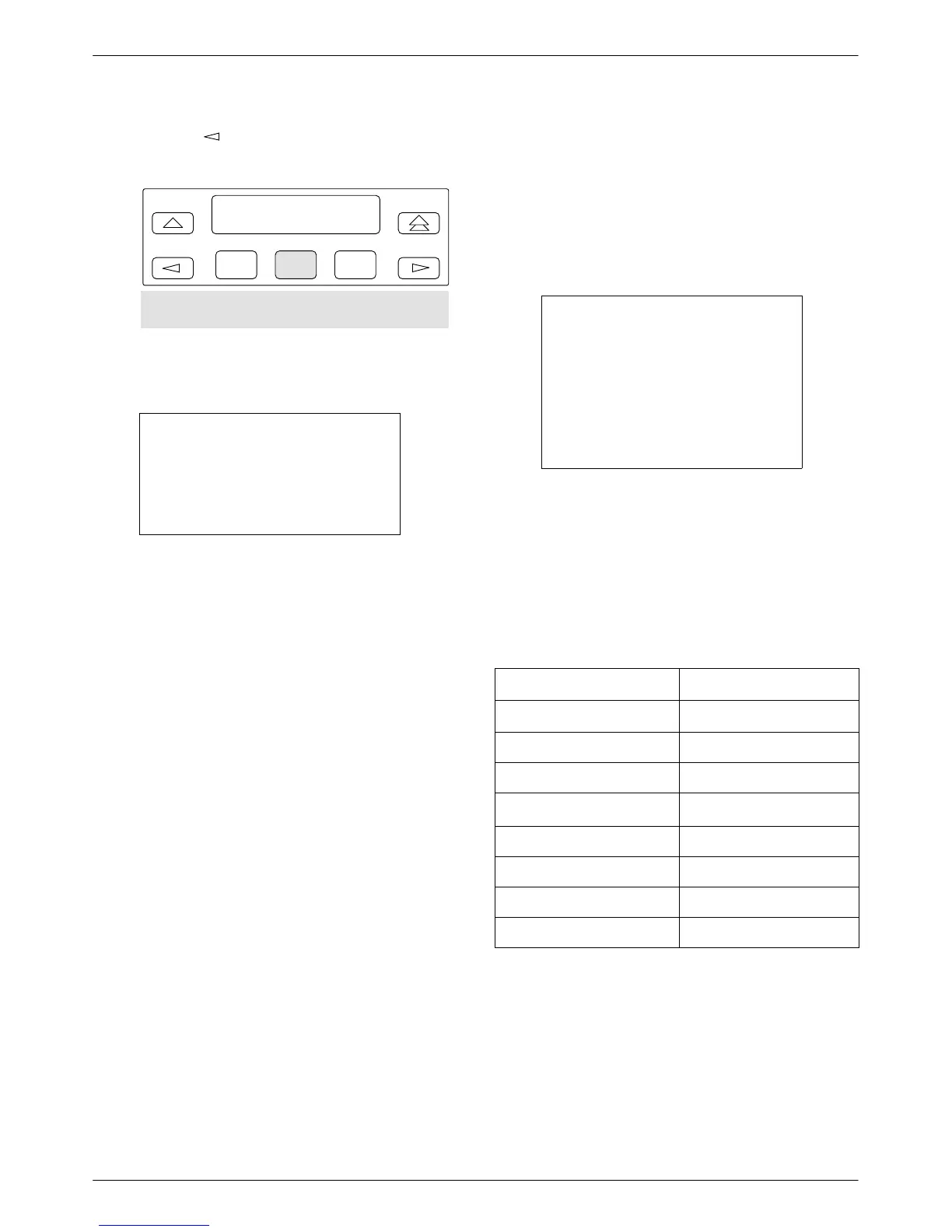
Press the
key until T
erm appears; select
Term. The following screen appears.
F1
Term: Stndby
Enab Disab Pswrd
F2
F3
CID
5.
Select
Disab.
NOTE
When you disable the async
terminal connection, the speed
changes from 9.6 kbps to the
NMS interface of 1.2 kbps.
Async Terminal to Front Panel
Usage Differences
Menu
tree sequences and functions are the same for
the front panel and the async terminal. There are a few
areas with slight differences. From a selection or display
screen, pressing the Enter key at any time during a
session refreshes the async terminal’
s screen.
NOTE
When no entries are made for
5 minutes, the async terminal
session times out and a blank
screen appears. When you
press the Enter key, the
Password Access Menu
screen
appears.
Some
symbols appearing on an async terminal screen
differ from the front panel keypad as shown in the
table below
. The first two table entries represent front
panel function keys. The remainder of the table relates to
front panel to async screen displays. For keypad function
details, refer to the Keypad section of Chapter 3.
Symbol Display Comparison
Front Panel
Async Terminal
↑ (F1)
∧
↓ (F2) ∨
µ *
—
(line above text line)
∧
__
(line below text line)
∨
¹
*
→ >
← <



 To Next Page