MY22P01 - 12_1.0_31.08.2021
192
Maintenance
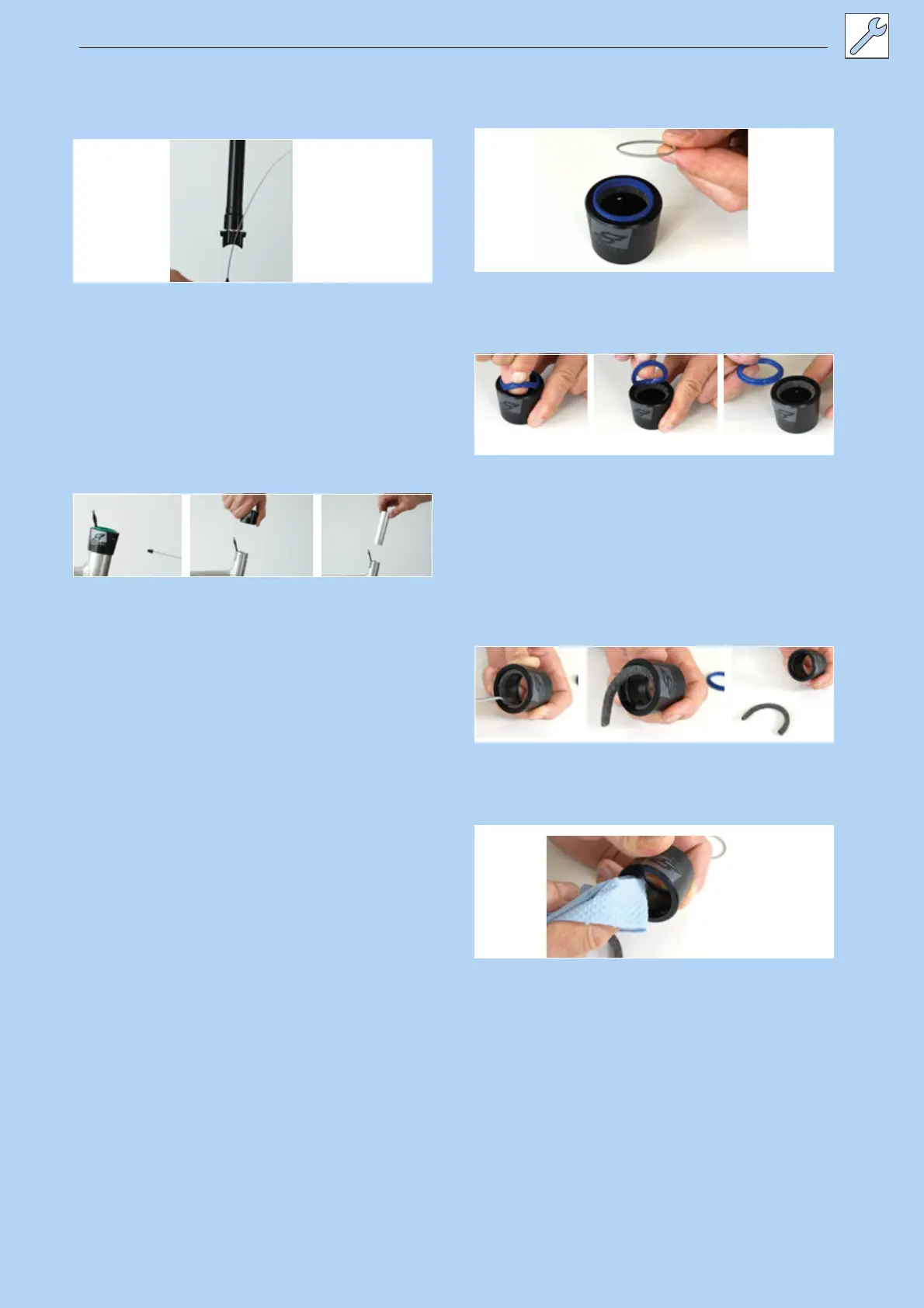
9 Pull out the outer sleeve end cap from the
counter support on the Postpin interface on the
seat post.
Figure 170: Pulling the end cap out
Removing the outer sleeve and slide bushing
1 Use a 3 mm hex spanner to remove
attachment screw on the outer sleeve.
2 Detach outer sleeve by pulling upwards with
your hand.
3 Pull slide bushing tube out of the seat tube.
Figure 171: Removing the outer sleeve and slide bushing
Caring for the outer sleeve
1 Detach spring washer or outer sealing ring.
Figure 172: Removed spring washer
2 Carefully remove the wiper from the groove.
Figure 173: Removing the wiper
3 Use a small, sharp object to look for and
remove the end of the felt ring.
4 Carefully take out the felt ring.
5 Remove felt ring.
6 Clean or replace felt ring.
Figure 174: Removing the felt ring
7 Clean inside of outer sleeve with a cloth.
Figure 175: Cleaning the outer sleeve



 To Next Page