GHz
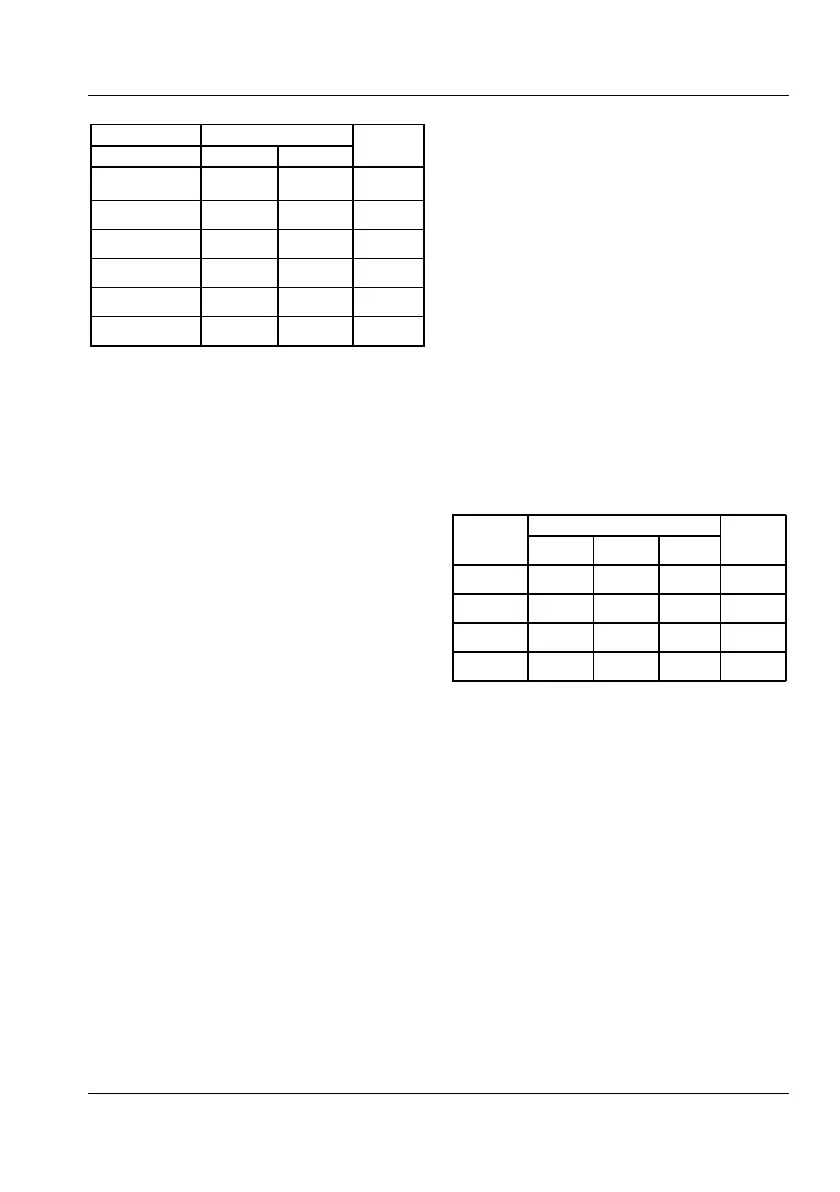
Table 7-12 RF input sensitivity, CNT-90XL.
Notes:
1
not CNT-90XL-27G
2
not CNT-90XL-27G | 40G
3
not CNT-90XL-27G | 40G | 46G
Recall the default settings and select
Connect 1 GHz, -10 dBm to Input C.
Check that the correct result can be read
on the display.
Press SETTINGS
Misc
Input C
Press Freq C Center and change the
default value 300 MHz to 1 GHz.
Press Acquisition to change Auto to
Manual.
Note the sign M.ACQ on the display.
Sweep the input frequency manually and
observe the lower and upper limits for the
capture range. They should be <925 MHz
and >1075 MHz respectively.
Power (CNT-90XL only)
Use the same test setup as in the section
Sensitivity above. Make sure the generator is
well calibrated, and connect it to the DUT
with as short a cable as possible to avoid
losses.
Choose Power & Volt
®
Power
®
C
Verify the data in Table 2-14.
Check that the auxiliary parameter
“frequency” is displayed correctly at the
same time.
Table 7-13 Power measurement, CNT-90XL.
Notes:
1
not CNT-90XL-27G
2
not CNT-90XL-27G | 40G
3
not CNT-90XL-27G | 40G | 46G
USER MANUAL ● CNT 9x Series ● Rev.22 February 2020



 To Next Page