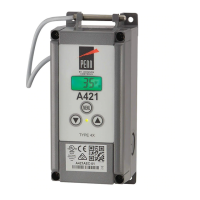
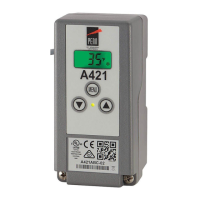
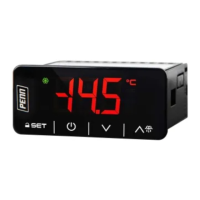
keys.
To set the time format, select 12H or 24H and
press SET.
To set the hour, select a value from the range
1 hour to 12 hours and press SET.
To set the minutes, select a value from the range
00 minutes to 59 minutes and press SET.
To set the time period, select AM or PM and press
SET. Note: The PERIOD screen displays only if
you select the 12H time format.
To set the date format, select MDY (month, date,
and year) or DMY (date, month, and year) and
press SET.
To set the month, select the month value and
press SET.
To set the date, select the date value and press
SET.
To enable or disable the automatic daylight saving
adjustment feature, select YES or NO and press
SET.
To set the year, select the year value and press
SET.


 To Next Page
 Loading...