EasyManua.ls Logo

Pentax SF1 - Main Switch, Shutter Release Button and Control Switches

Pentax SF1
72 pages
Print Icon
To Next Page IconTo Next Page
To Previous Page IconTo Previous Page
Loading...
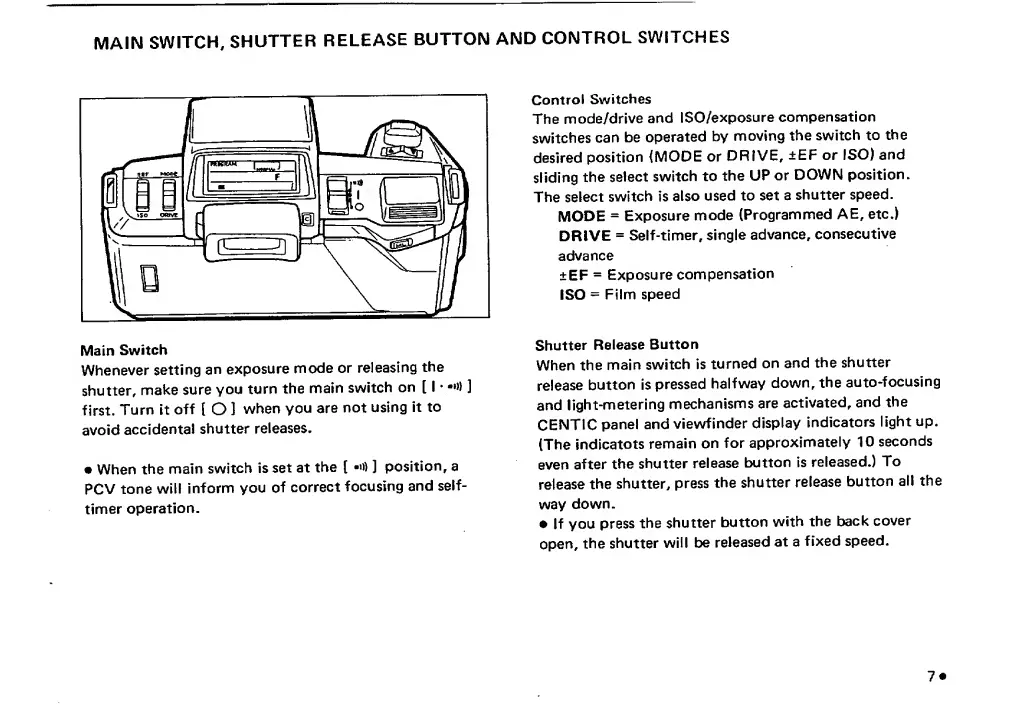
MAIN
SWITCH,
SHUTTER
RELEASE
BUTTON
AND
CONTROL
SWITCHES
Main
Switch
Whenever
setting
an
exposure
mode
or
releasing
the
shutter,
make
sure
you
turn
the
main
switch
on
[
I
]
first.
Turn
it
off
[
O
1
when
you
are
not
using
it
to
avoid
accidental
shutter
releases,
When
the
main
switch
is
set
at
the
[
-n)
]
position,
a
PCV
tone
will
inform
you
of
correct
focusing
and
self-
timer
operation.
Control
Switches
The
mode/drive
and
ISO/exposure
compensation
switches
can
be
operated
by
moving
the
switch
to
the
desired
position
{MODE
or
DRIVE,
±EF
or
ISO)
and
sliding
the
select
switch
to
the
UP
or
DOWN
position.
The
select
switch
is
also
used
to
set
a
shutter
speed.
MODE
=
Exposure
mode
(Programmed
AE,
etc.)
DRIVE
=
Self-timer,
single
advance,
consecutive
advance
±EF
=
Exposure
compensation
ISO
=
Film
speed
Shutter
Release
Button
When
the
main
switch
is
turned
on
and
the
shutter
release
button
is
pressed
halfway
down,
the
auto-focusing
and
light-metering
mechanisms
are
activated,
and
the
CENTIC
panel
and
viewfinder
display
indicators
light
up.
(The
indicatots
remain
on
for
approximately
10
seconds
even
after
the
shutter
release
button
is
released.)
To
release
the
shutter,
press
the
shutter
release
button
all
the
way
down.
If
you
press
the
shutter
button
with
the
back
cover
open,
the
shutter
will
be
released
at
a
fixed
speed.

Related product manuals