EasyManua.ls Logo

Pentax SF1 - Shooting in the Aperture-Priority AE Mode

Pentax SF1
72 pages
Print Icon
To Next Page IconTo Next Page
To Previous Page IconTo Previous Page
Loading...
SHOOTING
IN
THE
APERTURE-PRIORITY
AE
Exposure
Modes
WNen
Aperture
Ring
is
Set
at
an
F-Number
Aperture-Priority
AE
mode
Metered
Manual
mode
100
(fixed
at
1/100
sec.)
Bulb
See
page
52
for
detailed
information
on
"100"
and
"bulb"
settings.
The
exposure
modes
mentioned
above
can
be
used
in
combination
with
SMC
Pentax-F,
-A,
M
and
SMC
Pentax
lenses.
Aperture
Priority
AE
Mode
Once
the
desired
aperture
is
set,
the
camera
automatically
selects
an
appropriate
shutter
speed
according
to
the
lighting
conditions
surrounding
the
subject
for
the
best
possible
exposure.
Use
this
mode
for
photographing
subjects
in
which
the
depth
of
field
is
crucial,
such
as
close-ups,
landscapes
and
portraits.
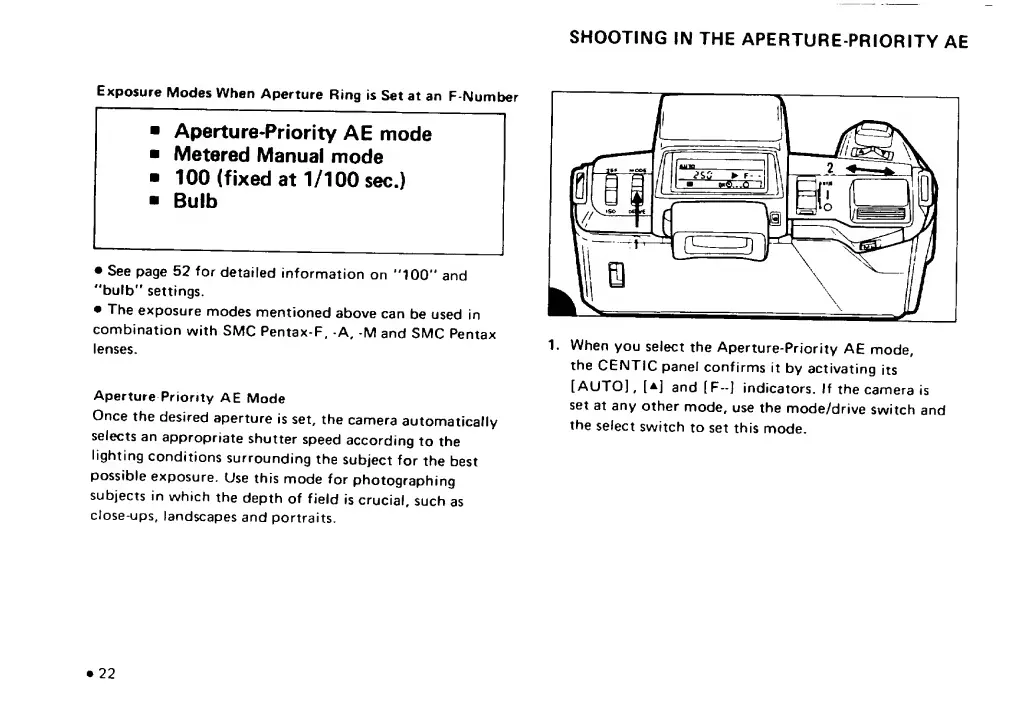
1.
When
you
select
the
Aperture-Priority
AE
mode,
the
CENTIC
panel
confirms
it
by
activating
its
[AUTO],
[a]
and
[F-]
indicators.
If
the
camera
is
set
at
any
other
mode,
use
the
mode/drive
switch
and
the
select
switch
to
set
this
mode.
22

Related product manuals