EasyManua.ls Logo

Pentax SF1 - Page 39

Pentax SF1
72 pages
Print Icon
To Next Page IconTo Next Page
To Previous Page IconTo Previous Page
Loading...
FI
Signal
[
]
=
Front-focus
signal:
Turn
the
focusing
ring
to
right,
[
=
Back-focus
signal:
Turn
the
focusing
ring
to
left.
I
o]
-
In-focus
signal:
The
subject
is
in
focus.
^
=
Out-of
focus-range
warning:
Unable
to
focus.
Only
lenses
with
a
maximum
aperture
of
f/5.6
or
larger
can
be
used
in
the
FI
system.
The
FI
signals
may
appear
in
the
viewfinder
even
when
some
other
slower
lens
(such
as
1000mm
f/8)
is
mounted
for
high-contrast
subjects,
but
the
accuracy
is
not
at
the
optimum
level.
For
such
lenses,
use
the
matte
area
of
the
viewfinder
for
focusing,
*
SMC
Pentax
Bellows
100mm
f/4,
SMC
Pentax
Shift
28mm
f/3.5
(when
shifted)
and
reflex-type
lenses
cannot
be
used
in
the
FI
system.
Use
the
matte
area
of
the
viewfinder
for
focusing.
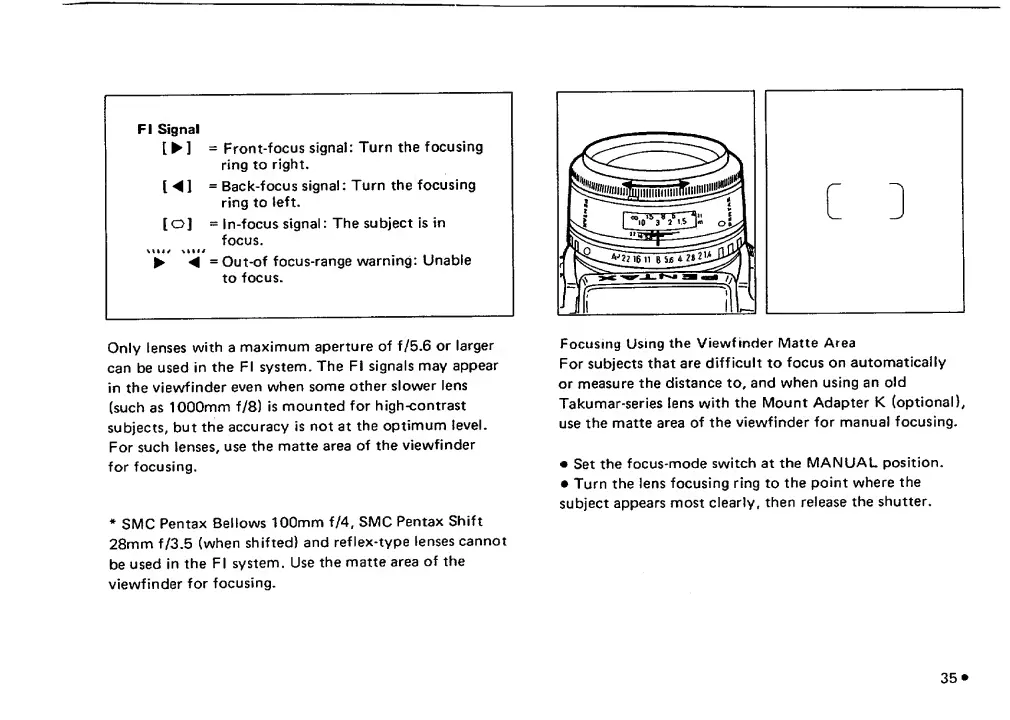
Focusing
Using
the
Viewfinder
Matte
Area
For
subjects
that
are
difficult
to
focus
on
automatically
or
measure
the
distance
to,
and
when
using
an
old
Takumar-series
lens
with
the
Mount
Adapter
K
(optional),
use
the
matte
area
of
the
viewfinder
for
manual
focusing.
Set
the
focus-mode
switch
at
the
MANUAL
position.
Turn
the
lens
focusing
ring
to
the
point
where
the
subject
appears
most
clearly,
then
release
the
shutter.
35
*

Related product manuals