沛瑞科技股份有限公司 TEL:886-2-2984-0000
www.perytech.com Peregrine Technology CO., LTD. FAX:886-2-2983-9999
5.3.4. Band width setting
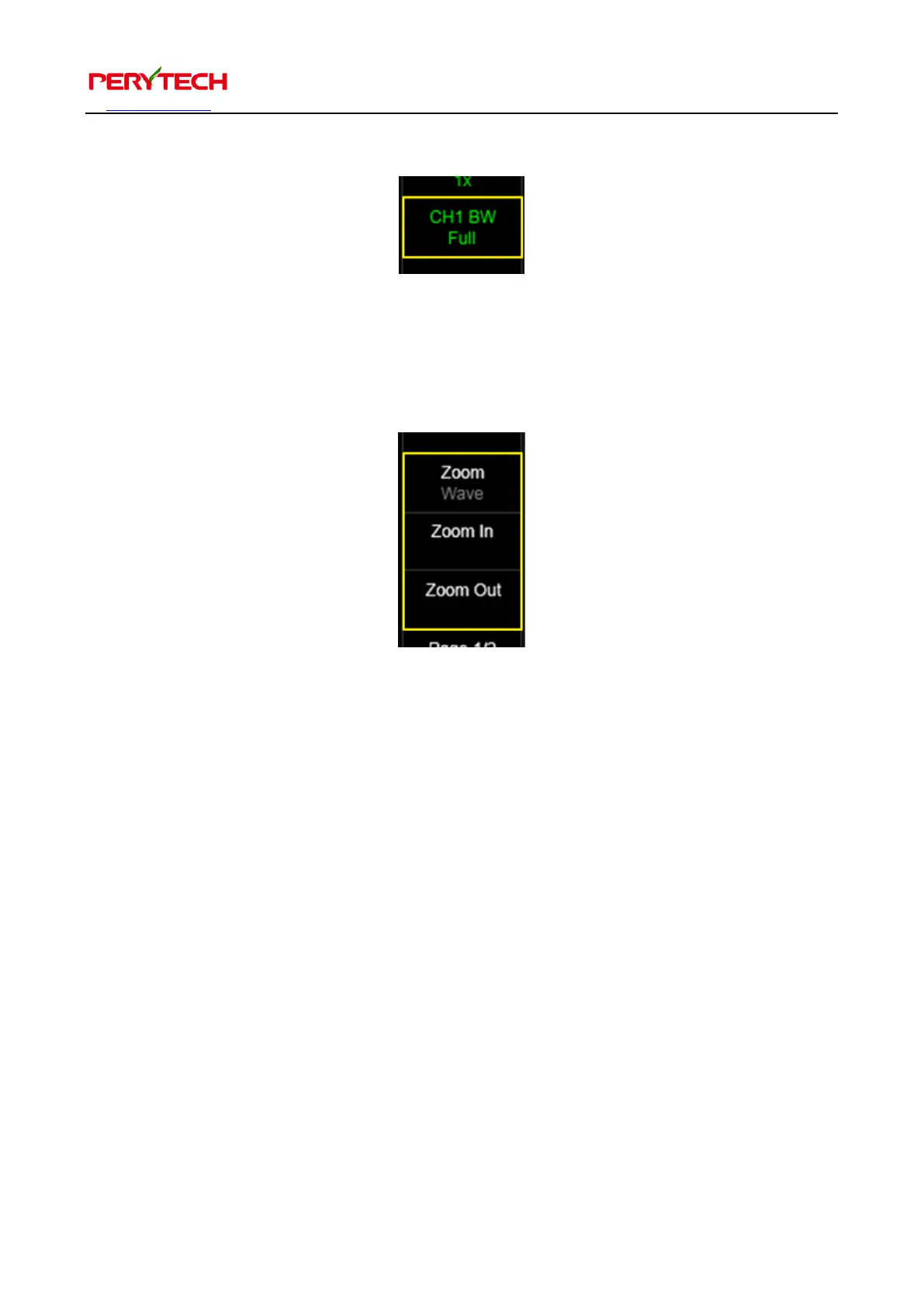
BW menu is used to set the band width of the channel. The default is Full, but can be
switched to 20MHz band width.
5.3.5. Zoom related functions
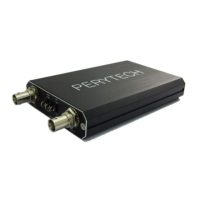
There are three zoom function menus. The Zoom In and Zoom Out is used to magnify
and shrink the wave pattern. The roller of the mouse can also be used for control.
After zooming in, the scroll will appear at the bottom of the screen that can used to
move the screen.
The Zoom menu at the very top is used to change the magnification target (wave
pattern or FFT). The default value is the grey “Wave,” which is also magnifying the
wave pattern. Grey means that it cannot be switched. When the FFT function is on, the
color of the Wave will change to white, indicating that it can be changed.
When changing to FFT, the shrinking target is the FFT, as shown below.


 To Next Page