沛瑞科技股份有限公司 TEL:886-2-2984-0000
www.perytech.com Peregrine Technology CO., LTD. FAX:886-2-2983-9999
4. Software Installation
The CD that comes with the machine has a DSO software installation file. The name of
the file is “DSO_Install_V2.xx.exe.” The “xx” is the edition number. The installation file
can also be downloaded from the Perytech website. Once executed, the program will
start to install the software.
Software installation is very simple. Just press the “Next” and the driver will be
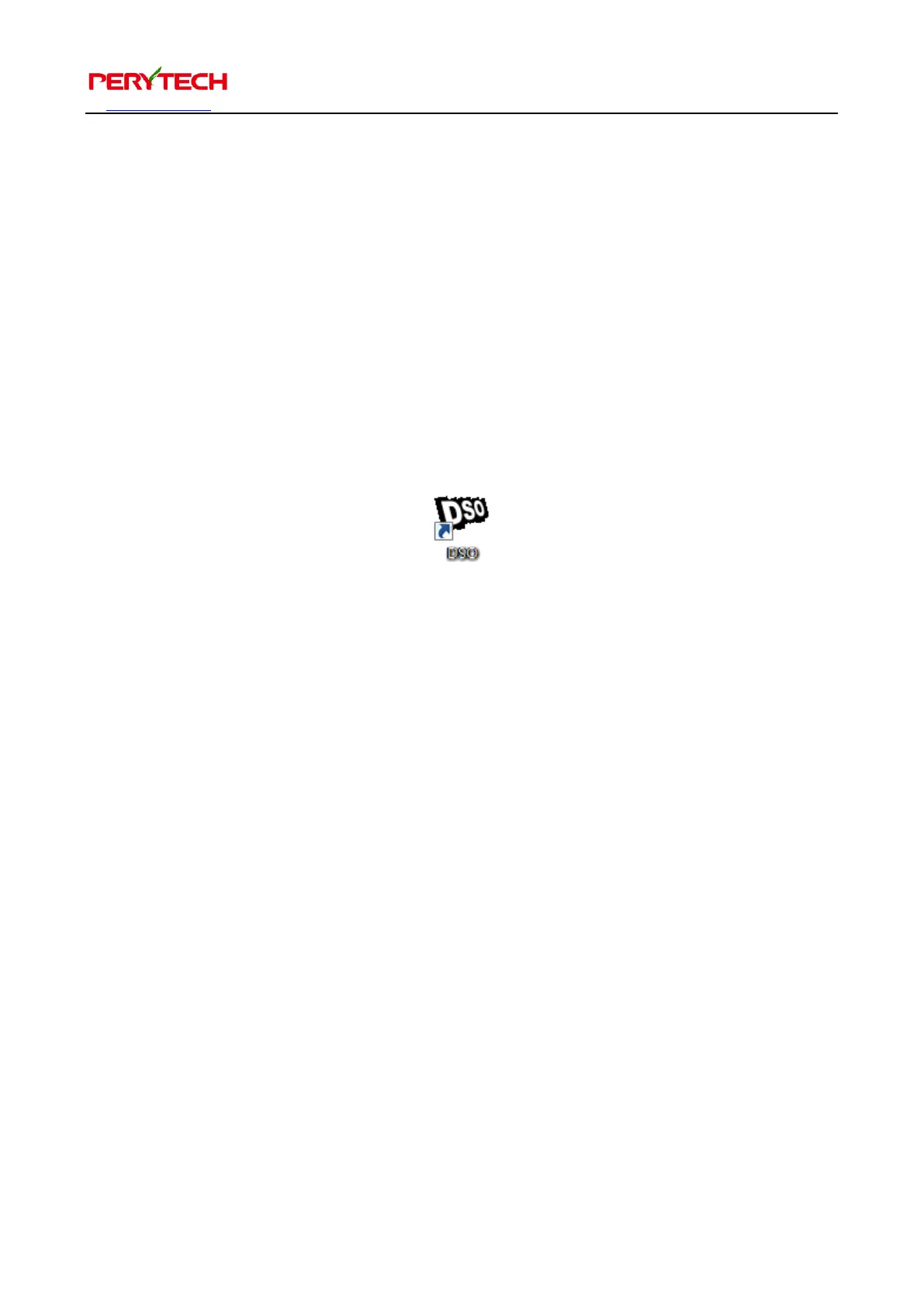
installed together. Once installation is complete, the desktop and Start Menu will have
a DSO shortcut, as shown in the following figure.


 To Next Page