沛瑞科技股份有限公司 TEL:886-2-2984-0000
www.perytech.com Peregrine Technology CO., LTD. FAX:886-2-2983-9999
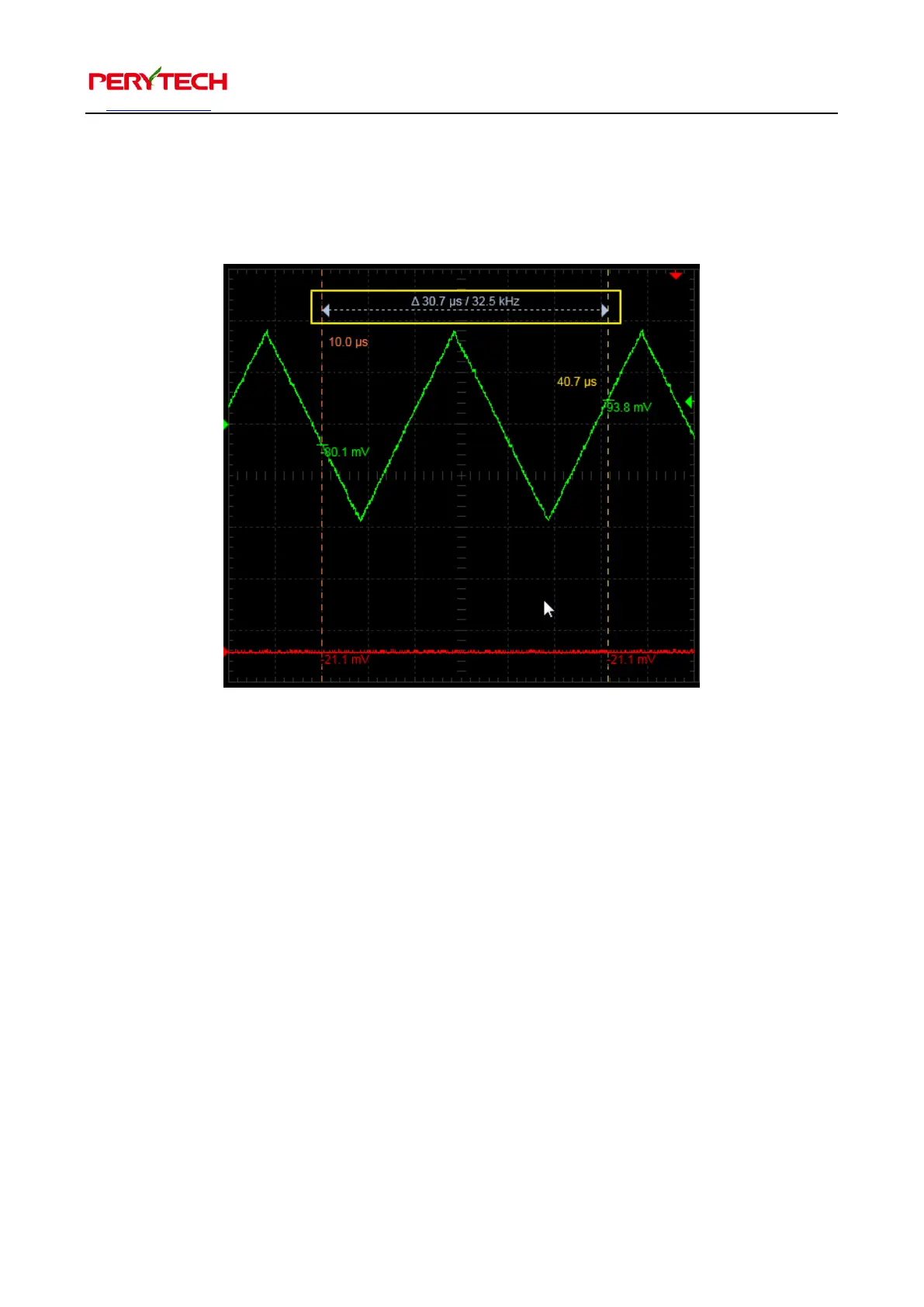
The white dotted line shows the difference between the two cursors, as shown below.
The cursors can be moved, all the user has to do is use the mouse to drag the cursor
to the position you desire.
The last menu item, Reset Cursor, is used to reset the cursor setting.
5.5. Automatic Measurement Function
Press the “MEASURE” in the main function keys and the automatic measurement
function menu will appear, as shown in the following figure. The user can choose any
automatic measurement function.


 To Next Page