沛瑞科技股份有限公司 TEL:886-2-2984-0000
www.perytech.com Peregrine Technology CO., LTD. FAX:886-2-2983-9999
5.6.6. Test clock on/off
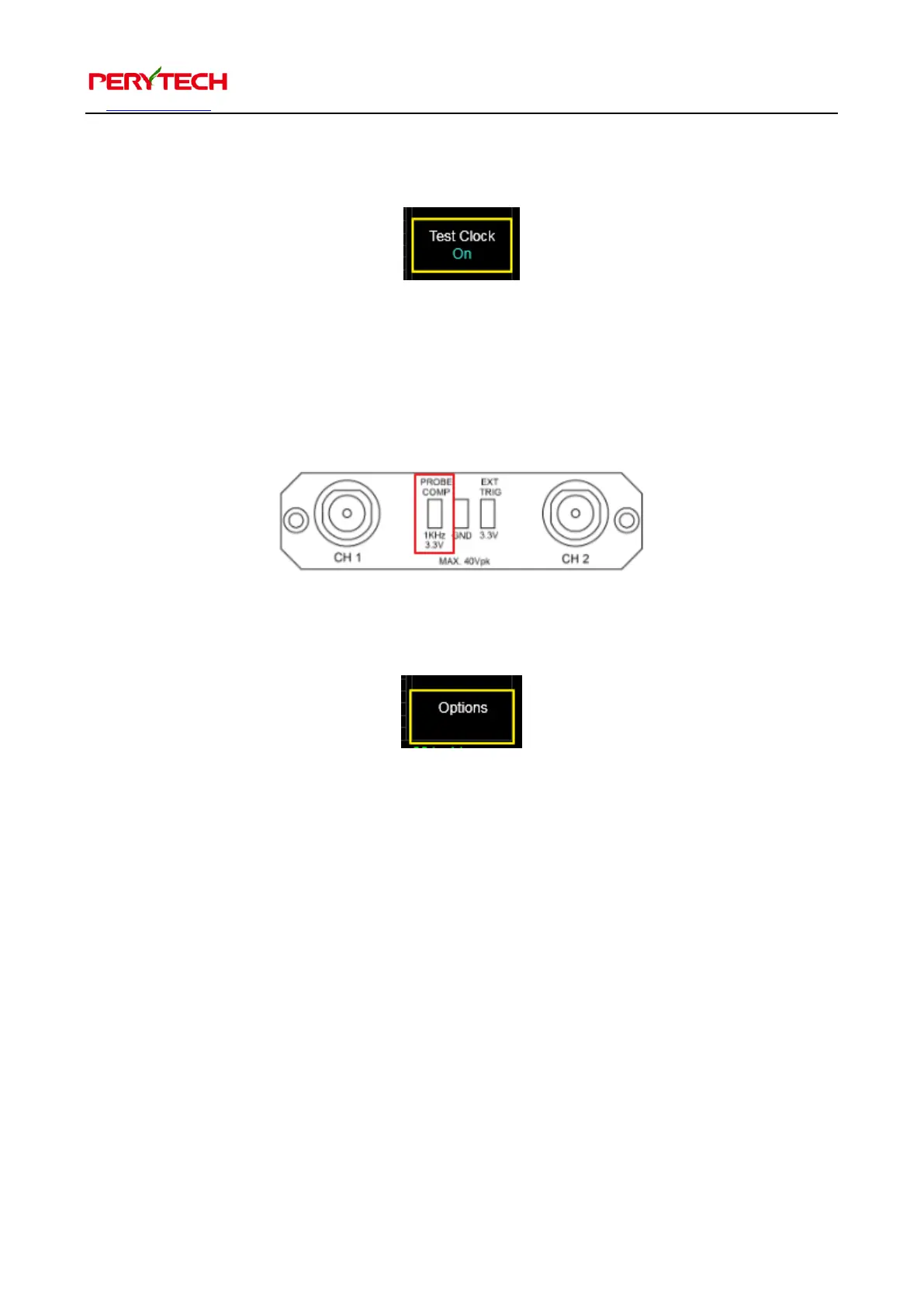
The Test Clock menu is used to turn the test clock on or off.
The connector on the left side of the front panel (shown below) will output a 3.3V
clock. This is used to adjust the oscilloscope probe. The default is ON, but the user
can turn it off.
5.6.7. Options setting
The Option menu is used to set the software options. A window will appear after
selection. On the left side of window is a menu that can be used to change pages.
There are a total of six pages, which are described separately below.


 To Next Page