沛瑞科技股份有限公司 TEL:886-2-2984-0000
www.perytech.com Peregrine Technology CO., LTD. FAX:886-2-2983-9999
5.4. Cursor function setting
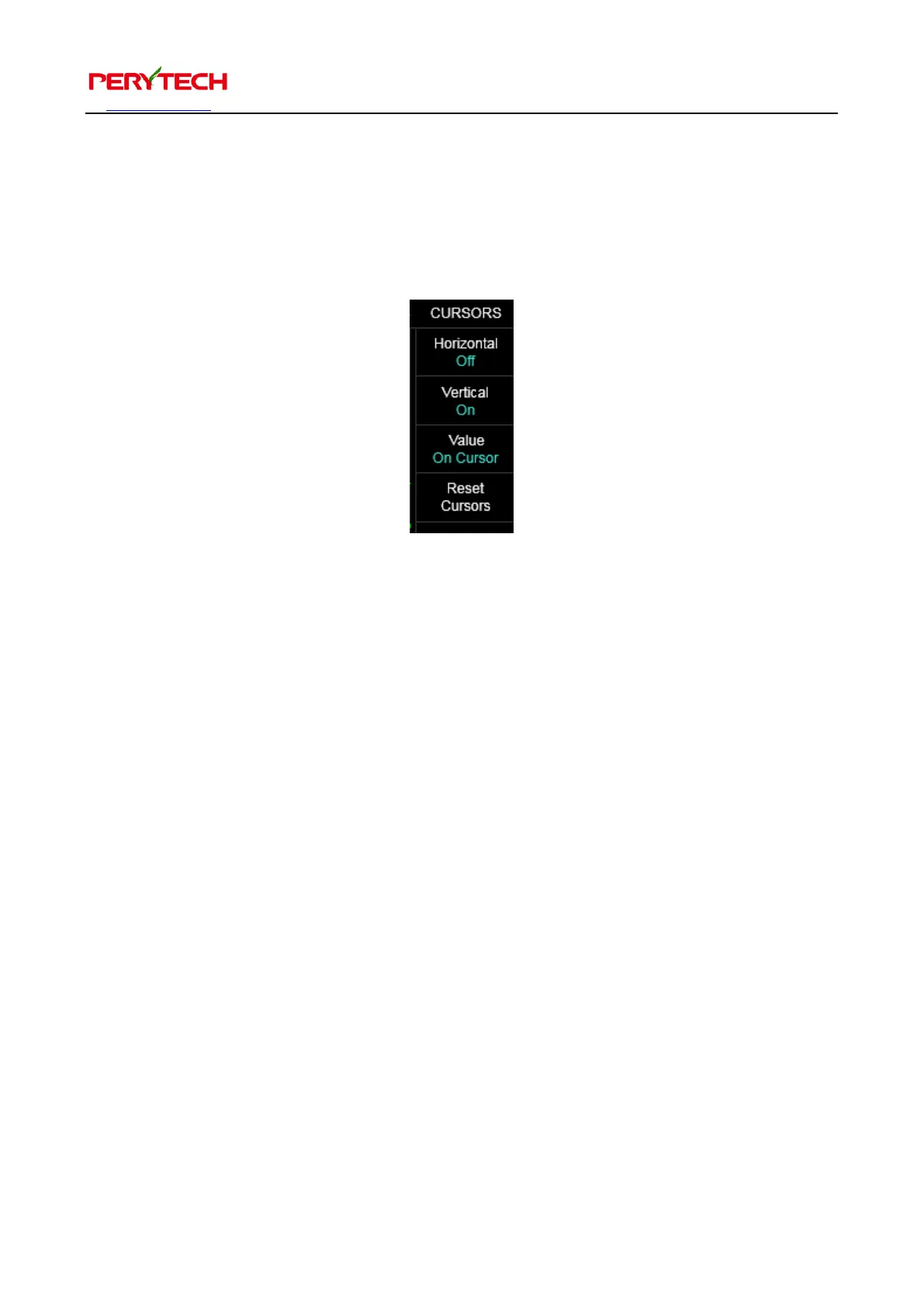
Press the CURSORS key from the main function keys to bring up the cursor sub
function menu.
Horizontal is the cursor that measures the voltage. After turning on, two parallel
horizontal dotted lines will appear that measures the voltage. Vertical is the cursor
that measures time. After turning on, two vertical dotted lines will appear that
measures the time. The mouse can be used to drag the dotted line to measure wave
pattern.
The Value option is used to set the display of the cursor value on the dotted line or at
the top of the screen. The default is On Cursor, which is display on the dotted line, as
shown below.


 To Next Page