158
158
2.5.2 Power consumption
• Normal on - 32″ 115W (typ.), 120W (max.)
• 42″ 210W (typ.), 230W (max.)
• Standby - < 2W, standby mode; <2W for PC power management
• Switch off (DC or TACT) - < 1W, RC active
• Switch off (AC mains) - < No power consumption.
2.5.3 Display DPM standby (D-sub & HDMI input)
DPM-
The Display enters DPM (sleep) mode when no H&V sync, one of H-sync / V-sync
input or digital clock is absent. “No Signal” message appears before entering DPM
mode. And then, show “Going to Deep Sleep” message for 3 seconds. A delay of 3
seconds before entering the power saving state is required to avoid
misunderstanding of display resolution and timing mode changes.
Recovery from DPM-
Power & function recover when both H & V syncs and digital clock are detected.
Standby-
The Display enters “AV standby mode” when it’s switched off by RC.
“Standby/Power” key or SLEEP TIMER function is activated or no AV signal input for
30 minutes.
Recovery from Standby-
Power & function recovers when RC “Video Source” or “MENU” is pressed
2.6 User Control Interface
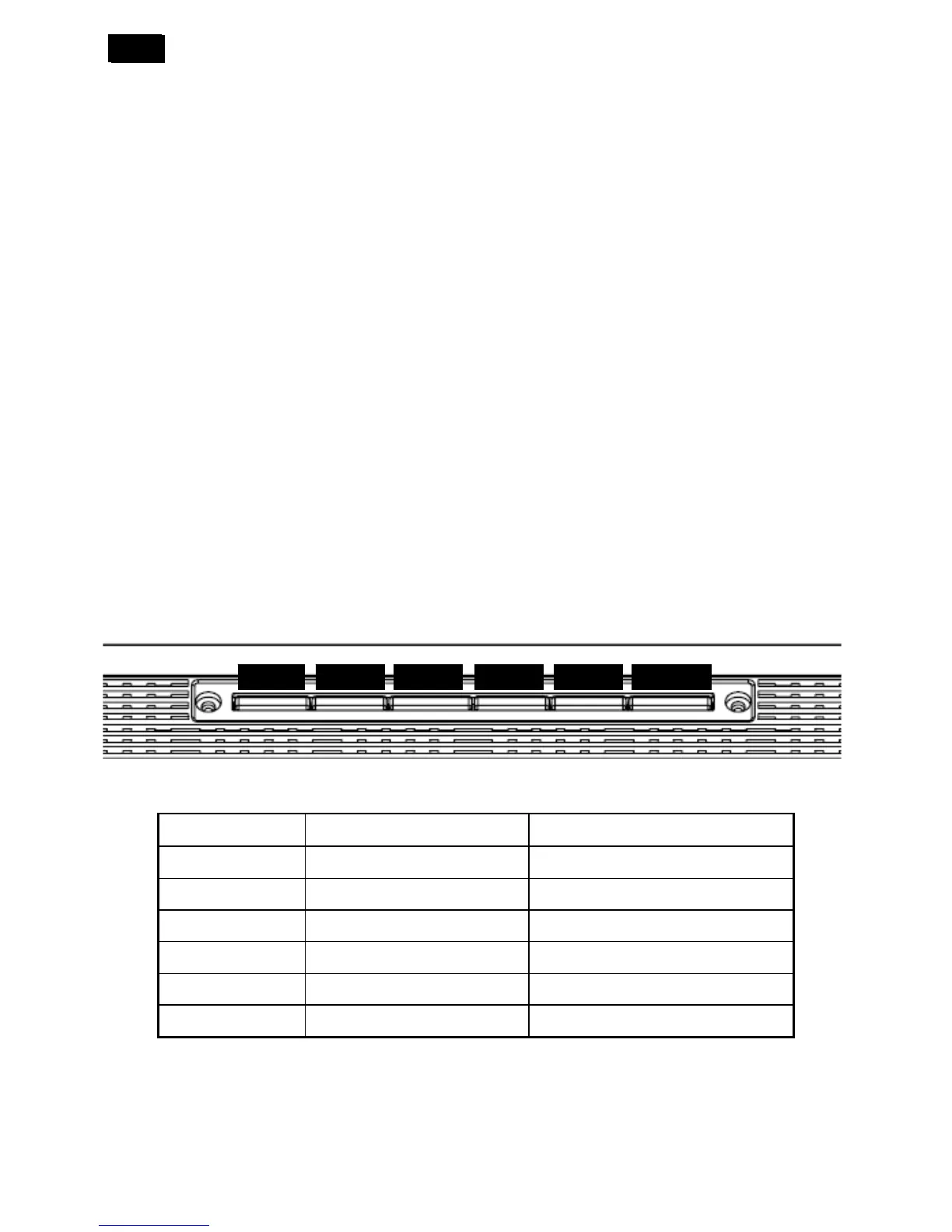
Via top control keypads or remote control or RS-232.
2.6.1 Hidden Controls
It can’t be easily accessed in front of the set.
To be revised according to new graphic sheet/
Key PC mode AV mode
Power
DC switch power standby DC switch power standby
Vol -
Decrease/Volume down Decrease/Volume down
Vol +
Increase/Volume up/Set Increase/Volume up/Set
Menu
Enter /Exit OSD menu Enter /Exit OSD menu
Program -
Menu Select Down Menu Select Down/Channel Down
Program +
Menu Select Up Menu Select Up/Channel up
• Power On/off DC switch
• Access main menu by pressing “MENU” key
• Select function via “CH+ / CH-“keys, increases / decrease via “VOL+ / VOL-“keys.
• “VOL+ / VOL-“are also for volume hot key.
VOL- VOL+ MENU CH- CH+ POWER












 To Next Page