164
164
• Display video color - Picture at full white, pattern, brightness at 50 %, and contrast at 50%. The color,
temperature at the screen center should be:
Normal Native Warm
CCT 9300º K 10000º K 6500º K
x 0.283 ±0.015 0.280 ± 0.030 0.314 ± 0.015
y 0.297 ± 0.015 0.290 ± 0.030 0.324 ± 0.015
•
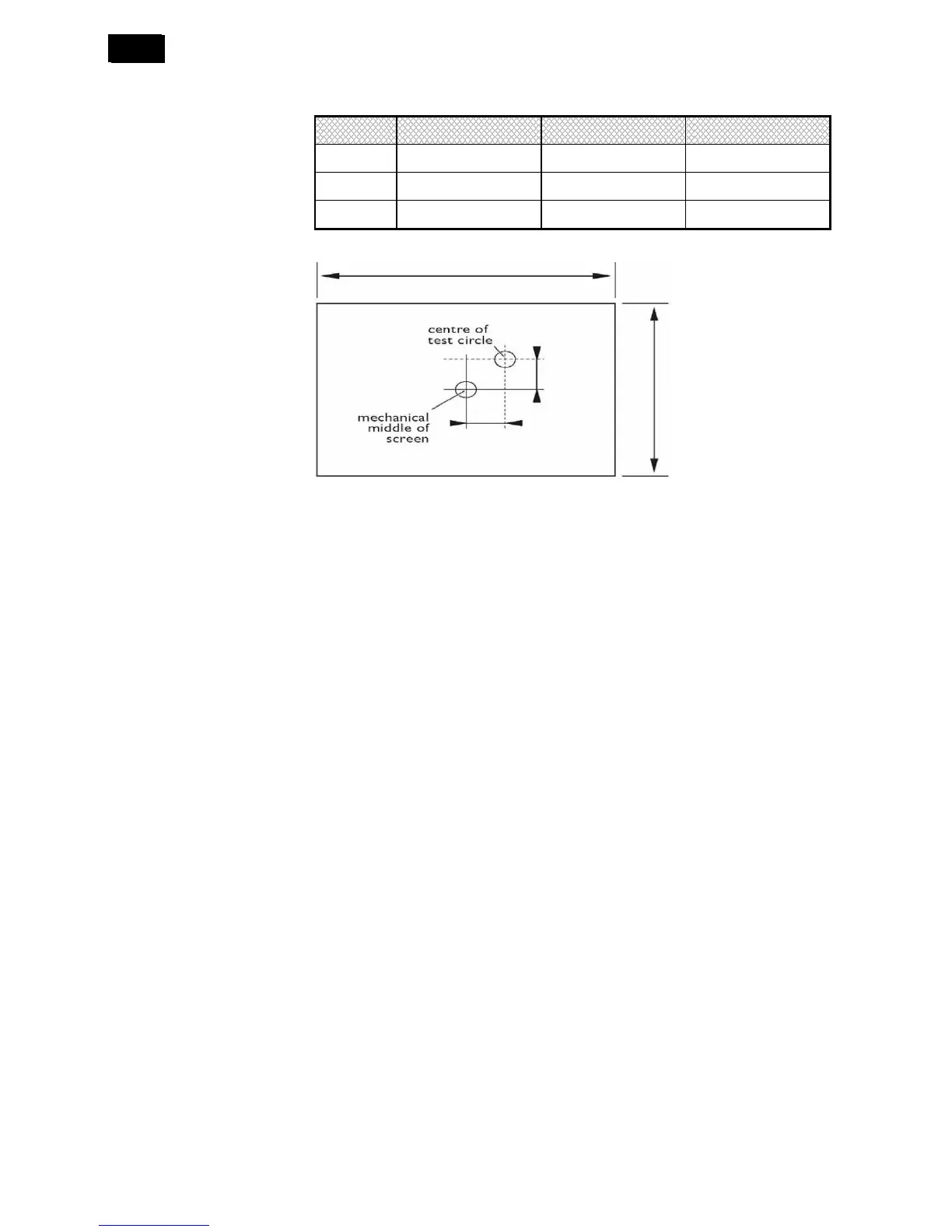
Picture centering - H & V ≤ 0.5 %. (for 480i/p, 576i/p, 720p, 1080i/p)
• Over scan- ≤ 3 % (top) & ≤ 3 % (bottom) for Display, 480i, 576i
≤ 3% (left) & ≤ 3 % (right) for Display, 480i, 576i
≤ 3 % (top) & ≤ 3% (bottom) for 480p, 576p, 720p, 1080i/p
≤ 3 % (left) & ≤ 3 % (right) for 480p, 576p, 720p, 1080i/p
0% (fit to screen) for PC mode vertically and horizontally.
• Contrast Ratio - 4000: 1 (brig0htness controls is at 50%, contrast is at 100%)
• View angle (CR>10) - H & V > 178º
• Residual image - Recover < 2 min. after burn in the checkerboard image for 2 hours.
• Contouring - Minimum contouring visible.
• Blue stretch - Yes
• Green enhance - Yes
• Black stretch - Yes
• De-interlace - 3D MA (motion adaptive)
• Y/C separation - 3D comb filter
4. Functional Requirements
4.1 Power
• When POWER ON = FORCED ON, Display goes to ON state when mains is applied, secondary user
actions cannot switch off the Display.
• When POWER ON = STANDBY, Display goes to STANDBY when mains is applied.
• When POWER ON = ON, Display goes to ON state when mains is applied.
• When POWER ON = LAST STATUS, Display goes to Last status (ON or STANDBY) depending of the
previous state of Display before power off.
4.2 Picture
Picture control handles the initialization of the video parameters and the recall of the video personal preferences.
Some video parameters can also be changed via the picture sub menu.












 To Next Page