78
78
12. ISP Instruction
12.1 Tool and Cable
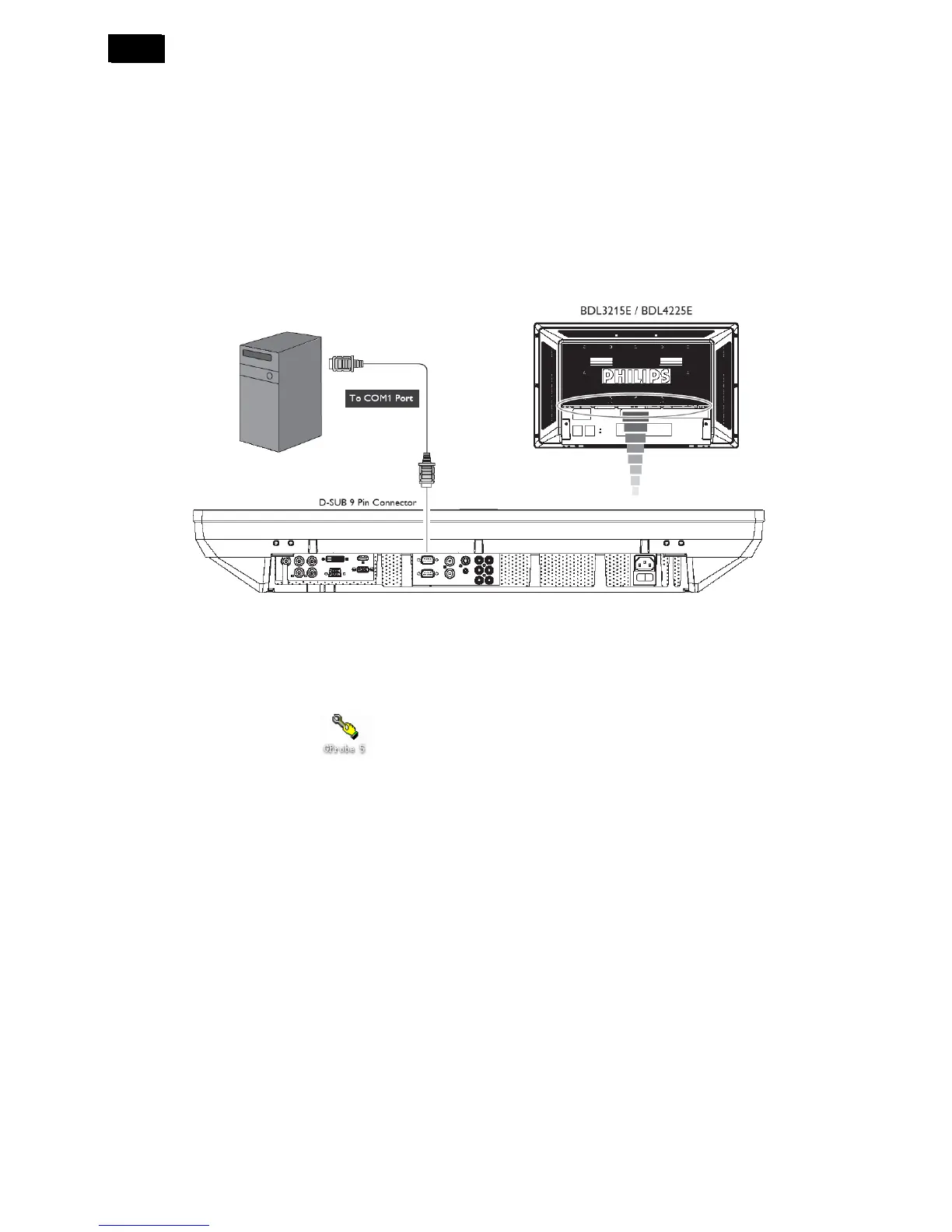
1 An i486 (or above) personal computer or compatible.
2 Microsoft operation system Windows 95/98/2000/XP.
3 “GProbe 5.8.0.1.exe” program.
4 RS232C cablex1, power cord x 1
12.2 Connecting the monitor to the PC
12.3 Install the ISP program “GProbe 5.8.0.1” to the PC
12.4 Firmware Upgrade Instruction
1. Double click the ISP software
2. Select “Options” → “Connection Setting” → “Connection” → Device “Serial”.












 To Next Page