166
166
4.3 Audio
Audio control handles the initialization of the audio parameters and the recall of the audio last status. Some audio
parameters can be also changed via the sound submenu. A 5-band equalizer is used for tone control.
1.3.1 Sound related requirements
• Volume control - Should be gradual change of sound level from zero to maximum output.
• Soft mute - A short and gradual increase of the sound to prevent the pop sound during AC plug
in/out, standby on/off; channel change, mute on/off.
• Lip Sync - -20 to +40 ms
• Rattling No distortion / rattling at 80% max volume
4.4 Picture Shifting
“PIXEL SHIFT”: Image is slightly expanded periodically (Time setting for movement is required).
Movement area is approximately +/- 10mm from original position.
BDS screens and
burn-in prevention_
4.5 PC Picture Auto Adjustment Function ----- D-Sub input
Perfect Front of Screen after auto adjustment
Perfect FOS: Full Screen, w/o flash & unstable status at any picture.
When a new VGA source is detected, then automatically an auto adjustment should be performed.
The “Auto” button on the remote control will act as a manual button for auto adjustment.
4.6 Light Sensor
N/A
4.7 Smart Power
This function allows you to choose a certain level of power saving condition:
• “OFF”: to set the system in normal power condition
• “MEDIUM”: to set the system in medium level power saving status.
• “HIGH”: to set the system in high level power saving status
Brightness level =50
Contrast level = 50
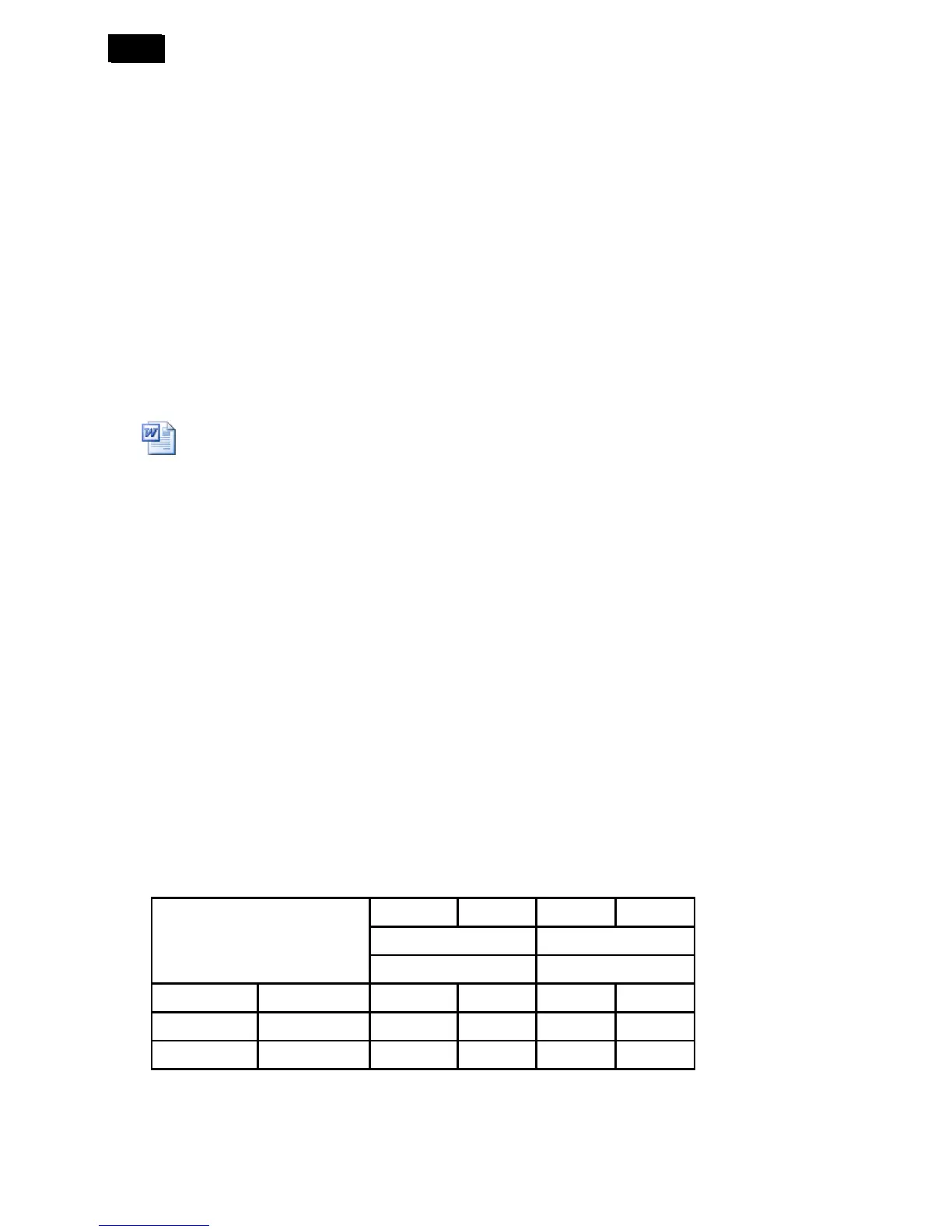
Spec. Actual Spec. Actual
110V 220V
BDL3215E BDL3215E
OFF (A)W 98.8W 98.8W 99W 99W
Middle (B)W=(A)x80% 79.04W 54.4W 79.2W 55.2W
High (C)W=(A)x65% 64.22W 34.9W 64.35W 36.7W












 To Next Page