167
5. NON Function Requirements
6.1 Start uSp Behavior
LED indication should respond in 1 seconds and picture shows up within 8 seconds when the Display wakes from
standby, or power on with DC switch or cold start.
The first time AC On, power status is in Last Status mode.
6.2 Default/Reset Control Values
The default/reset values (out-of-box setting) of the various controls are listed:
Switch Default Position
AC Power Switch ON
Speaker Switch N/A
OSD Menu Default
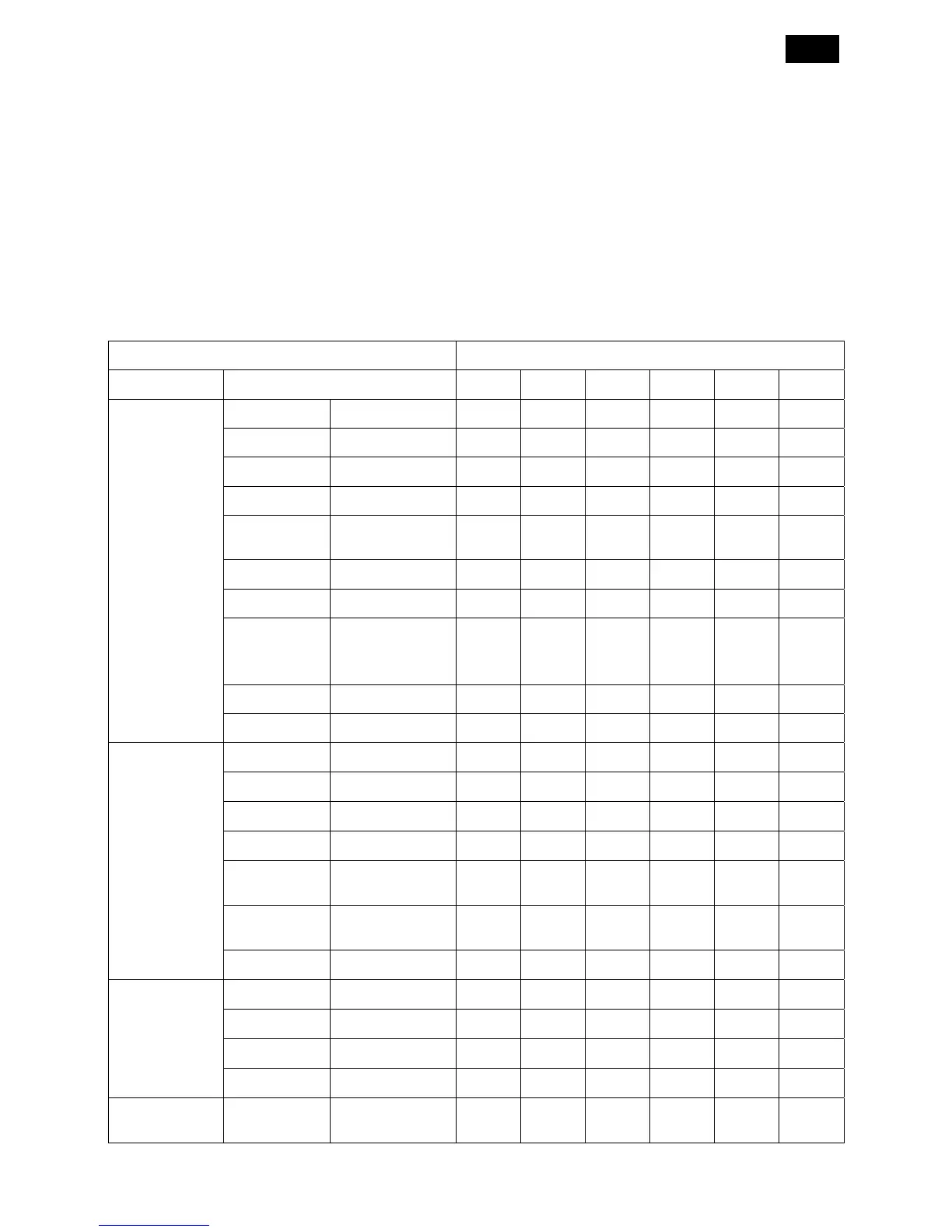
Main Menu Sub Menu PC DVI HDMI SV AV BNC
Picture
Brightness 0~100 70 70 70 70 70 70
Contrast 0~100 50 50 50 50 50 50
Sharpness 0~100 66 66 66 66 66 66
Black Level 0~100 50 50 50 50 50 50
Noise
Reduction
Off/Low/Middle/
High
- - - OFF OFF OFF
Tint 0~100 - - 50 50 50 50
Color 0~100 - - 50 50 50 50
Color
Temperature
Native/9300K/75
00K/sRGB/
5600K/USER
Native Native Native Native Native Native
Color Control R/G/B: 0~255 - - - - - -
Picture Reset No/Yes
Screen
H Position 0~100 50 - - - - -
V Position 0~100 50 - - - - -
Clock 0~100 21 - - - - -
Clock Phase 0~100 0 - - - - -
Zoom Mode
Full/Normal/
Custom/Real
Full Full Full Full Full Full
Custom
Zoom
- - - - - -
Screen Reset No/Yes
Audio
Balance 0~100 50 50 50 50 50 50
Treble 0~100 50 50 50 50 50 50
Bass 0~100 50 50 50 50 50 50
Audio Reset No/Yes
PIP PIP Size
Small/Middle/
Large
Small Small Small Small Small Small












 To Next Page