161
RC key definition:
Remote Key Customer Code : 0x80
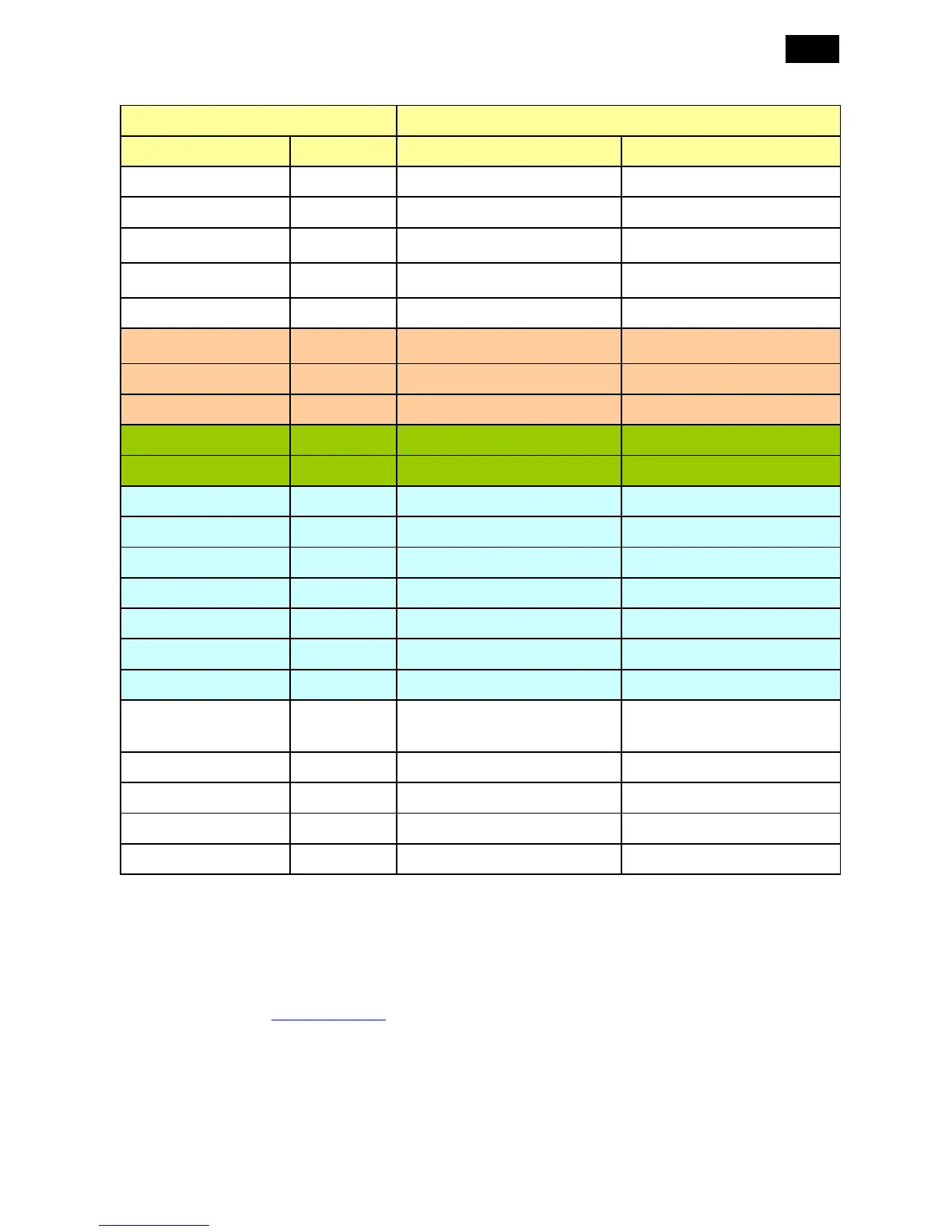
Key Name Data Code Function Description Activity
POWER 0x03 Software Power ON/OFF
VIDEO SOURCE 0x01 Input signal select (Note1)
AUDIO SOURCE 0x1E Switch Audio Input
AUDIO1 -> AUDIO2 -> AUDIO3
-> HDMI -> AUDIO1
SMART 0x1D Change the picture mode setting
Standard -> sRGB -> Cinema ->
High Bright -> Standard
SIZE 0x29 Toggle the ZOOM mode Note2
PIP ON/OFF 0x24 Switch the PIP/POP and OFF
OFF --> PIP --> POP --> Side by
Side1 --> Side by Side2 --> OFF
PIP INPUT 0x25 Select the input source of PIP Note3
PIP CHANGE 0x26 Change the PIP/MAIN.
CONTRAST 0x27 Adjust contrast
BRIGHTNESS 0x28 Adjust Brightness
MENU 0x20
UP 0x15
DOWN 0x14
SET 0x23
PLUS 0x22
MINUS 0x21
EXIT 0x1F
DISPLAY 0x19 Message display
IR control shall be set to
"Normal" if the "DISPLAY" button
is pushed more than 5 sec.
AUTO ADJUST 0x1C
MUTE 0x1B Mute On/Off
VOL UP 0x17 audio volume up
VOL DOWN 0x16 audio volume down
All RC buttons generate RC commands. All those commands should be interpreted into the correct
actions.
2.6.3 Display Panel
• 9 languages - English, French, German, Italian, Spanish, Polish, Turkish, Russian, Simple Chinese.
• OSD tree - see 3.4 OSD Controls












 To Next Page