82
82
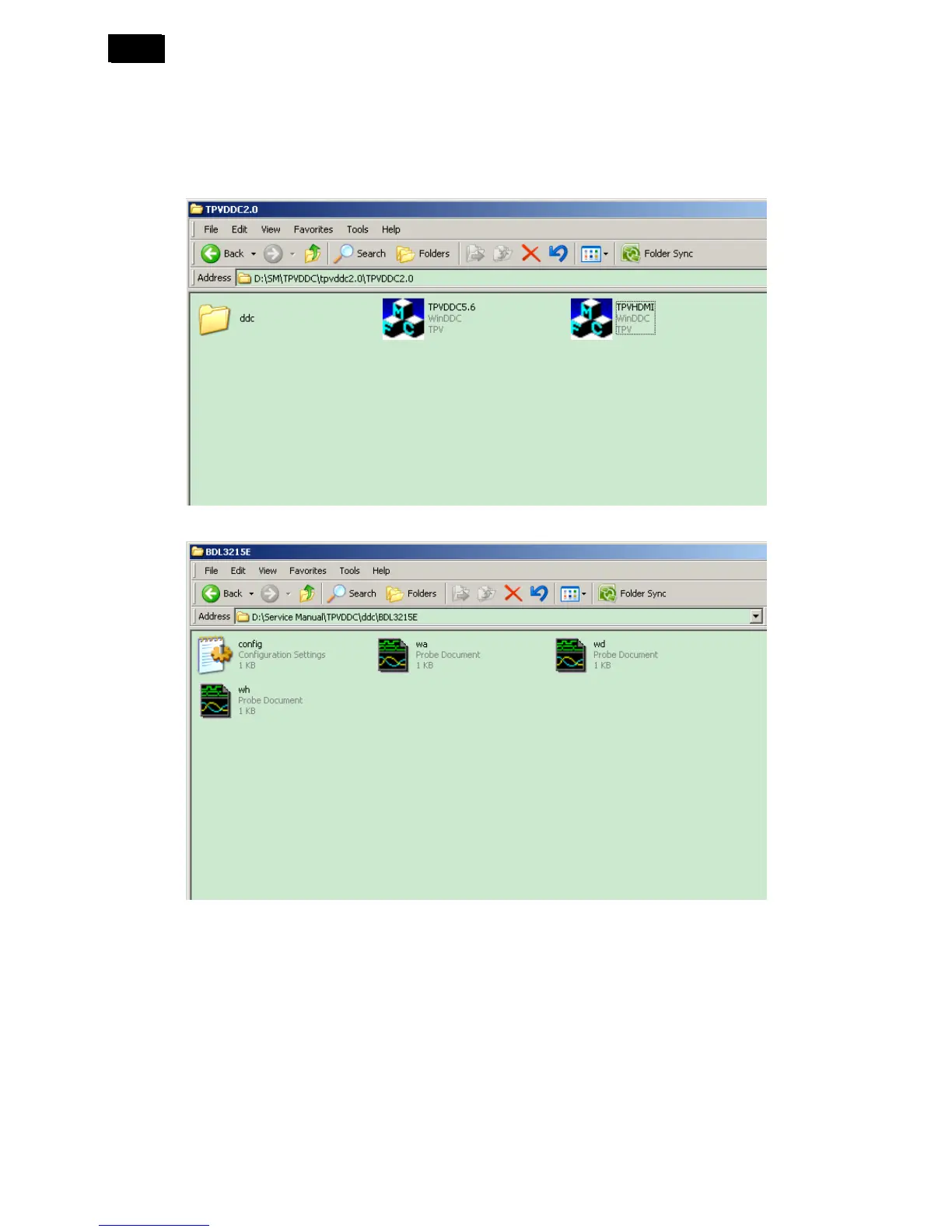
The process of the DDC writing as follow: (Take the BDL3215E’s for example)
a. Rename the EDID data to “wa”, “wd”, “wh”, then create one new folder named “ddc” (It must be “ddc” instead of
other names).
Step1: Must put the “ddc” folder, “TPVDDC5.6.exe” and “TPVHDMI.exe” into the same folder.
Step2: Must copy EDID data and “config” to “ddc” folder.
Note: “TPVDDC5.6” for Analog and DVI;
“TPVHDMI” for Analog and HDMI.












 To Next Page