User Manual BDL5545E
12
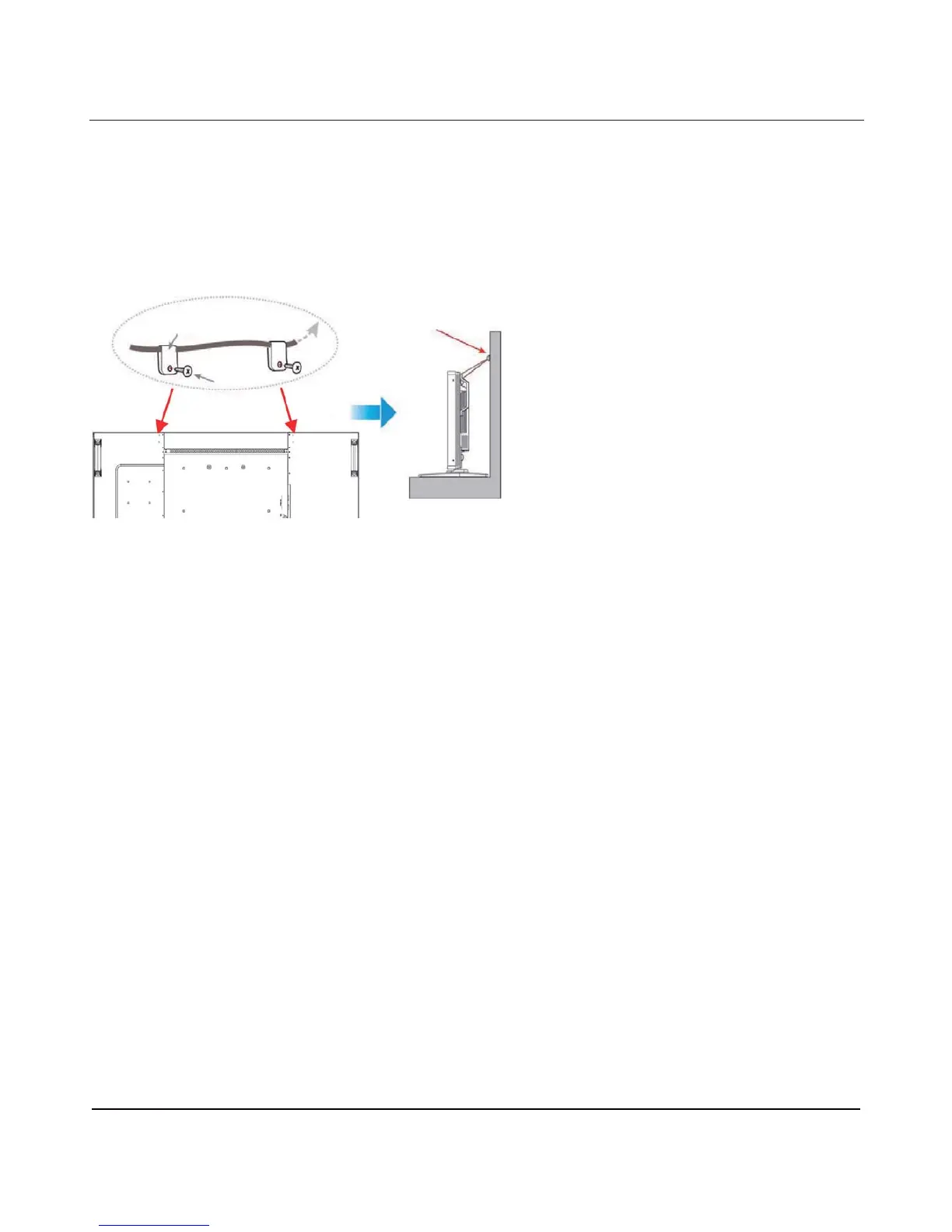
1.5.3 Prevent display from falling
To prevent the monitor from tipping in the event of an earthquake or other such natural occurrence, please
follow these steps.
As shown in the figure below, secure the monitor to a solid wall or pillar using a cord which is strong enough to
bear the weight of the monitor (BDL5545E: approx. 44.2 kg with stand). Screw hooks (ring type) are
recommended.
Caution:
x Although the above method is recommended, it is not guaranteed that the display will not tilt over.
x Before moving the display, remove the cord.
Clamper
Screw
Screw Holes
Screw Hook, etc.












 To Next Page