User Manual BDL5545E
25
3.5. EXTERNAL AUDIO CONNECTION
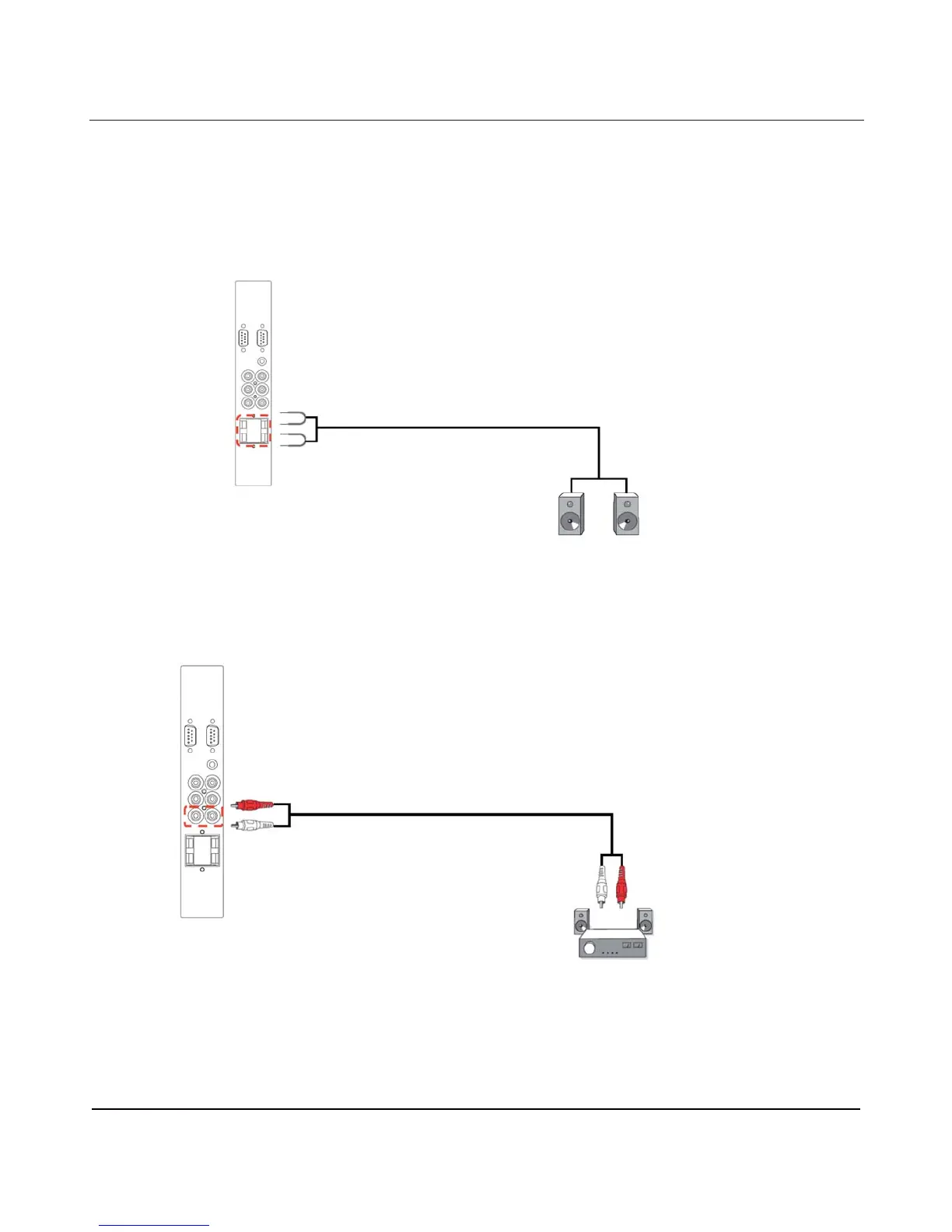
3.5.1. CONNECTING EXTERNAL SPEAKERS
1. Connect the speaker wires to the external speaker (SPEAKERS) output of the display.
2. Turn on the display.
Note: Before connecting the speaker wires to the display, turn off your display first.
3.5.2. CONNECTING EXTERNAL AUDIO DEVICE
Connect the red (R) and white (L) audio jacks of the external audio device to the AUDIO OUT R/L jacks of the
display.
External speaker
External audio device












 To Next Page