User Manual BDL5545E
46
Advanced option reset
Reset all settings in the Advanced option menu.
Press the SET/PLUS button to open the submenu, and then press the PLUS/MINUS button to make
selection. Select Reset and press the SET button to restore settings to factory preset values. Press the
EXIT button or select Cancel and press the SET button to cancel and then return to the previous menu.
5. INPUT MODE
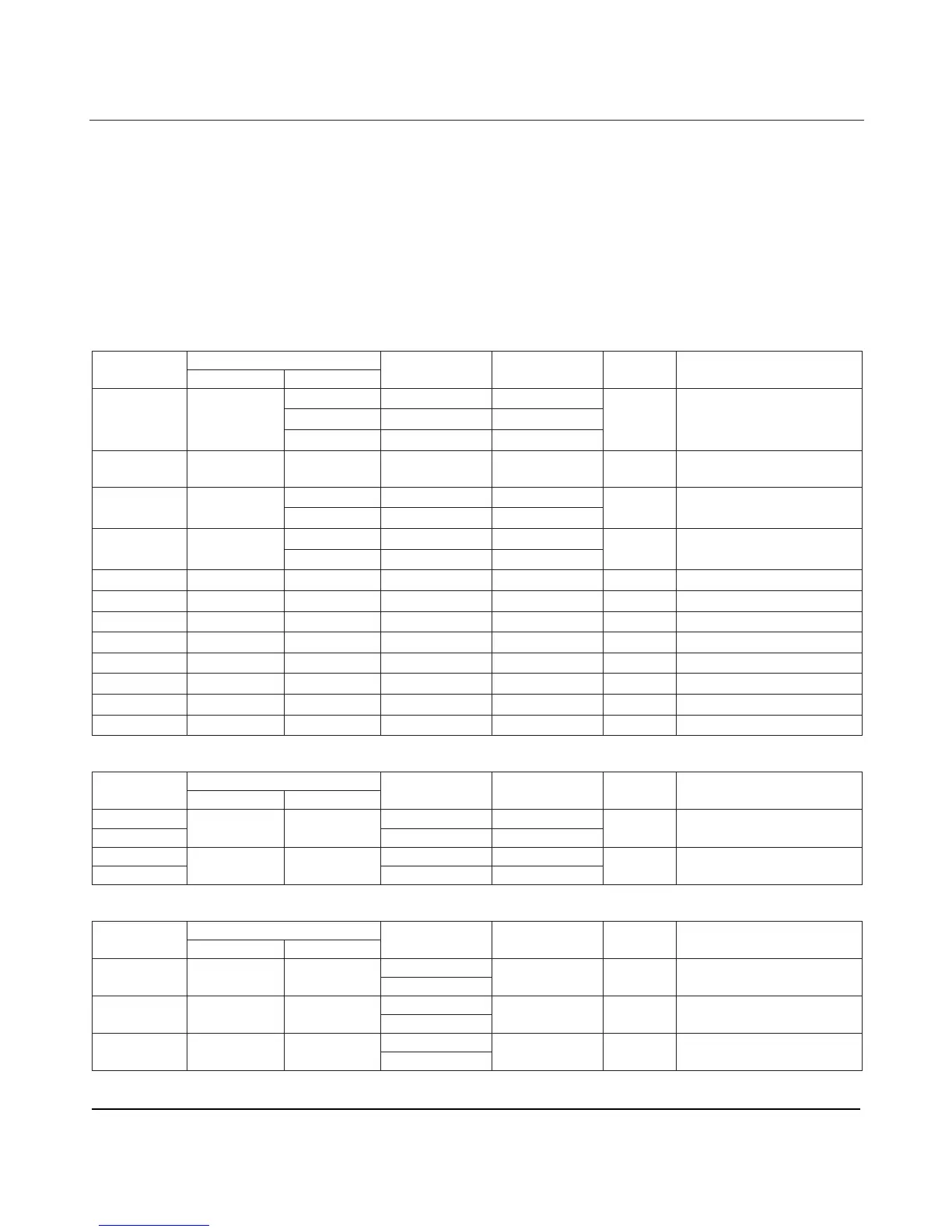
VGA Resolution
Active Resolution
Standard
Resolution
H Pixels V Lines
Refresh Rate Pixel Rate
Aspect
Ratio
Stand for Mode
480 60 Hz 25.175 MHz
480
72 Hz 31.5 MHz
VGA 640
480
75 Hz 31.5 MHz
4:3 Video Graphic Array
WVGA 720 400 70 Hz 28.322 MHz 16:9
Wide Video Graphic
Array
600
60 Hz 40 MHz
SVGA 800
600
75 Hz 49.5 MHz
4:3 Super VGA
768
60 Hz 65 MHz
XGA 1024
768 75 Hz 78.75 MHz
4:3 Extended Graphic Array
WXGA 1280 768 60 Hz 79.5 MHz 5:3 Wide XGA
WXGA 1280 800 60 Hz 83.5 MHz 16:10 Wide XGA
SXGA 1280 960 60 Hz 108 MHz 4:3 Super XGA
SXGA 1280 1024 60 Hz 108 MHz 5:4 Super XGA
WXGA 1360 768 60 Hz 85.5 MHz 16:9 Wide XGA
WXGA 1366 768 60 Hz 85.5 MHz 16:9 Wide XGA
UXGA 1600 1200 60 Hz 162 MHz 4:3 Ultra XGA
HD1080 1920 1080 60 Hz 148.5 MHz 16:9 HD1080
SDTV Resolution
Active Resolution
Standard
Resolution
H Pixels V Lines
Refresh Rate Pixel Rate
Aspect
Ratio
Stand for Mode
480i 29.97 Hz 13.5 MHz
480p
720 480
59.94 Hz
27 MHz
4:3 Modified NTSC Standard
576i 25 Hz 13.5 MHz
576p
720 576
50 Hz 27 MHz
4:3 Modified PAL Standard
HDTV Resolution
Active Resolution Standard
Resolution
H Pixels V Lines
Refresh Rate Pixel Rate
Aspect
Ratio
Stand for Mode
50 Hz
720p 1280 720
60 Hz
74.25 MHz 16:9 Normally DVB Mode
25 Hz
1080i 1920 1080
30 Hz
74.25 MHz 16:9 Normally ATSC Mode
50 Hz
1080p 1920 1080
60 Hz
148.5 MHz 16:9 Normally ATSC Mode












 To Next Page