User Manual BDL5545E
34
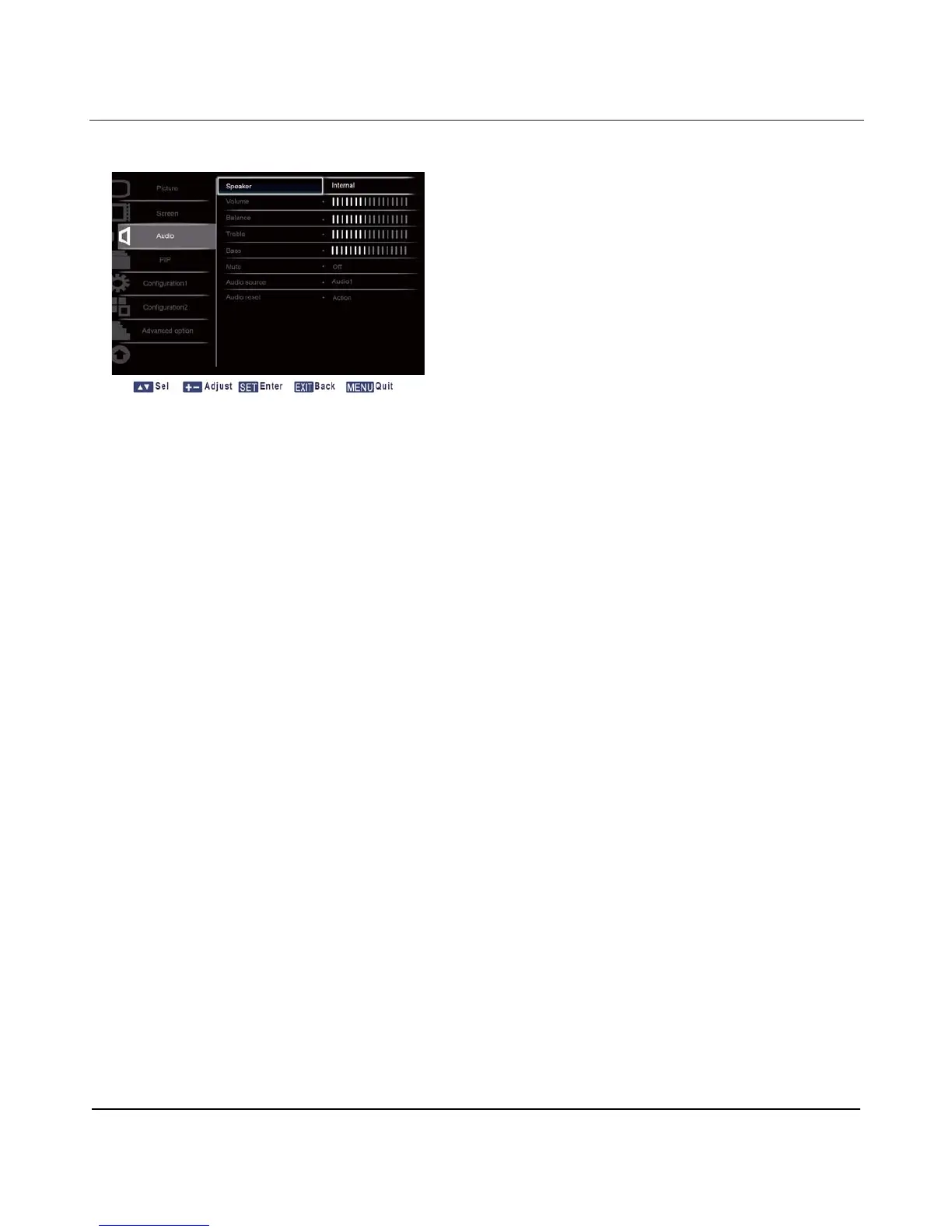
4.2.3. AUDIO MENU
Speaker
Set the display to play audio using the built-in (internal) speaker or external speakers.
Use the UP/DOWN button to toggle between
x Internal x External
Volume
Adjust to increase or decrease the audio output level.
Press the SET/PLUS button to open the submenu, and then press the PLUS/MINUS button to adjust.
Balance
Adjust to emphasize audio output balance more on the left or right.
Press the SET/PLUS button to open the submenu, and then press the PLUS/MINUS button to adjust.
Treble
Adjust to increase or decrease higher-pitched sounds.
Press the SET/PLUS button to open the submenu, and then press the PLUS/MINUS button to adjust.
Bass
Adjust to increase or decrease lower-pitched sounds.
Press the SET/PLUS button to open the submenu, and then press the PLUS/MINUS button to adjust.
Mute
To turn the mute function on/off.
Press the SET/PLUS button to open the submenu, and then press the UP/DOWN button to make
selection.












 To Next Page