User Manual BDL5545E
27
4. OSD MENU
An overall view of the On-Screen Display (OSD) structure is shown below. You can use it as a reference for
further adjustment of your display.
4.1. NAVIGATING THE OSD MENU
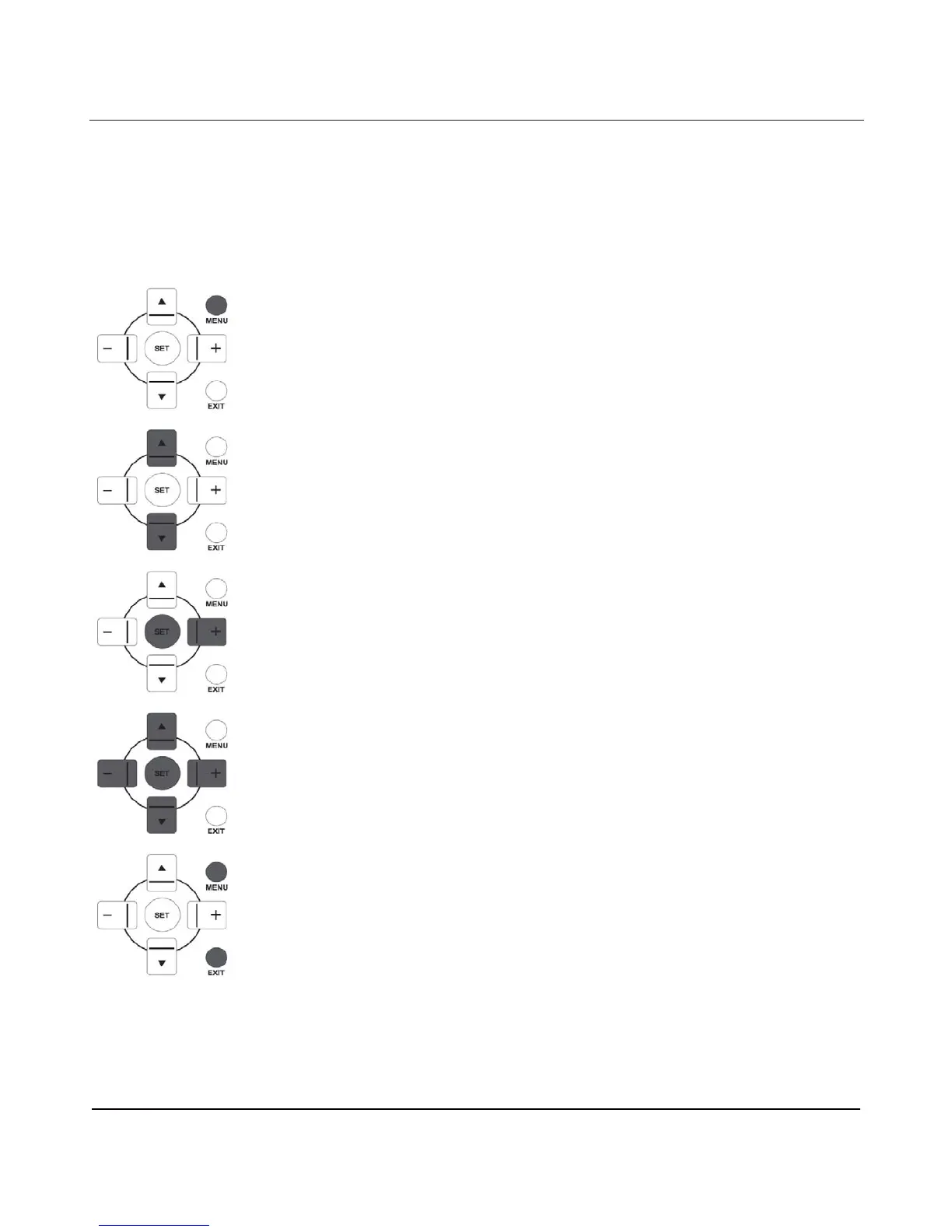
4.1.1. NAVIGATING THE OSD MENU USING THE REMOTE CONTROL
1. Press the MENU button on the remote control to display the OSD menu.
2. Press the UP/DOWN button to choose the item you want to adjust.
3. Press the PLUS/SET button to enter the submenu.
4. In the submenu, press the UP/DOWN button to toggle between items, or press
PLUS/MINUS button to adjust settings. If there is a submenu, press the SET/PLUS
button to enter the submenu.
5. Press the EXIT button on the remote control to return to the previous menu, or
press the MENU button to exit the OSD menu.












 To Next Page