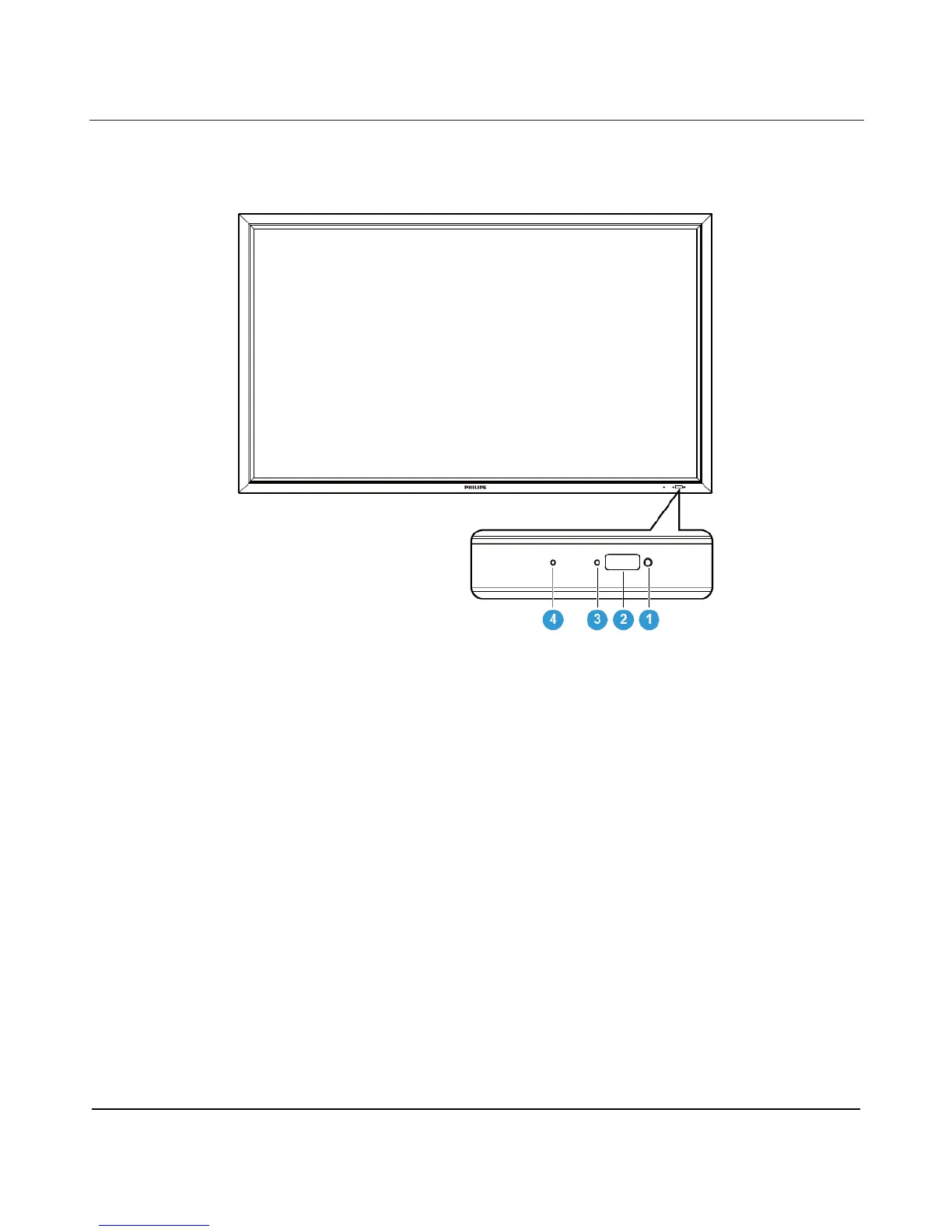
Detects the ambient lighting condition around the display and the image brightness will automatically adjust
when “LIGHT SENSOR” is set to “ON” in the OSD menu.
2. Remote control sensor
Indicates the operating status of the display:
- Lights green when the display is turned on
- Lights red when the display is in standby mode
- Lights amber when the display enters DPMS mode
- When SCHEDULE is enabled, the light blinks green and red
- If the indicator blinks red, that a failure has been detected
- Off when the main power of the display is turned off
4. OPS power status indicator
Indicates the operating status of the OPS (Open Pluggable Specification) module
- Lights green when the OPS is turned on
- Off when the main power of the OPS is turned off












 To Next Page