User Manual BDL5545E
29
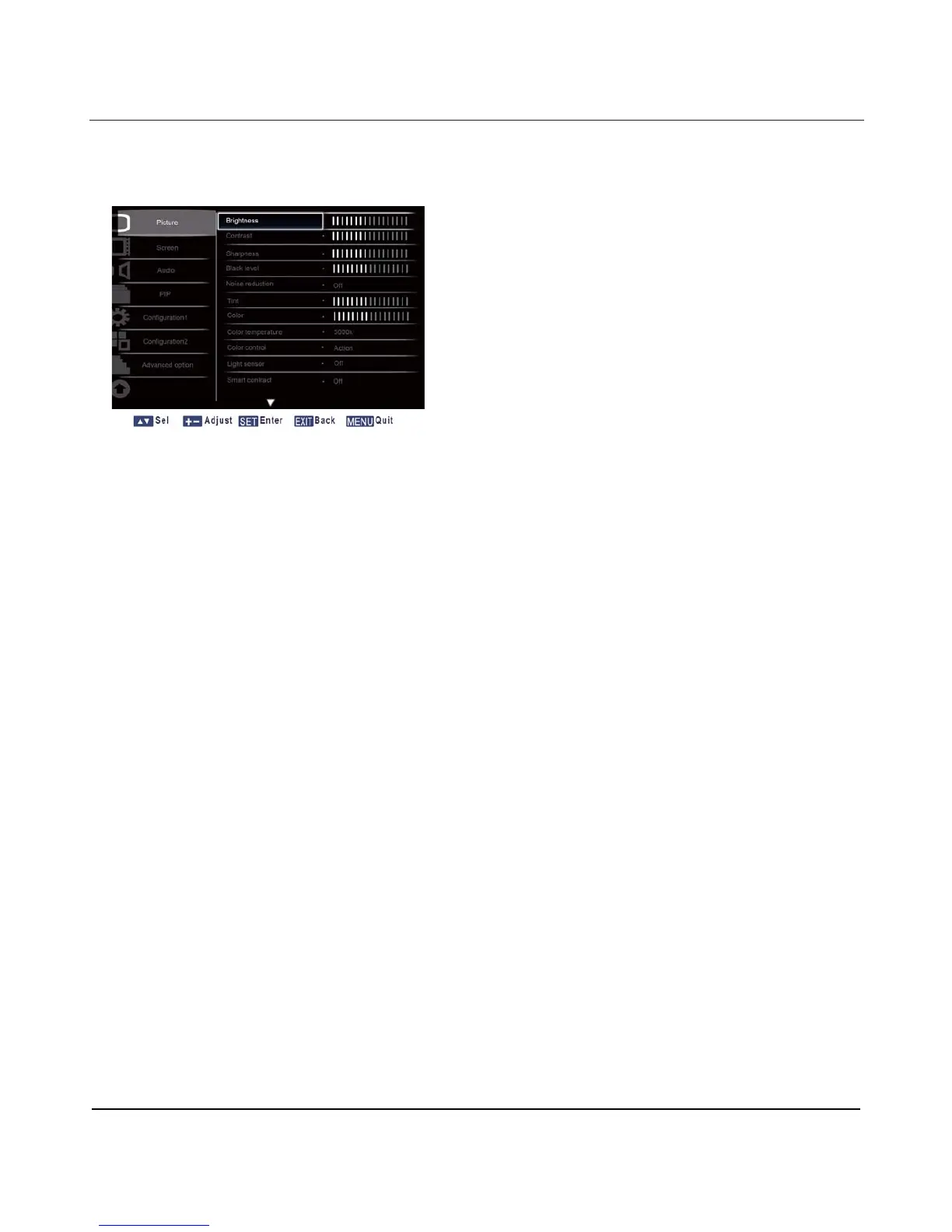
4.2. OSD Menu Overview
4.2.1. PICTURE MENU
Brightness
Adjust the overall image brightness by changing the intensity of the LCD panel’s backlight.
Press the SET/PLUS button to open the submenu, and then press the PLUS/MINUS button to adjust.
Contrast
Adjust to sharpen the picture quality. The black portions of the picture become richer and the whites
become brighter.
Press the SET/PLUS button to open the submenu, and then press the PLUS/MINUS button to adjust.
Sharpness
Adjust to improve detail.
Press the SET/PLUS button to open the submenu, and then press the PLUS/MINUS button to adjust.
Black level
Adjust to change the image brightness.
Press the SET/PLUS button to open the submenu, and then press the PLUS/MINUS button to adjust.
Noise reduction
Adjust to remove the noise in the image - thereby enhancing the detail of your images. Select a suitable
noise reduction level.
Press the SET/PLUS button to open the submenu, and then press the UP/DOWN button to toggle
between












 To Next Page