User Manual BDL5545E
31
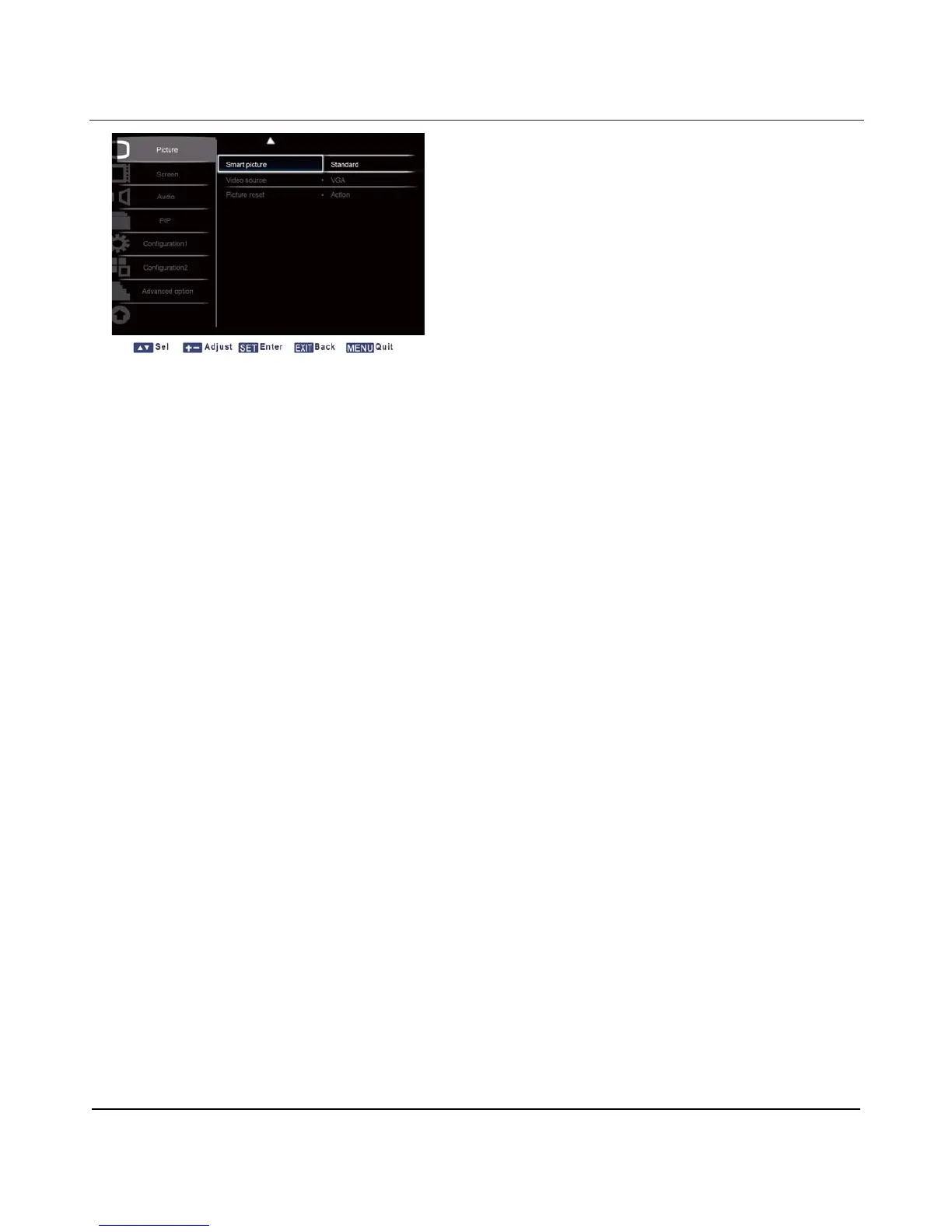
Smart picture
The following smart picture modes are available for
PC mode: Standard, Highbright and sRGB.
Video mode: Standard, Highbright and Cinema.
Video source
Select a video input source.
Press the SET/PLUS button to open the submenu, and then press the UP/DOWN button to toggle
between
Component
Picture reset
Reset all settings in the Picture menu.
Press the SET/PLUS button to open the submenu, and then press the PLUS/MINUS button to make
selection. Select Reset and press the SET button to restore settings to factory preset values. Press the
EXIT button or select Cancel and press the SET button to cancel and then return to the previous menu.












 To Next Page