EasyManua.ls Logo

Philips BDL5545E/00 - Page 38

Philips BDL5545E/00
56 pages
Print Icon
To Next Page IconTo Next Page
To Previous Page IconTo Previous Page
Loading...
User Manual BDL5545E
37
PIP reset
Reset all settings in the PIP menu.
Press the SET/PLUS button to open the submenu, and then press the PLUS/MINUS button to make
selection. Select Reset and press the SET button to restore settings to factory preset values. Press the
EXIT button or select Cancel and press the SET button to cancel and then return to the previous menu.
Notes:
x
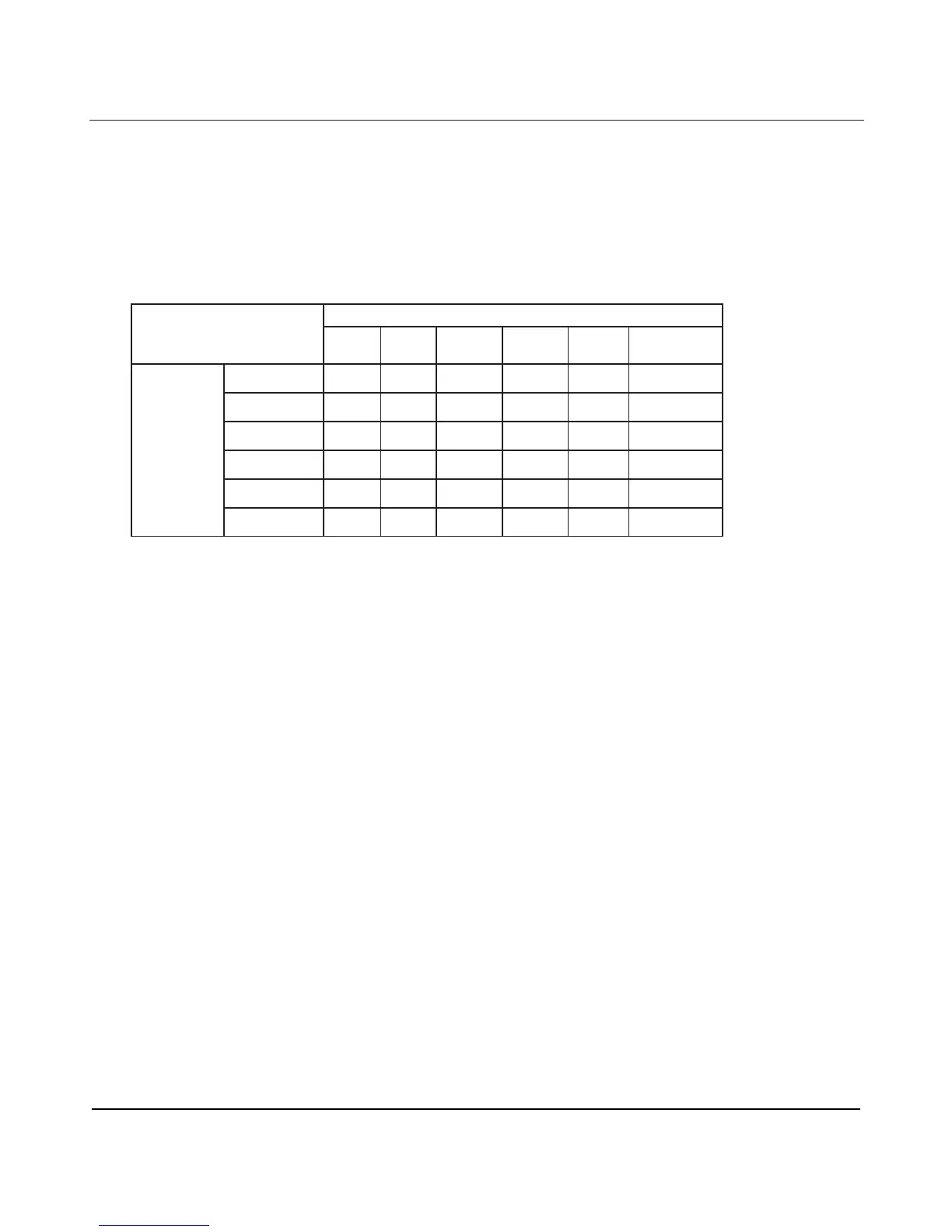
The PIP function is only available under certain signal source combinations as shown in the table below.
Main picture signal source
DP HDMI DVI-D
Card
OPS
VGA Component
DP
ƻ ƻ ƻ
HDMI ƻ
ƻ ƻ
DVI-D ƻ
ƻ ƻ
Card OPS ƻ
ƻ ƻ
VGA
ƻ ƻ ƻ
Sub picture
signal
source
Component
ƻ ƻ ƻ
(ƻ: PIP function available, : PIP function unavailable)
x
The availability of the PIP function will also depend on the resolution of the input signal being used.

Table of Contents

Related product manuals