19
4 Listen to radio
Tune to a radio station
1 Touch to display main menu.
2 Touch [Radio].
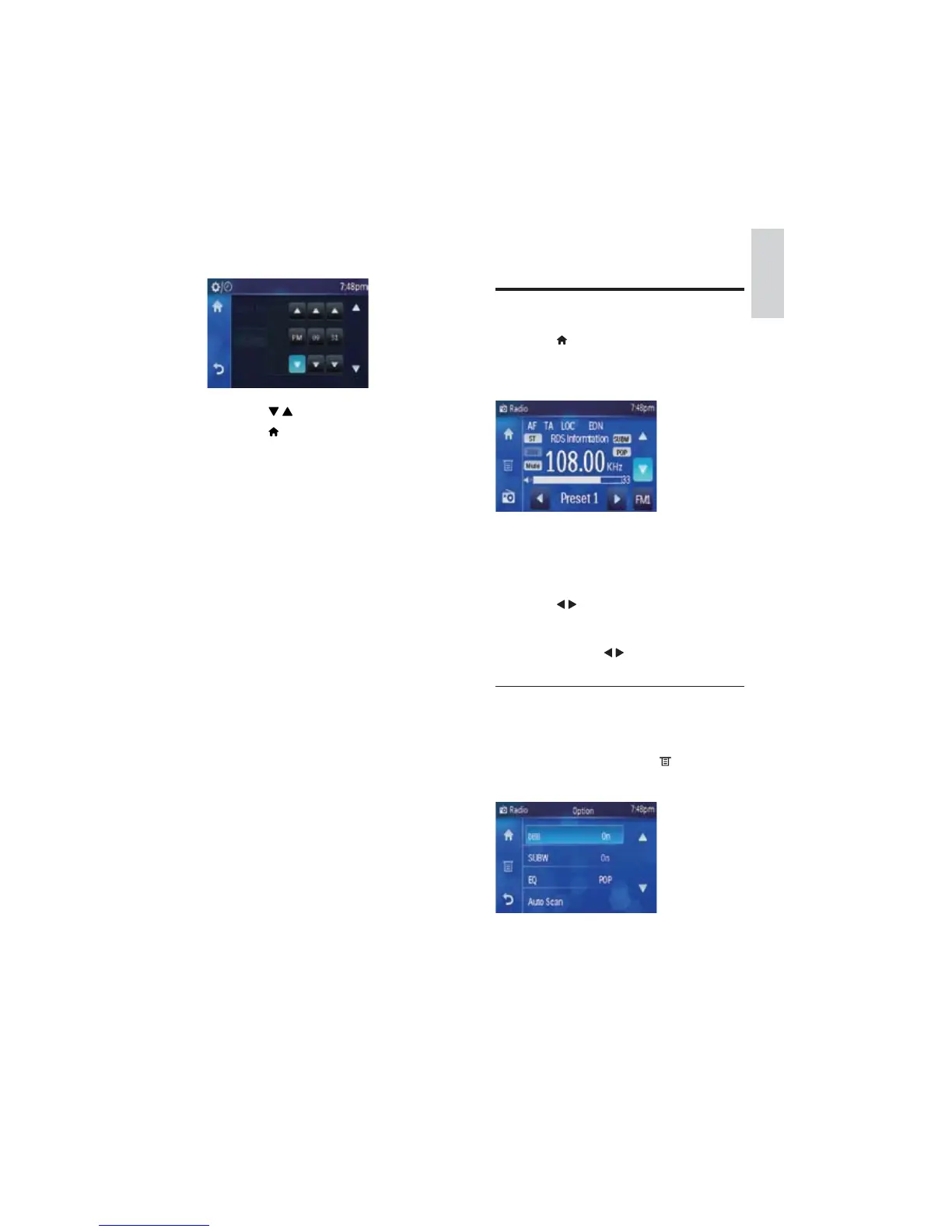
Radio menu displays. »
3 Touch [FM] repeatedly at the right-lower
corner to switch among the band options.
FM band options: [FM1], [FM2], [FM3]
AM band options: [AM1], [AM2]
4 Touch / to tune to a radio station
manually.
To tune to a radio station automatically,
touch and hold
/ more than 1 second.
Select stereo/mono broadcasting
For stations with weak signals: to improve the
reception, change to monoaural sound.
1 Under radio menu, touch .
Radio option menu displays. »
5 Touch [Set Time].
Clock setting menu displays. »
6 Touch / to adjust each setting.
7 Touch to exit time setting menu.
English
EN



 To Next Page