23
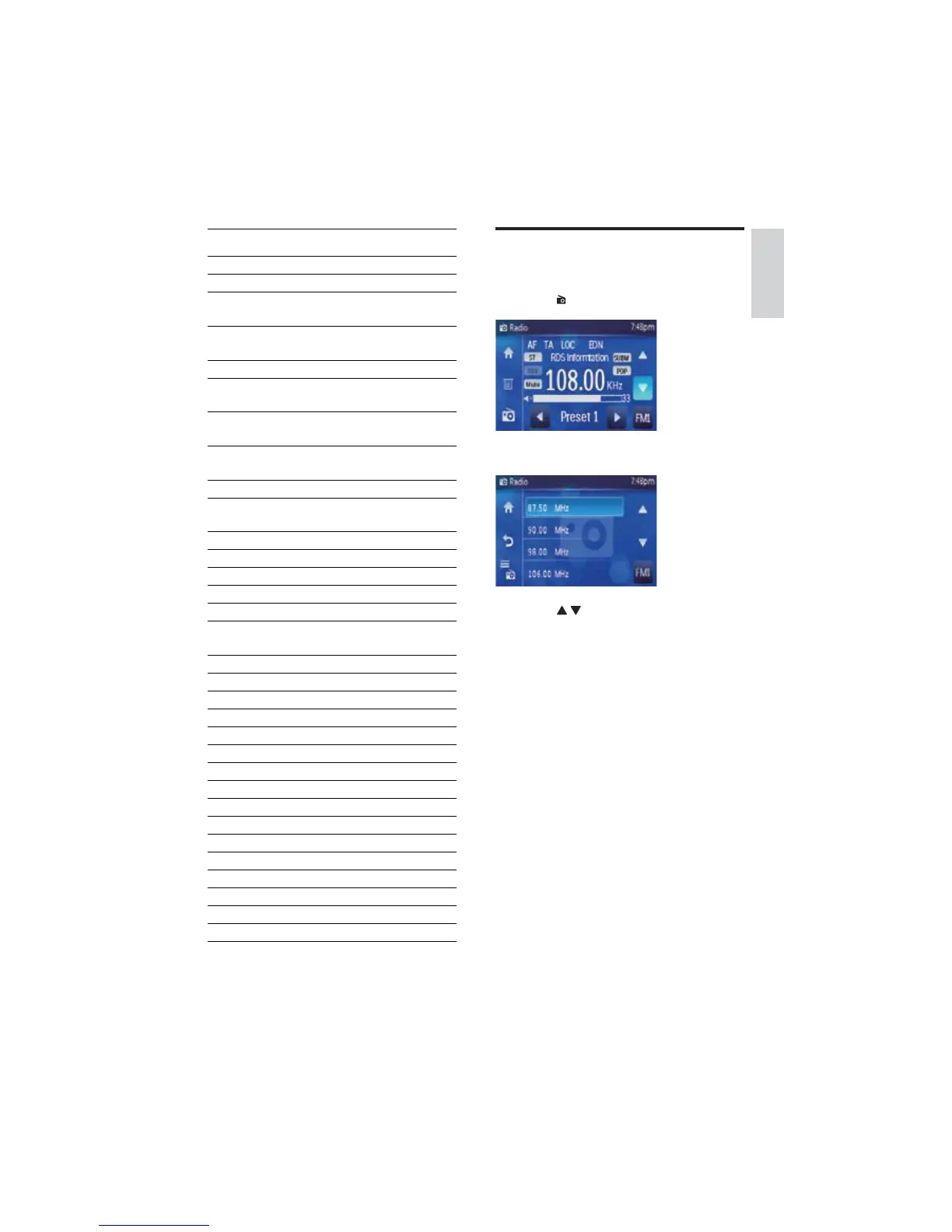
Tune to a preset station
1 Select the band with preset stations.
2 Touch on the left side of the screen.
Preset station list displays. »
3 Touch / to navigate through all the
preset stations.
4 Select and touch on a preset station.
The unit tunes to the selected preset »
station.
RDS program types
Item Program type Description
1 NEWS News services
2 AFFAIRS Politics and current
affairs
3 INFO Special information
programs
4 SPORT Sports
5 EDUCATE Education and
advanced training
6 DRAMA Radio plays and
literature
7 CULTURE Culture, religion and
society
8 SCIENCE Science
9 VARIED Entertainment
programs
10 POP M Pop music
11 ROCK M Rock music
12 MOR M Light music
13 LIGHT M Light classical music
14 CLASSICS Classical music
15 OTHER M Special music
programs
16 WEATHER Weather
17 FINANCE Finance
18 CHILDREN Children’s programs
19 SOCIAL Social Affairs
20 RELIGION Religion
21 PHONE IN Phone In
22 TRAVEL Travel
23 LEISURE Leisure
24 JAZZ Jazz Music
25 COUNTRY Country Music
26 NATION M National Music
27 OLDIES Oldies Music
28 FOLK M Folk Music
29 DOCUMENT Documentary
30 TES Alarm Test
31 ALARM Alarm
English
EN



 To Next Page