30
7 Adjust sound
Adjust volume
1 Prees +/- on the front panel to increase/
decrease volume.
Mute
1 During play, press .
To turn the sound back on, press •
again.
Tip
You can also turn off sound by touching • on
the screen.
Note
During mute mode, some buttons that control •
playback, like / , are disabled.
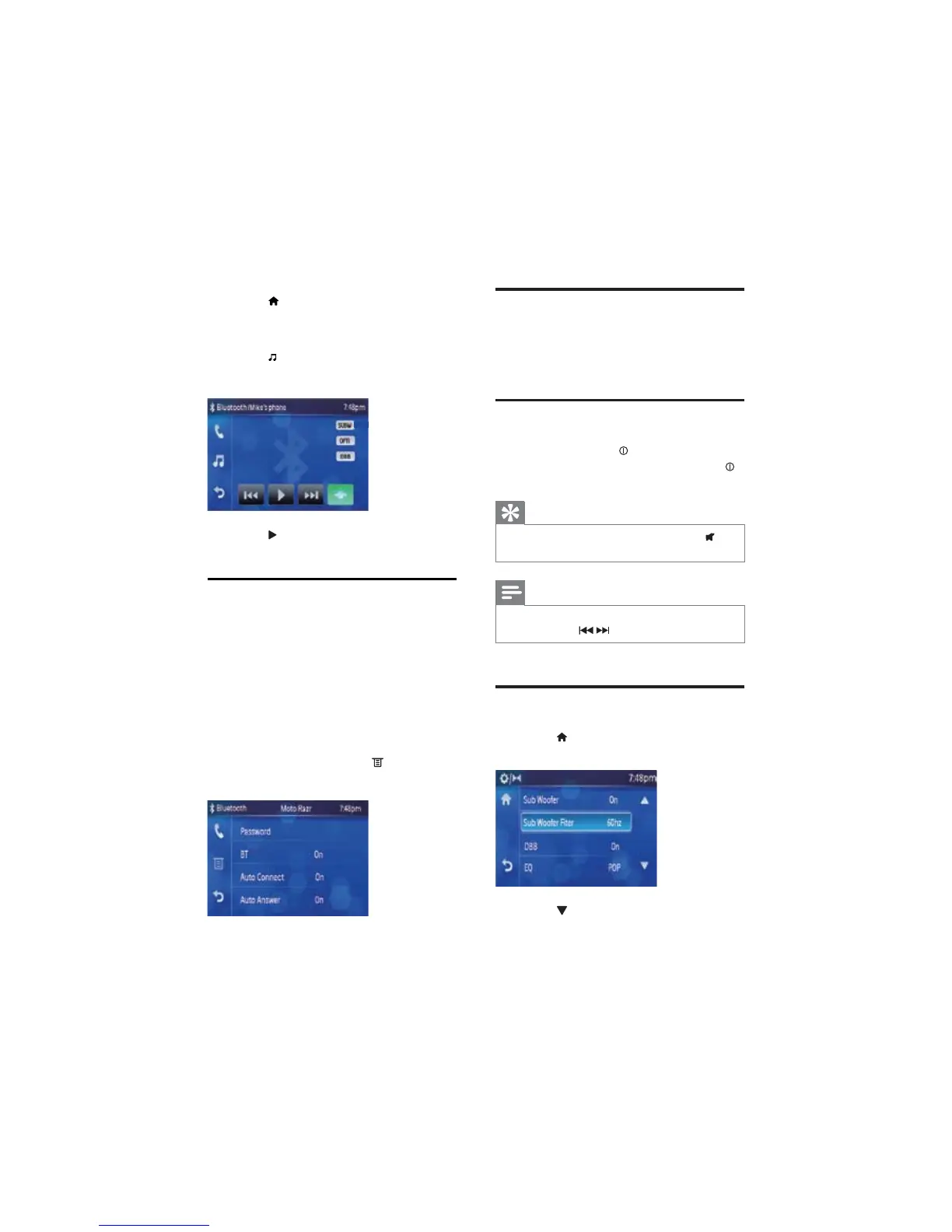
Select preset equalizer
1 Touch >[Setting]>[Sound] to access
sound setting menu.
2 Touch to access the second page of the
menu.
1 Pair your device with the unit.
2 Start play music via your device.
If your device support AVRCP.
1 Touch >[Media]>[BT] to access
Bluetooth menu.
The Bluetooth menu displays. »
2 Touch .
Music play menu displays. »
3 Touch to start play.
Adjust Bluetooth settings
You can change below Bluetooth settings:
• [Password]: set paring code
• [BT]: turn on or off “Bluetooth”
function
• [Auto Connect]: turn on or off
“Auto connect” function
• [Auto Answer]: turn on or off
“Auto answer” function
1 In Bluetooth menu, touch .
The option menu displays. »
2 Touch on the option to change the
setting.
EN



 To Next Page