20
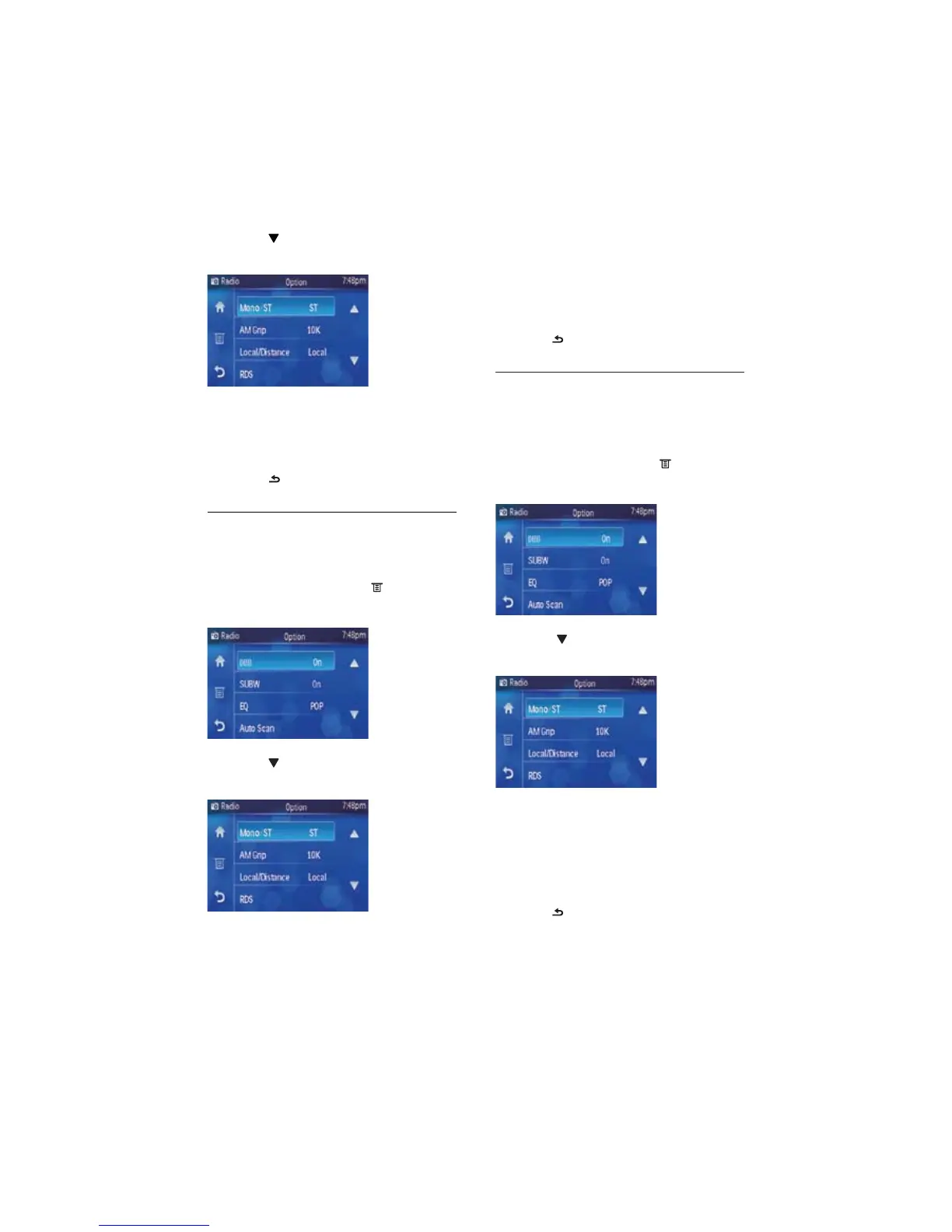
3 Touch [Local/Distance]repeatedly to
switch between the options.
• [Local]: Only stations with strong
signals can be broadcast.
• [Distance]: Stations with strong and
weak signals can be broadcast.
4 Press to exit the menu.
Select AM tuner step
Before you start to search for AM radio
stations, you can select how much hertz per
step in AM radio searching.
1 Under radio menu, touch .
Radio option menu displays. »
2 Touch to navigate to the second page
of the option menu.
3 Touch [AM Grip]repeatedly to switch
between the options.
• [10k]: 10 kHz per step in AM radio
searching.
• [9k]: 9 kHz per step in AM radio
searching.
4 Press to exit the menu.
2 Touch to navigate to the second page
of the option menu.
3 Touch [Mono/ST]repeatedly to switch
between the options.
• [ST]: stereo broadcast.
• [Mono]: mono broadcast.
4 Touch to exit the menu.
Select tuner sensitivity
Before you start to search for radio stations,
you can select tuner sensitivity.
1 Under radio menu, touch .
Radio option menu displays. »
2 Touch to navigate to the second page
of the option menu.
EN



 To Next Page