26
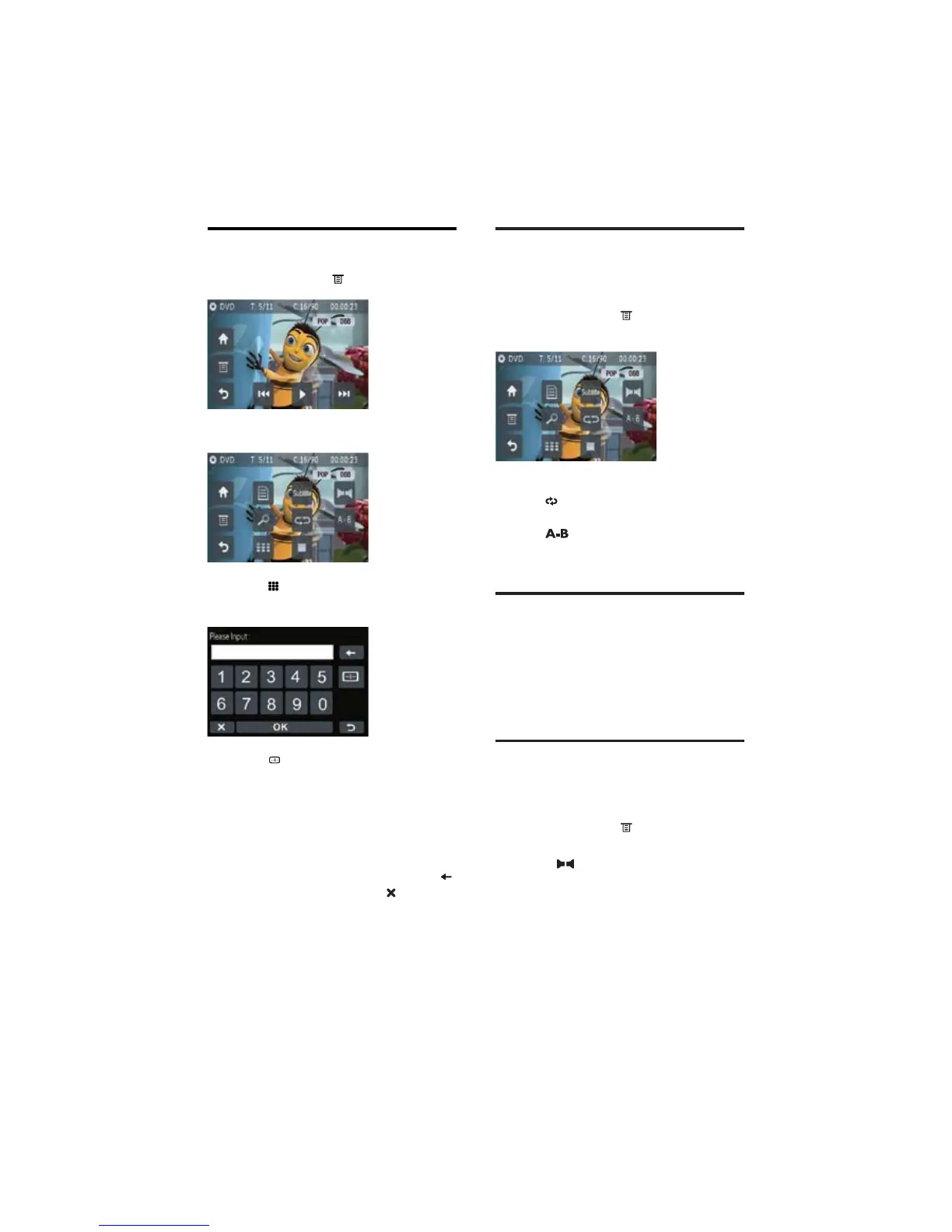
Repeat
You can play tracks, folders, all files or certain
section within one track repeatedly.
1 During play, touch to display option
menu.
2 Touch:
•
repeatedly to switch among
different repeat modes.
•
to repeat play certain section
within one track.
Random play
You can play tracks/files in random order.
1 During play, press SHUFF on the remote
control repeatedly to select different
random play modes.
Select audio language
For video discs that contain two or more audio
channels.
1 During play, touch to display option
menu.
2 Touch to select audio channel.
Direct search
1 During play, touch on the screen.
The option menu displays. »
2 Touch .
The direct search screen displays. »
3 Touch repeatedly to choose searching
by chapter/title/time.
The search options available depends •
on the media source type.
4 Touch the numbers to enter chapter/
track number or minute/second digits
within one track.
To clear the previous input, touch •
.
To clear all input, touch •
.
5 Touch [OK]on the bottom of the screen.
Playback starts from the specified »
point.
EN



 To Next Page