27
Zoom
You can zoom in pictures for a close view.
1 During video play or picture view, touch
to display option menu.
2 Touch repeatedly to zoom in/out the
picture.
3 Touch , , or to pan through the
enlarged picture.
Select slide show duration
1 During viewing pictures, touch to
display option menu.
2 Touch [Duration] repeatedly to select:
• [Duration]: [Fast]
• [Duration]: [Normal]
• [Duration]: [Slow]
Select subtitle language
For DVD or DivX discs that contain two or
more subtitle languages.
1 During play, touch to display option
menu.
2 Touch [Subtitle] to select a language.
The selected language is displayed. »
Tip
You may also press • SUBTITLE on the remote
control repeatedly to select subtitle language.
Change view angle
Some DVDs contain alternate scenes, such
as scenes recorded from different camera
angles. For such DVDs, you can select from the
available alternate scenes.
1 During play, press ANGLE on the remote
control repeatedly to select different view
angles.
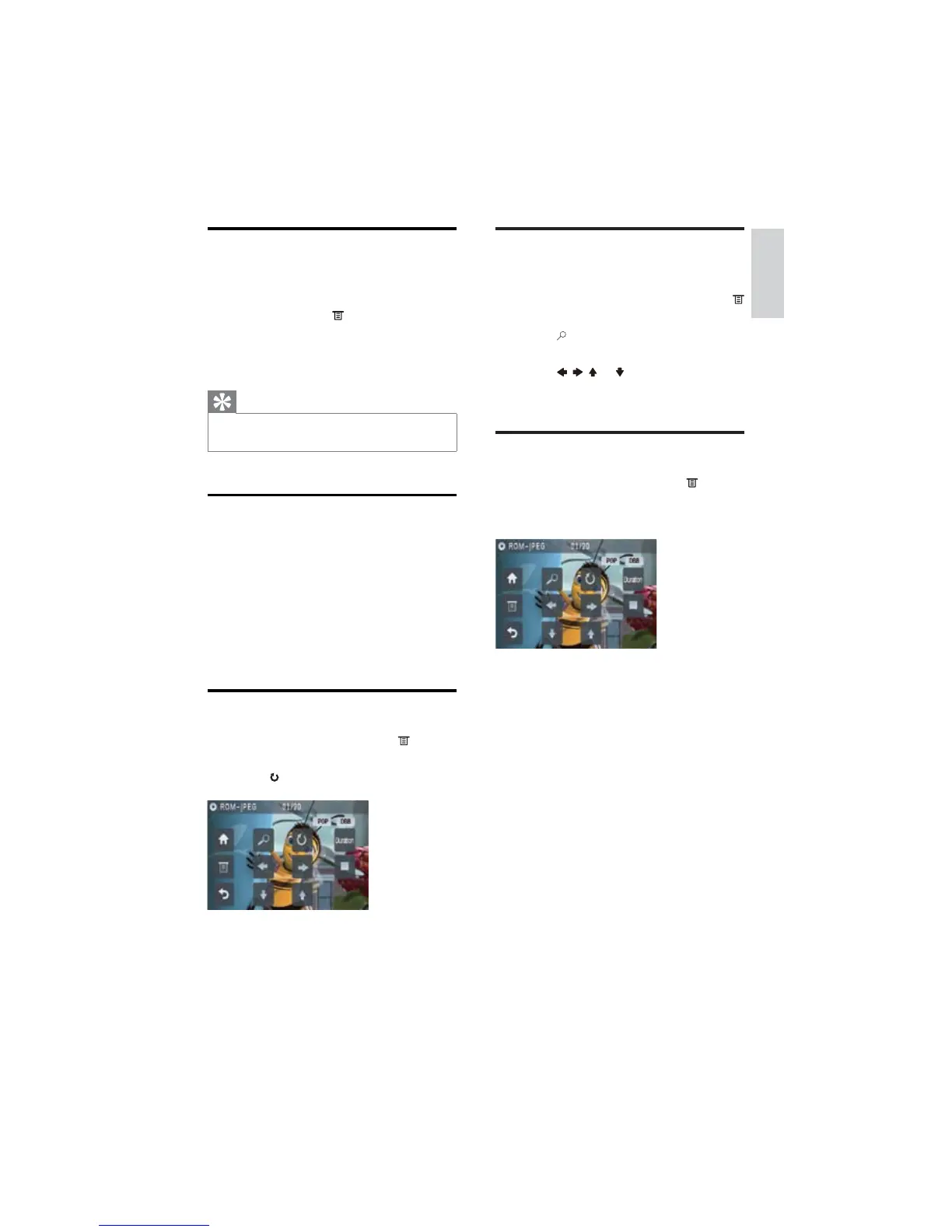
Rotate pictures
1 During viewing pictures, touch to
display option menu.
2 Touch to rotate the picture.
English
EN



 To Next Page