28
Disconnect Bluetooth devices
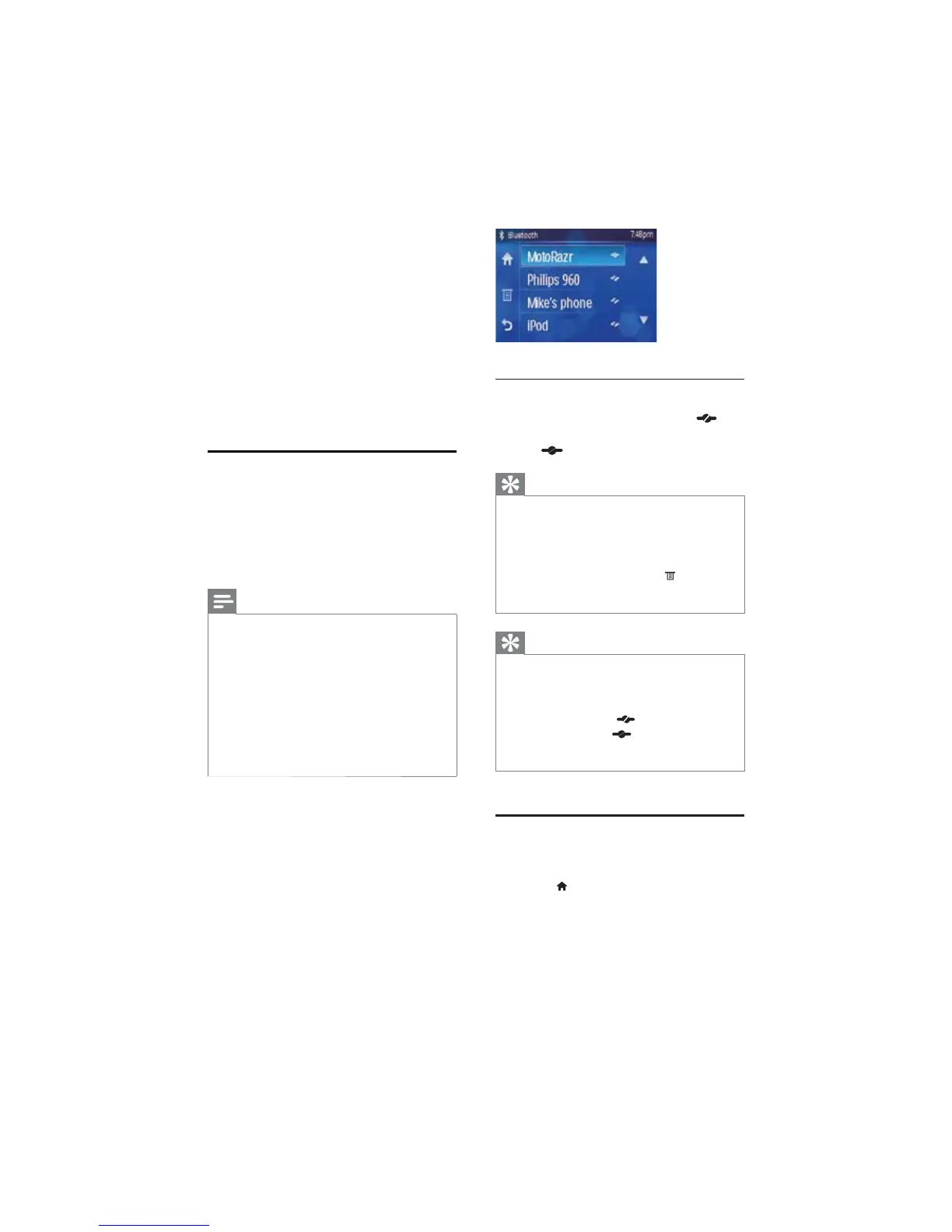
1 To disconnect one device, touch (red
icon).
»
(green icon) displays.
Tip
The device will also be disconnected when the •
device is moved beyond the operational range.
If you want to reconnect the device to the
•
unit, place it within the operational range.
If you do not want to reconnect the device
•
to the unit automatically, touch > [Auto
Connect] until [Off] displays. For details, see
the “Adjust Bluetooth settings” section.
Tip
If the paired device is moved beyond the •
operational range, when it is brought back,
please check if the device is still connected
with the system:
If they are connected,
• (red icon) is displayed.
If connection is lost,
• (green icon) is
displayed. Follow the instruction above to pair
the device with the system again.
Make a call
1 Pair the phone with the unit.
2 Touch >[Media]>[BT] to access phone
call menu.
6 Play with
Bluetooth
device
You can make or receive phone calls with
Bluetooth-enabled phones through the unit.
You can also listen to music from a Bluetooth-
enabled device.
Pair the Bluetooth-enabled
devices
The first time you connect your Buetooth
device to the unit, you need to pair the device
to the unit. Pairing needs only to be done once.
You can pair up to eight devices.
Note
The operational range between this unit and a •
Bluetooth device is approximately 10 meters
(30 feet).
Before you connect a Bluetooth device to this
•
unit, familiarize yourself with the Bluetooth
capabilities of the device.
Compatibility with all Bluetooth devices is not
•
guaranteed.
Any obstacle between this unit and a Bluetooth
•
device can reduce the operational range.
Keep this unit away from any other electronic
•
device that may cause interference.
1 Turn on the Bluetooth function on your
device.
2 Search for Bluetooth device with your
device.
3 Select “CED370” in the pairing list.
4 Enter default password “0000”.
if pairing succeeds. name of the paired »
device displays on the panel.
EN



 To Next Page