Page 59 DPM 8000 series - Technical Specification and Advanced Device Configuration
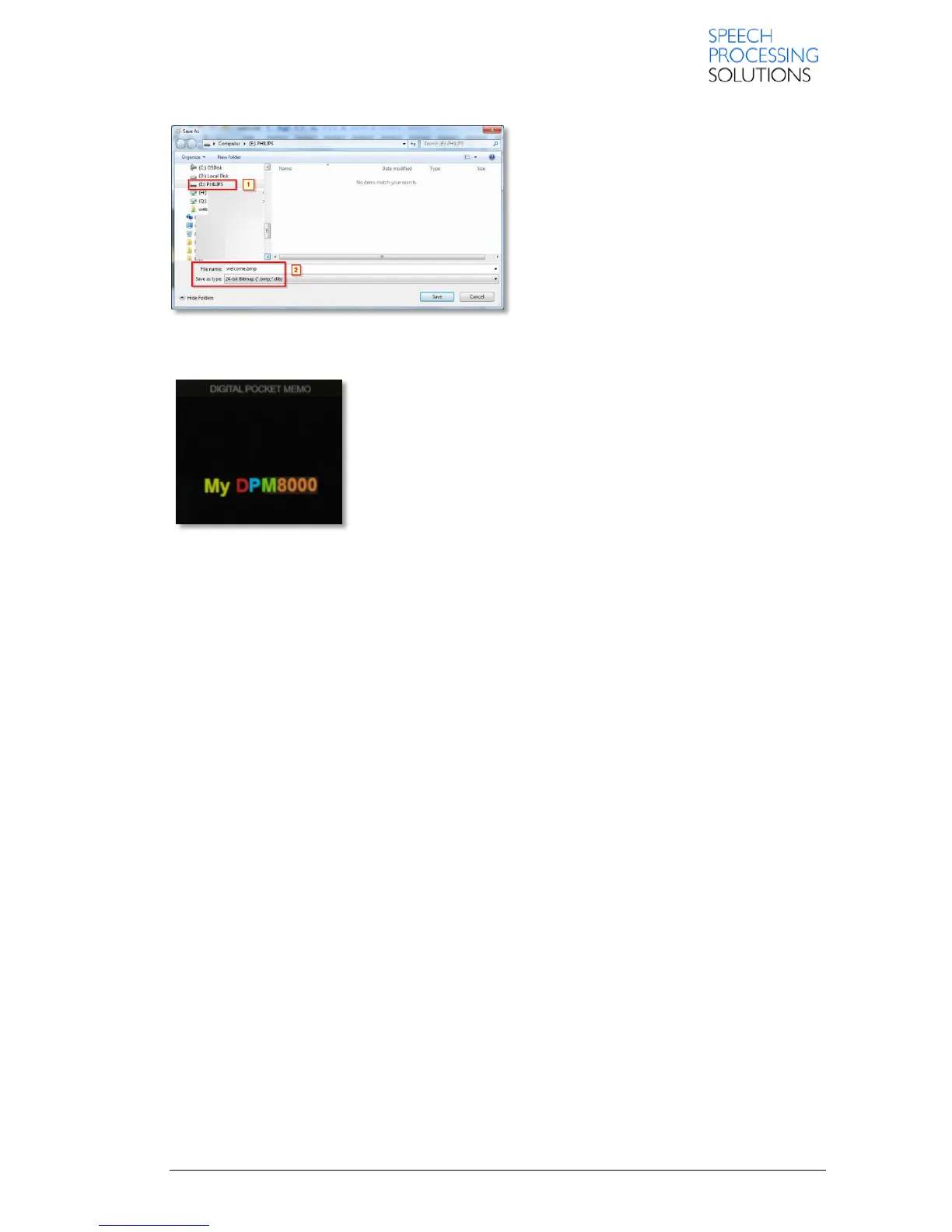
Select the Philips Drive, type on File name:
welcome and select Save as type: 24-bit
Bitmap. Click on Save and the picture is save
on the DPM.
And finally, after restart the device we see our new logo as boot screen.














 To Next Page