EN 37
English
Edit Recordings
Divide a title
1 Press 录像清单.
2 Select a title, then press the Red button
[ Edit ].
The edit menu is displayed.
3 Select [ Divide Title ], then press OK.
Press à á keys to make a fast
forward/ reverse search.
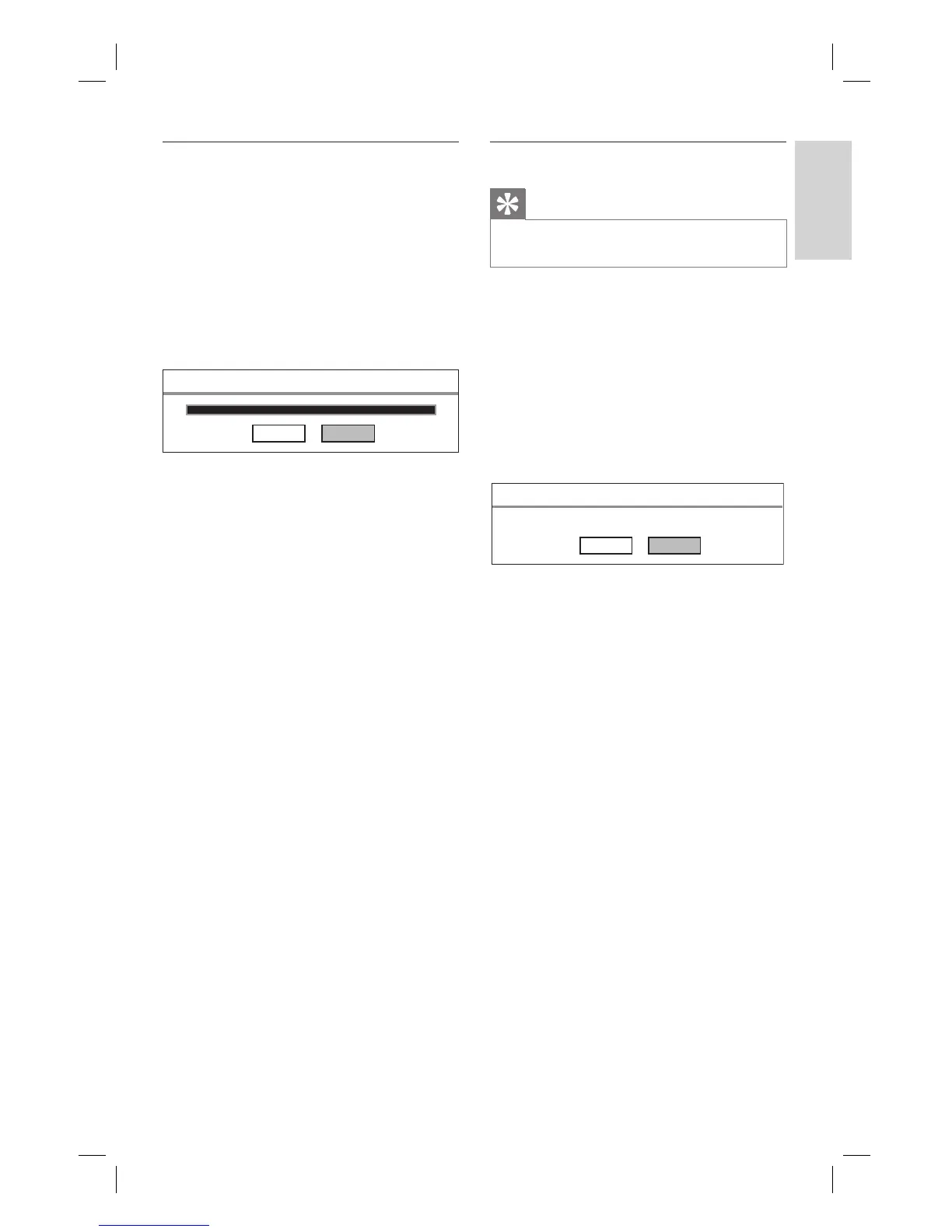
Divide Title
Cancel Confirm
4 Press u to pause at the point to divide.
To cancel, select [ Cancel ] and press
OK.
5 To confi rm, select [ Confi rm ] and press
OK.
This title is divided into two.
•
•
Merge a title
Tip
Select the older recording to merge with the next
recording in the list.
•
1 Press 录像清单.
2 Select title, then press the Red button
[ Edit ].
The edit menu is displayed.
3 Select [ Merge Title ], then press OK.
The two titles to merge are displayed.
To cancel, select [ Cancel ] and press
OK.
Merge Title
TITLE: 01, TITLE: 02
Cancel Confirm
4 To confi rm, select [ Confi rm ] and press
OK.
This title is merged into one.
•
1_DVR2008-93_eng_wk822.indd 371_DVR2008-93_eng_wk822.indd 37 2008-05-26 10:53:18 AM2008-05-26 10:53:18 AM



 To Next Page