38 EN
Add or remove chapter markers
To add chapter markers
1 Press 录像清单.
2 Select a title, then press the Red button
[ Edit ].
The edit menu is displayed.
3 Select [ Add Chapter Marking ], then
press OK.
Press à á keys to make a fast
forward/ reverse search.
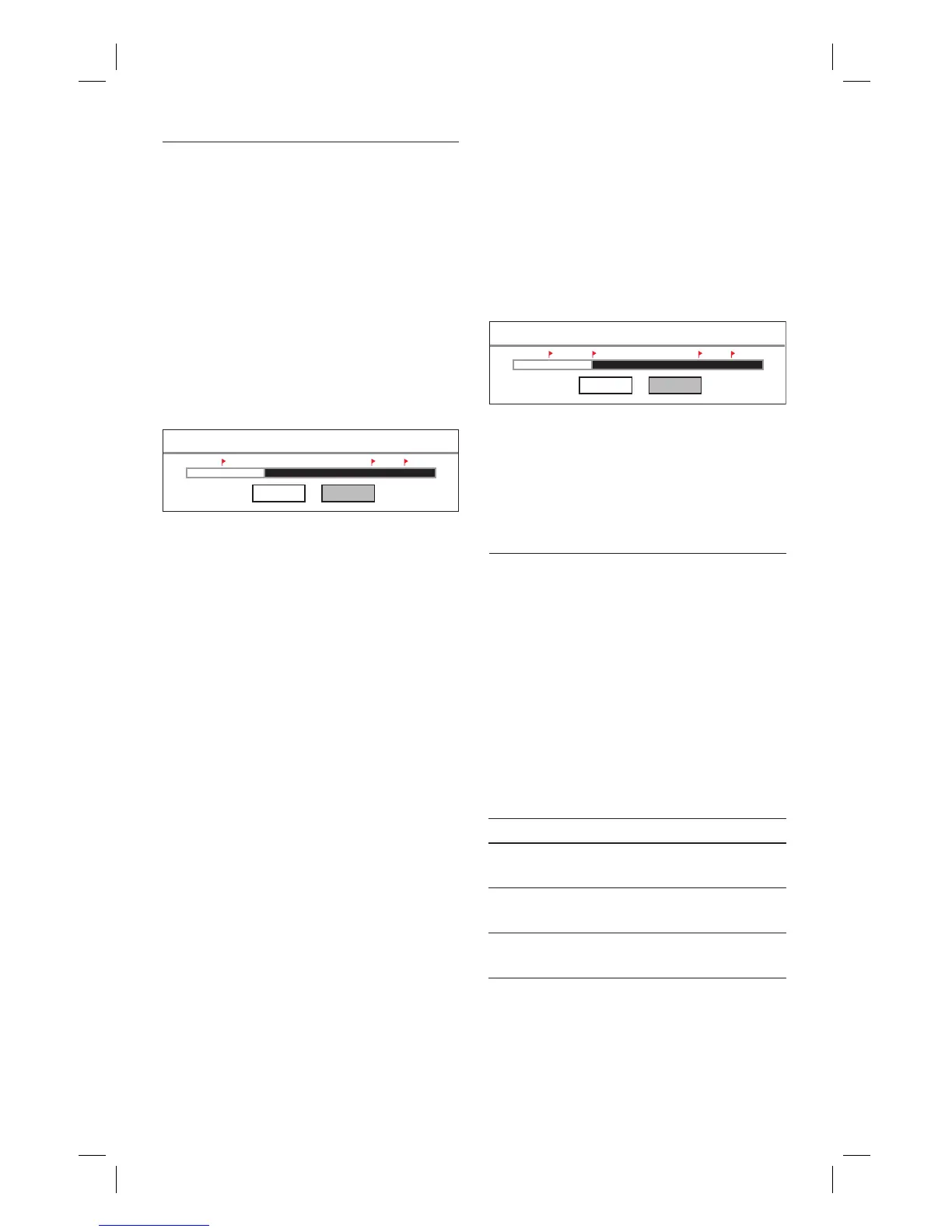
Add Chapter Marking
Cancel Confirm
4 To add a chapter marker, select
[ Confi rm ] and press OK.
A chapter marker is added and
indicated by a red fl ag.
5 To exit, press select [ Cancel ].
•
To remove chapter markers
1 Press 录像清单.
2 Select a title, then press the Red button
[ Edit ].
The edit menu is displayed.
3 Select [ Remove Chapter Marking ],
then
press OK.
Remove Chapter Marking
Cancel Confirm
4 To remove the highlighted chapter
marker, select [ Confi rm ] and press OK.
The chapter marker is removed.
5 To exit, press select [ Cancel ].
Edit a title name
1 Press 录像清单.
2 Select a title, then press the Red button
[ Edit ].
The edit menu is displayed.
3 Select [ Rename ], then press OK.
An on-screen keyboard is displayed.
4 Select the key to enter, then press OK.
Use the following keys to edit:
Action Option
Insert a space between the
characters.
[ Space ]
Remove the character to the
left of the cursor.
[ Delete ]
Toggle between upper, lower
case characters or symbols
[ CAPS ]
5 To confi rm, select [ OK ], then press
OK.
The title name is edited.
•
1_DVR2008-93_eng_wk822.indd 381_DVR2008-93_eng_wk822.indd 38 2008-05-26 10:53:19 AM2008-05-26 10:53:19 AM



 To Next Page