Turn on Progressive Scan
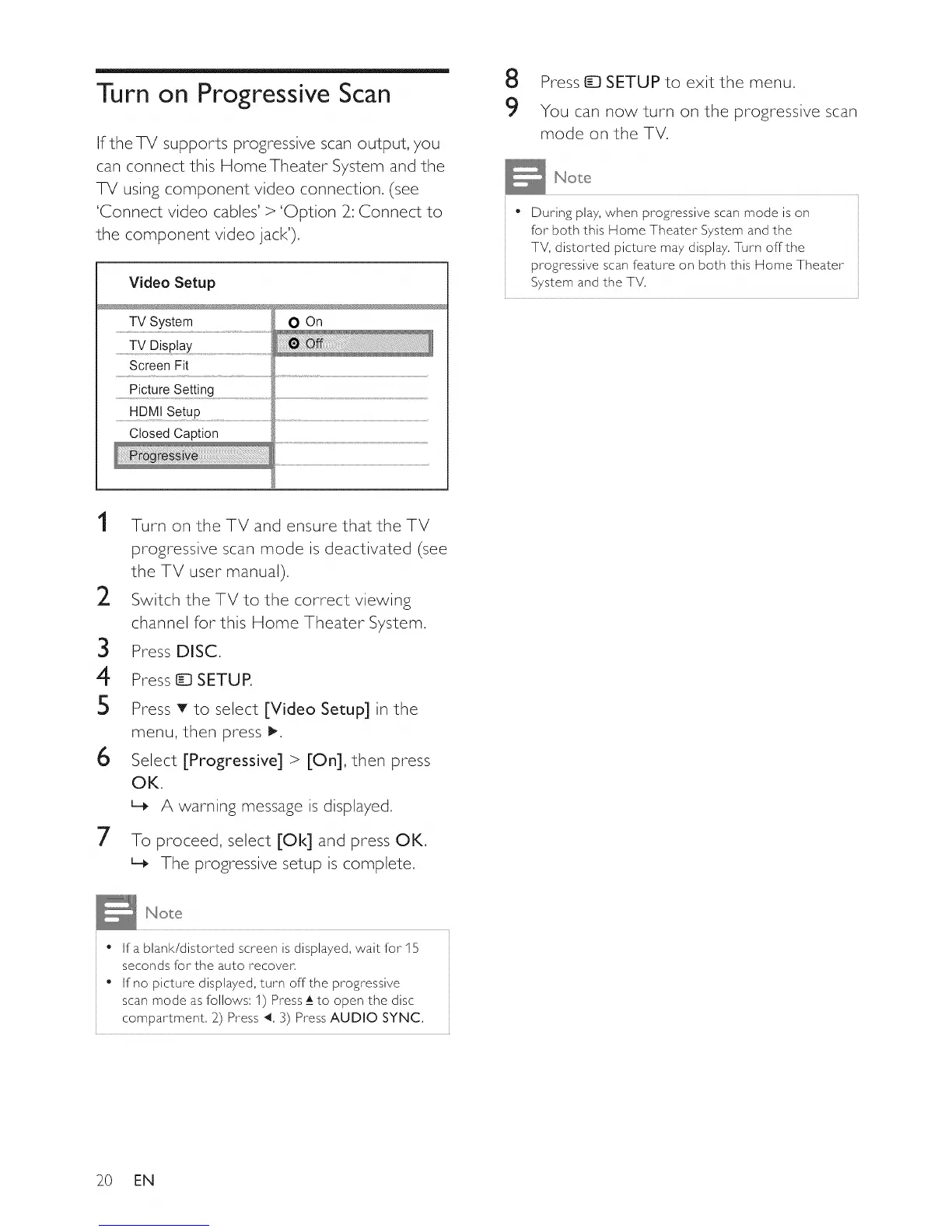
IftheTV supports progressive scan output, you
can connect this Home Theater System and the
TV using component video connection, (see
'Connect video cables' > 'Option 2_:Connect to
the component video jack'),
Video Setup
TV System
.................TV DisP!aY......................................................................................................
Screen Fit
0 On
..................P!cture Se!ting
....................UDM!Se!uP....................................................................................................................................................................................................................................................................................................................
Closed Caption
Press _ SETUP to exit the menu.
9 You can now turn on the progressive scan
mode on the TV.
= During play, when progressive scan mode is on
for both this Home Theater System and the
TV, distorted picture may display, Turn offthe
progressive scan feature on both this Home Theater
System and the TV,
1
2
3
4
5
6
7
Turn on the TV and ensure that the TV
progressive scan mode is deactivated (see
the TV user manual).
Switch the TV to the correct viewing
channel for this Home Theater System.
Press DISC.
Press _ SETUP.
Press T to select [Video Setup] in the
menu, then press _.
Select [Progressive] > [On], then press
OK.
L_ A warning message is displayed.
To proceed, select [Ok] and press OK,
The progressive setup is complete,
= Ifa blank/distorted screen is displayed, wait for 15
seconds for the auto recover,
• If no picture displayed, turn offthe progressive
scan mode as follows: 1) Press_Ato open the disc
compartment, 2) Press 4, 3) Press AUDIO SYNC,
2O EN















 To Next Page