Play from radio
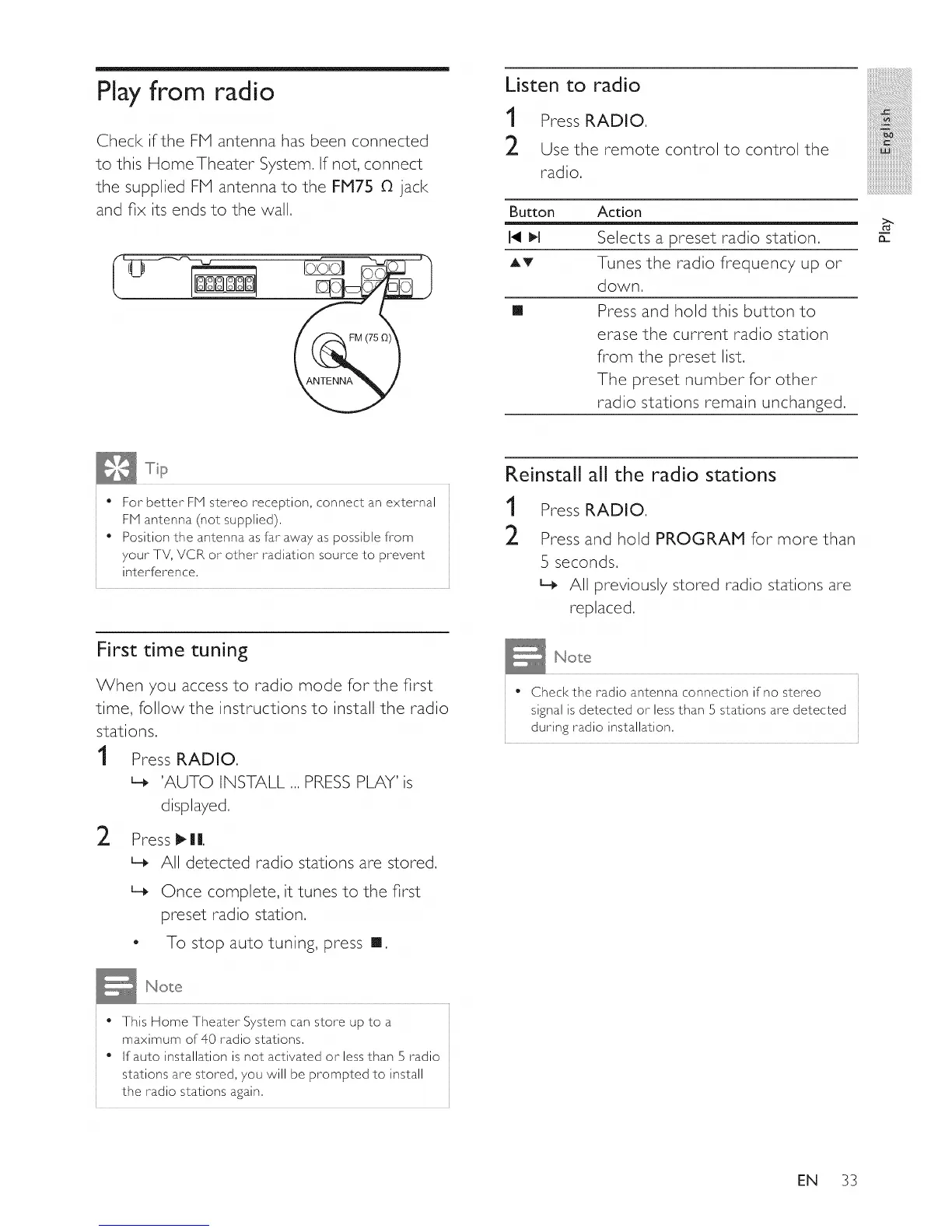
Check if the FHI antenna has been connected
to this HomeTheater System. If not, connect
the supplied FHI antenna to the FM75 O jack
and fix its ends to the wall.
Listen to radio
1 Press RADIO.
2 Use the remote control to control the
radio.
Button
AV
[]
Action
Selects a preset radio station.
Tunes the radio frequency up or
down,
Press and hold this button to
erase the current radio station
from the preset list,
The preset number for other
radio stations remain unchanged.
:iiiiiiiiiiiii
iii_!iiiiiiiiiiiiiiii_iii!iiiiiiiiiiii
iiiiiiiiiiiii_!!i!i!i!i
iiiiiiiiiiiiiiiiiii@!_iiiii
iiiiiiiiiiiiiiiiiiiiiiiiiiiiiL
mmmmmmmmmm_
iiiiiiiiiiiiiiiiiiiiiiiiiiiiiiiiiil......
iiiiiiiiiiiiiiiiiiiiiiiiiiiiiiiiiiiii_
m
For better FM stereo reception, connect an external
FM antenna (not supplied),
Position the antenna as far away as possible from
your TV, VCR or other radiation source to prevent
interference,
First time tuning
When you access to radio mode for the first
time, follow the instructions to install the radio
stations.
1 Press RADIO.
'AUTO INSTALL ...PRESS PLAY' is
displayed.
2
Press t_ | I!.
L__ All detected radio stations are stored.
L_ Once complete, it tunes to the first
preset radio station.
- To stop auto tuning, press [].
Reinstall all the radio stations
1
2
Press RADIO.
Press and hold PROGRAM for more than
5 seconds,
L_ All previously stored radio stations are
replaced,
• Checkthe radio antenna connection if no stereo
signal is detected or less than 5 stations are detected
during radio installation,
• This Home Theater System can store up to a
maximum of 40 radio stations,
• If auto installation is not activated or less than 5 radio
stations are stored, you will be prompted to install
the radio stations again,
EN 33















 To Next Page