Play MP3/WMA music
MP3/WMA is a type of highly compressed
audio file (files with .mp3 or .wma extensions).
1 Insert a disc or USB that contains the
PIP3/WPIA music.
2 Press DISC or USB.
L_ A contents menu is displayed.
3
4
Select a folder, then press OK.
Select a track to play, then press I_1111.
- To return to the main menu, press
BACK or press A until 'Previous'
folder is selected, then press OK.
• For disc recorded in multiple sessions, only the first
session is played.
This Home Theater System does not support
MP3PRO audio format.
If any special characters are present in the MP3 track
name (ID3) or album name, it might not be displayed
correctly on the screen because these characters are
not supported.
Some WMA files are protected by Digital Rights
Management and cannot be played on this Home
Theater System,
Folders/files that exceed the supported limit of
this Home Theater System will not be displayed or
played,
Play photo
Play photo as slideshow
This Home Theater System can playJPEG
photos (files with .jpeg or .jpg extensions).
1 Insert a disc or USB that contains the
JPEG photos.
2 Press DISC or USB,
L_ Slideshow begins (for Kodak disc) or
a contents menu (forJPEG disc) is
displayed.
3
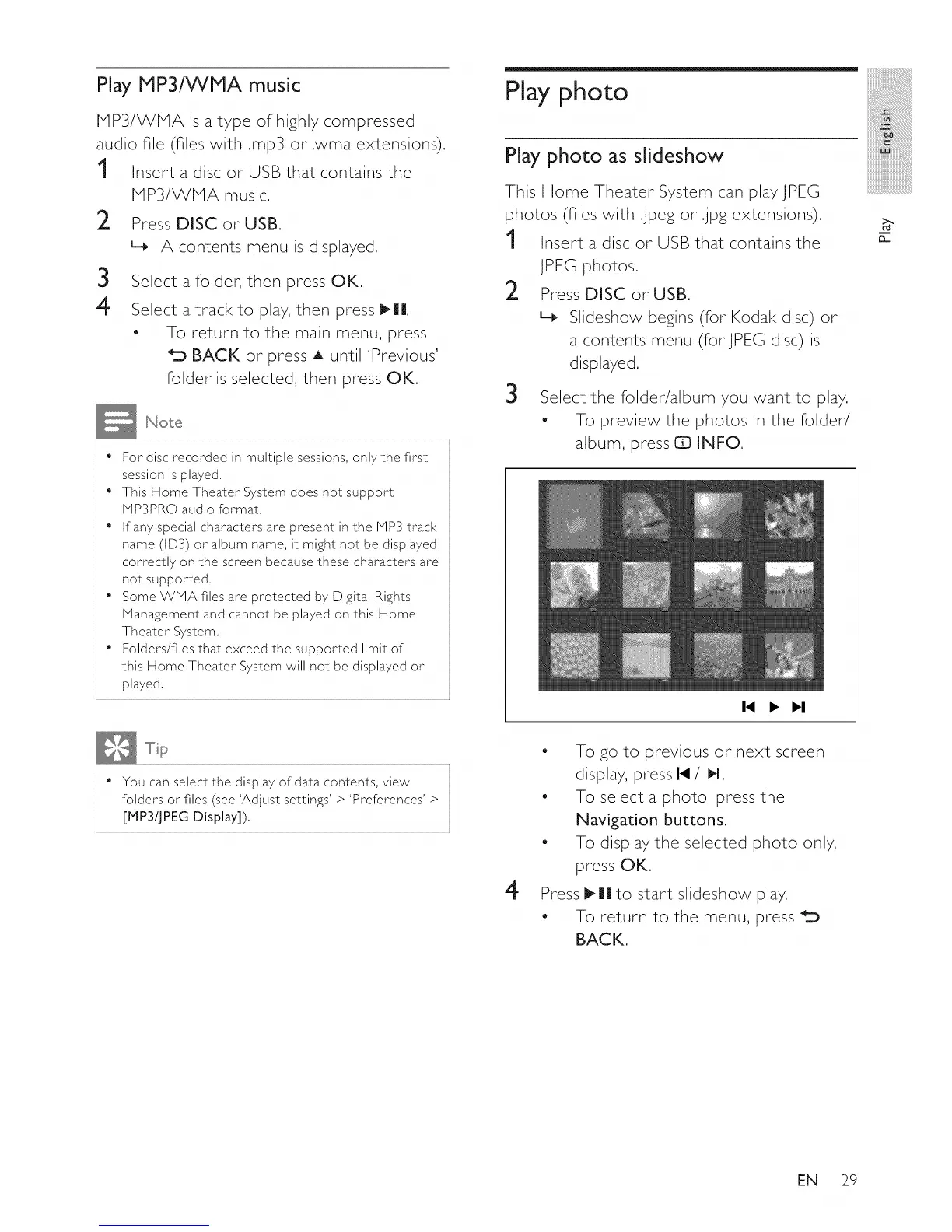
Select the folder/album you want to play.
- To preview the photos in the folder/
album, press 63 INFO.
I.( > I_I
:iiiiiiiiiiiii
iii_!iiiiiiiiiiiiiiii_iii!iiiiiiiii!ii
iiiiiiiiiiiii_!!i!i!i!i
iiiiiiiiiiiiiiiiiii]!ii_i!:i!_i!_iiiii
iiiiiiiiiiiiiiiiiiiiiiiiiiiiiL
mmmmmmmmmm_
iiiiiiiiiiiiiiiiiiiiiiiiiiiiiiiiiil......
iiiiiiiiiiiiiiiiiiiiiiiiiiiiiiiiiiiii_
n
• You can select the display of data contents, view
folders or files (see 'Adjust settings' > 'Preferences' >
[MP3/JPEG Display]),
4
- To go to previous or next screen
display, press 14 / I_1,
- To select a photo, press the
Navigation buttons,
- To display the selected photo only,
press OK.
Press I_|| to start slideshow play.
To return to the menu, press
BACK,
EN 29















 To Next Page