Preferences
• Stop disc pla7 before 7ou can access to
[Preferences],
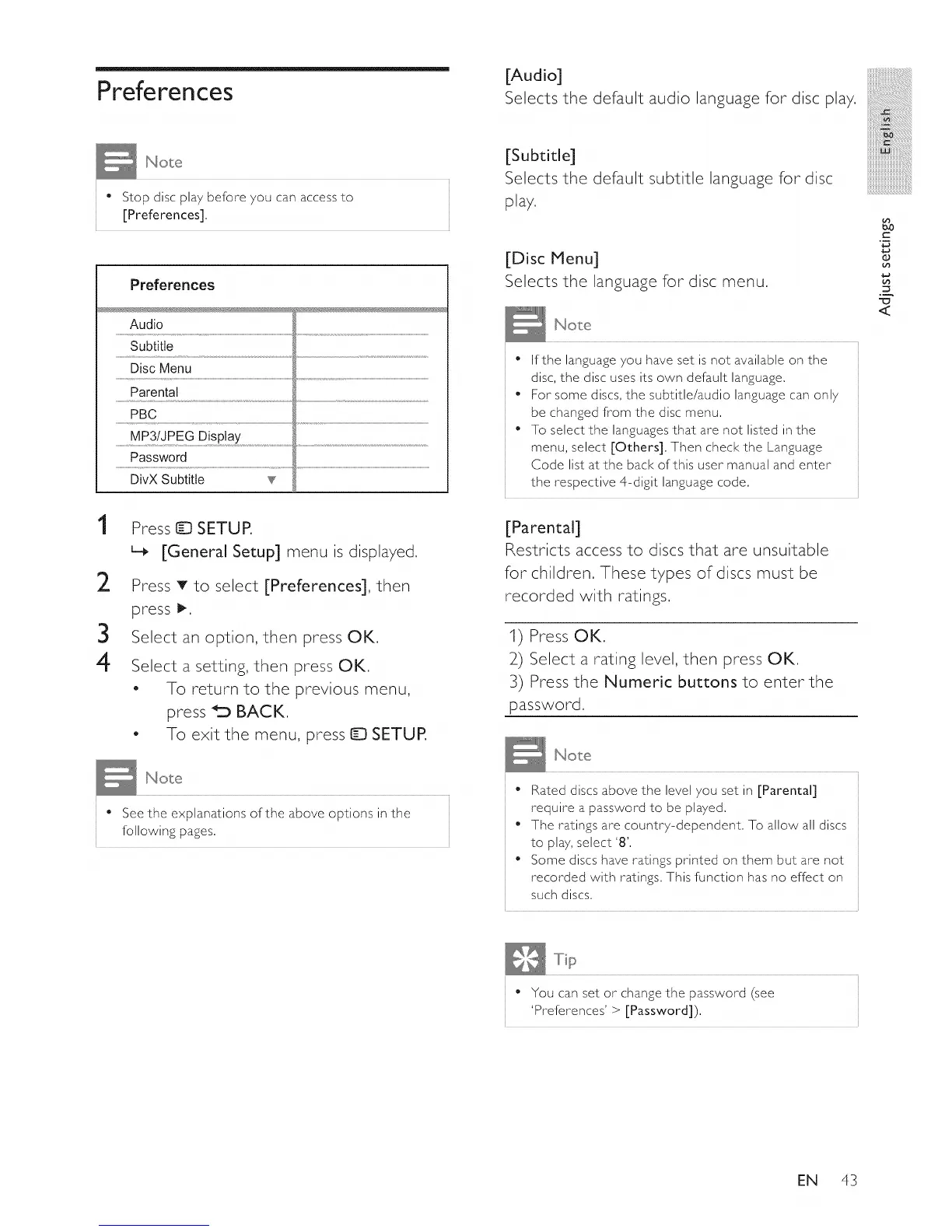
Prefe re I1ces
Audio
Subtitle
Disc Menu
Parental
PBC
MP3/JPEG Display
Password
DivX Subtitle v
1
2
3
4
Press ID SETUP.
L_ [General Setup] menu is displayed,
Press T to select [Preferences], then
press I_,
Select an option, then press OK,
Select a setting, then press OK,
- To return to the previous menu,
press _'_ BACK,
- To exit the menu, press Q SETUP,
[Audio]
Selects the default audio language for disc play,
[Subtitle]
Selects the default subtitle language for disc
play.
[Disc Menu]
Selects the language for disc menu,
No e
" If the language you have set is not available on the
disc, the disc uses its own default language,
• For some discs, the subtitle/audio language can only
be changed from the disc menu,
• To select the languages that are not listed in the
menu, select [Others], Then check the Language
Code list at the back of this user manual and enter
the respective 4-digit language code,
[Parental]
Restricts access to discs that are unsuitable
for children, These types of discs must be
recorded with ratings.
1) Press OK,
2) Select a rating level, then press OK,
3) Press the Numeric buttons to enter the
password,
iii_!iiiiiiiiiiiiiiii_iii!iiiiiiiiiiii
iiiiiiiiiiiiiii_!i!i!i!i!i
iiiiiiiiiiiiiiiiiii]!ii_i!:i!_i!_i!i!iii!i
iiiiiiiiiiiiiiiiiiiiiiiiiiiiii,
mmmmmmmmmm_
iiiiiiiiiiiiiiiiiiiiiiiiiiiiiiiiiil......
iiiiiiiiiiiiiiiiiiiiiiiiiiiiiiiiiiiii_
C
2
Y
<
• See the explanations of the above options in the
following pages,
• Rated discs above the level 7ou set in [Parental]
require a password to be played,
• The ratings are countr7-dependent, To allow all discs
to pla7, select '8',
• Some discs have ratings printed on them but are not
recorded with ratings, This function has no effect on
such discs,
" You can set or change the password (see
'Preferences'> [Password]).
EN 43















 To Next Page