[DivX(R) VOD Code]
Displays the DivX@ registration code.
Audio setup
• Enterthis Home Theater System DivX registration
code when 7ou rent or purchase video from www,
divx.com/vod, The DivX videos rented or purchased
through the DivX® VOD (Video On Demand)
service can be played only on the device to which it
is registered.
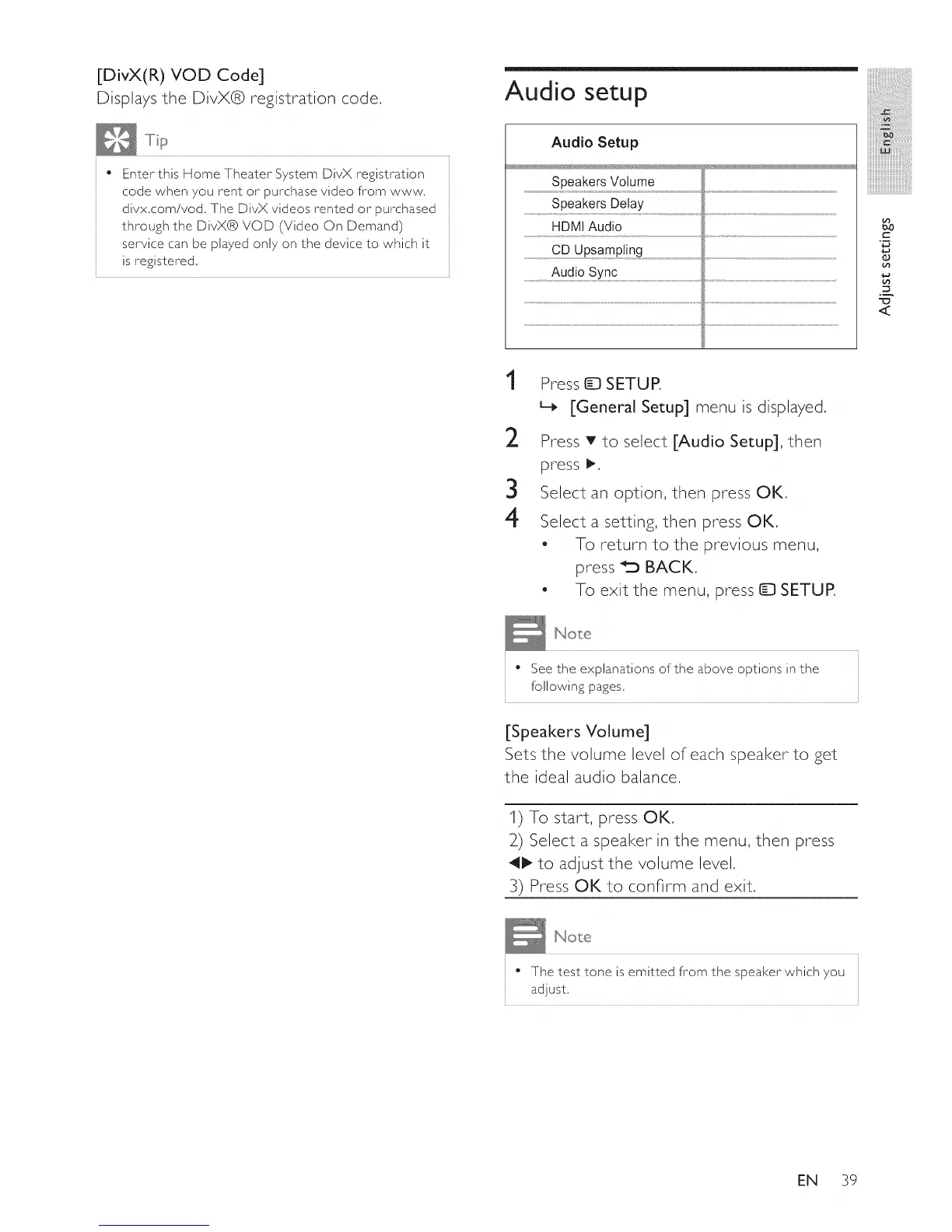
Audio Setup
Speakers Volume
Speakers Delay
HDMI Audio
CD Upsampting
.....................................Audio sync................................................................................................................................................................................................................................................................................................................
_0
r-
2
Y
1
2
3
4
Press _ SETUP.
L_ [General Setup] menu is displayed.
Press T to select [Audio Setup], then
press _.
Select an option, then press OK.
Select a setting, then press OK.
- To return to the previous menu,
press _ BACK.
- To exit the menu, press D SETUR
• See the explanations of the above options in the
following pages.
[Speakers Volume]
Sets the volume level of each speaker to get
the ideal audio balance.
1) To start, press OK,
2) Select a speaker in the menu, then press
411_to adjust the volume level.
3) Press OK to confirm and exit.
• The test tone is emitted from the speaker which you
adjust,
EN 39















 To Next Page